ER-A520U/A530U Service mode programming
3 – 4
[JOB#910] ER-A520: MRS = 0204
ER-A530: MRS = 0204
#910-A: 1. Overlapped server/cashier function
When the overapp server/cashier is used, the overlapped server file must be cre-
ated.
#910-B: 1. Server/cashier code display
2. Auto server/cashier sign off at the end of transaction
#910-C: Not used (Fixed at “0”)
#910-D: 1. Server/cashier system code entry (Fixed at “4”)
[JOB#911] ER-A520: MRS = 0000
ER-A530: MRS = 0000
#911-A: 1. Fraction treatment
#911-B: 1. C/D check of UPC (EAN)
2. C/D check when a manual PB/CB entry is made
#911-C: Not used (Fixed at "0")
#911-D: 1. RECEIPT/SLIP header format
[JOB#912] ER-A520: MRS = 0061
ER-A530: MRS = 0060
#912-A: 1. Date print format
#912-B: 1. Time system
#912-C: 1. Receipt After format
2. Copy function
3. Footer print control
#912-D: 1. Receipt LOGO Message control.
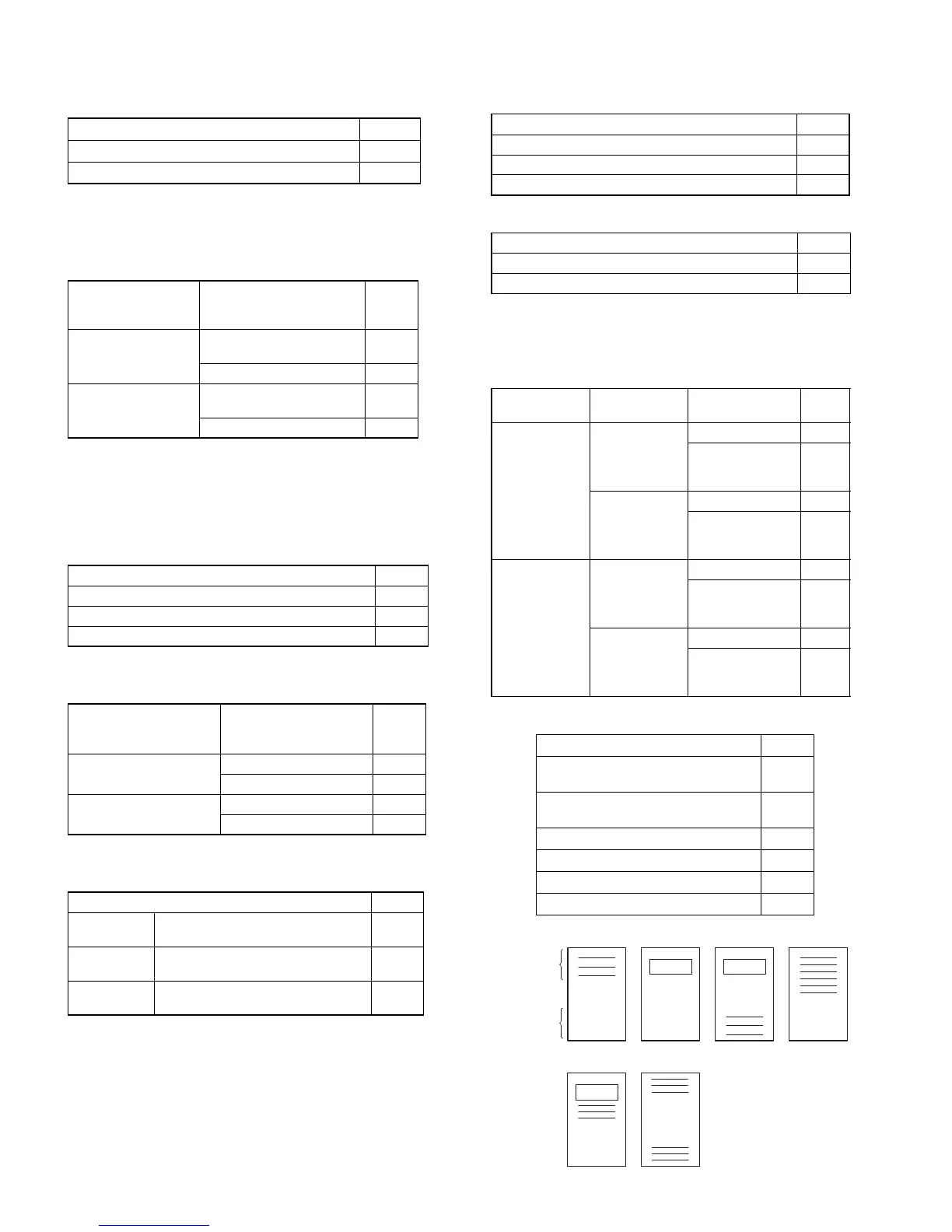
1. Overlapped server/cashier function 910-A
No 0 ★
Yes 1
1. Server/cashier code
display
2. Auto server/cashier sign
off at the end of transac-
tion
910-B
Hidden
No
(After server/cashier Z1 only)
0
Yes (Everytime) 1
Appear
No
(After
server/cashier
Z1 only)
2 ★
Yes (Everytime) 3
1. Fraction treatment 911-A
Round off 0 ★
Round up unit 1
Disregarding 2
1. C/D check of
UPC (EAN)
2. C/D check when a
manual PB/CB entry
is made
911-B
No
No 0 ★
Yes 1
Yes
No 4
Yes 5
1. RECEIPT/SLIP header format 911-D
Format 1
Normal sized Consec.#,
Server Name and code
0 ★
Format 2
Double-sized Consec.#,
normal sized Server Name and code
2
Format 3
Double sized Consec.# and Server
code (Server Name not printed)
4
Date format 912-A
Month/Day/Year 0 ★
Day/Month/Year 1
Year/Month/Day 2
1. Time system 912-B
12H 0 ★
24H 1
1. Receipt After 2. Copy receipt 3. Footer print
control
912-C
Totals only
No
All receipt 0
On selected func-
tion keys at the
time of finalization
1
Yes
All receipt 2
On selected func-
tion keys at the
time of finalization
3
Detail
No
All receipt 4
On selected func-
tion keys at the
time of finalization
5
Yes
All receipt 6 ★
On selected func-
tion keys at the
time of finalization
7
1. Receipt LOGO Message control 912-D
3-line header instead of a LOGO
0
★
(ER-A530)
Graphical LOGO only
1
★
(ER-A520)
Graphical LOGO and 3-line footer 2
6-line header 3
Graphical LOGO and 3-line header 4
3-line header and 3-line footer 5
Header
Footer
Type : 0
5
32
LOGO
1
4
LOGO
LOGO



 To Next Page