13
PREPARATIONS
7
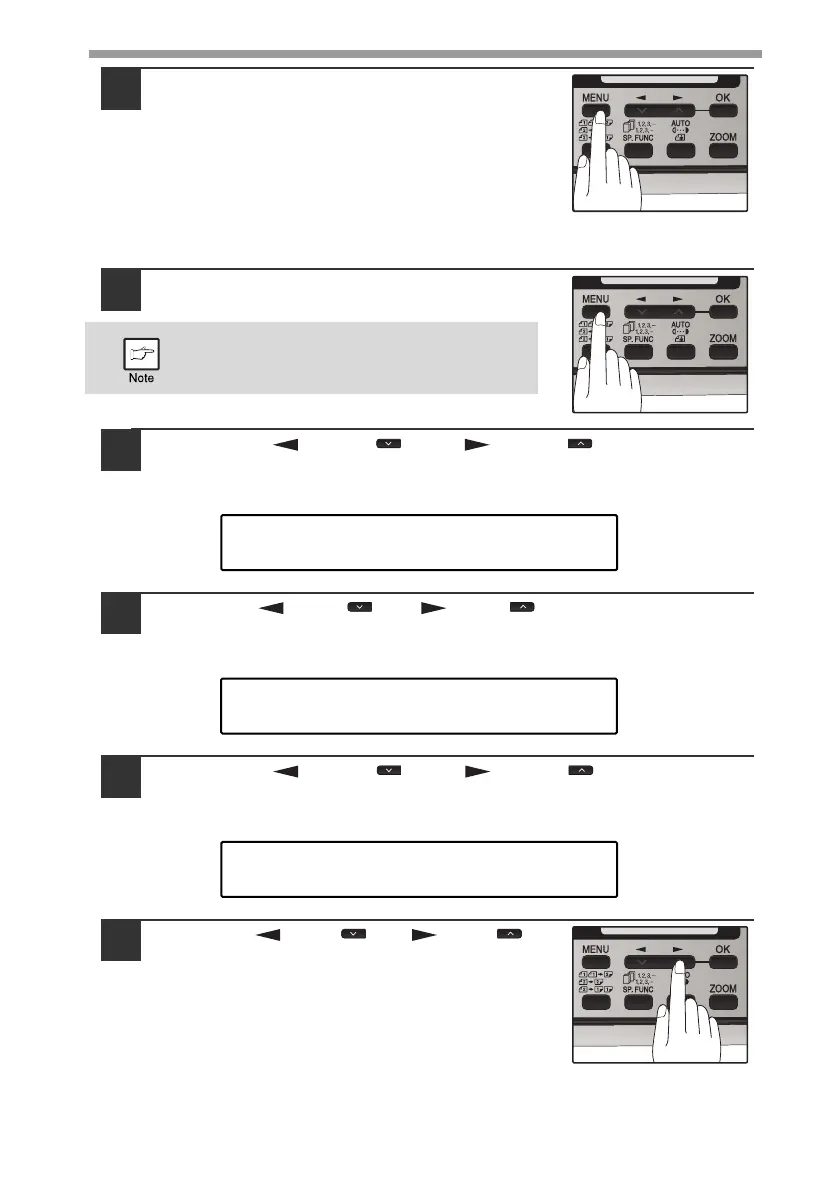
Press the [MENU] key.
Press the [MENU] key to exit.
To change the order of display of the date, follow the steps below:
1
Press the [MENU] key.
2
Press the [ ] key ( ) or [ ] key ( ) until "1:USER
PROGRAM" appears, and then press the [OK] key.
3
Press the [ ] key ( ) or [ ] key ( ) until "32:DATE&TIME
FORMAT" appears, and then press the [OK] key.
4
Press the [ ] key ( ) or [ ] key ( ) until "2:DATE
FORMAT" appears, and then press the [OK] key.
5
Press the [ ] key ( ) or [ ] key ( ) to
select the display order.
The selections are as follows:
1:MMDDYYYY
2:DDMMYYYY
3:YYYYMMDD
Be sure that the COPY mode is selected
before pressing [MENU] key.
"1:USER PROGRAM"
Selection
"32:DATE&TIME FORMAT"
Selection



 To Next Page