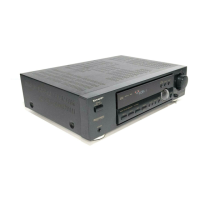
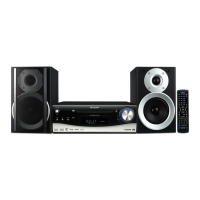
HT-DV30H
2 – 3
[3] DVD Test Mode
[STEP 1]
[STEP 2]
[STEP 3]
[STEP 4]
[STEP 5]
[STEP 6]
[STEP 7]
[STEP 8]
[STEP 9]
[STEP 10]
[STEP 11]
At testmode menu, select
"DVD TEST MODE" by
turning VOL Jog UP and Down
and press [STOP] key to enter
dvd test mode
In dvd test mode, DVD start up in cd mode
but no need to do disc reading process
Note 1:
Press [DVD/CD] key at remote control to
turn ON CD Laser
Press again [DVD/CD] key at remote
control, this time to turn ON DVD
Laser
"CD_LASER_ON" appear in unit
display
Press again [DVD/CD] key at remote
control, this time to turn OFF the
laser
Press ON/STAND-BY key to exit
the test mode.
EXIT the test mode
END
"DVD TEST", will appear in
unit display
"DVD_LASER ON" appear in unit
display
"LASER OFF" appear in unit
display


 To Next Page