29
LC-30HV4U
LC-30HV4D
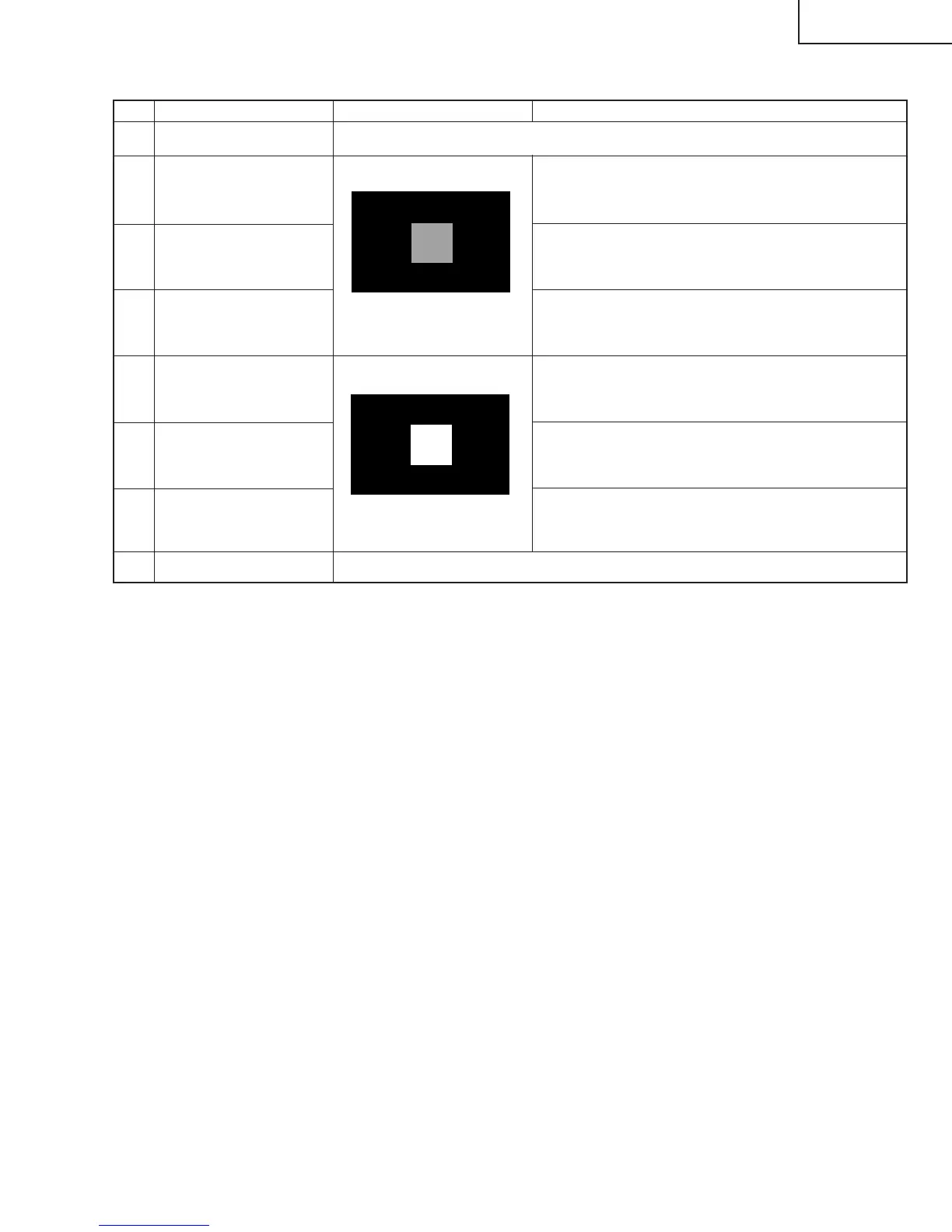
(3) Component HDTV signal adjustment
Item Adjusting conditions Adjusting procedure
1 Setting
Component HDTV
R cutoff
1. Press "1" on the remote controller in the process
adjustment mode.
2. Adjust "COMP HDTV R CUTOFF" so that the
luminance level of the window pattern is maximized.
20% white window pattern
~
Simply press Y.
3
2
4
Component HDTVG
cutoff
Component HDTV
B cutoff
5
Component HDTV
R drive
6
Component HDTV
G drive
7
Component HDTV
B drive
80% white window pattern
~
Simply press Y.
1. Provide the adjusting 1080i component signal (adjustment conditions) to the component
vide input pin of video 1. Page: 10
1. Press "2" on the remote controller in the process
adjustment mode.
2. Adjust "COMP 15K G CUTOFF" so that the luminance
level of the window pattern is maximized.
1. Press "3" on the remote controller in the process
adjustment mode.
2. Adjust "COMP HDTV B CUTOFF" so that the luminance
level of the window pattern is maximized.
1. Press "4" on the remote controller in the process
adjustment mode.
2. Adjust "COMP HDTV R DRIVE" so that the luminance
level of the window pattern is maximized.
1. Press "5" on the remote controller in the process
adjustment mode.
2. Adjust "COMP HDTV G DRIVE" so that the luminance
level of the window pattern is maximized.
1. Press "6" on the remote controller in the process
adjustment mode.
2. Adjust "COMP HDTV B DRIVE" so that the luminance
level of the window pattern is maximized.
8 Convergence
Repeat the above adjustments until convergence is reached (Adjust cutoff, drive, cutoff, drive and so on.)


 To Next Page