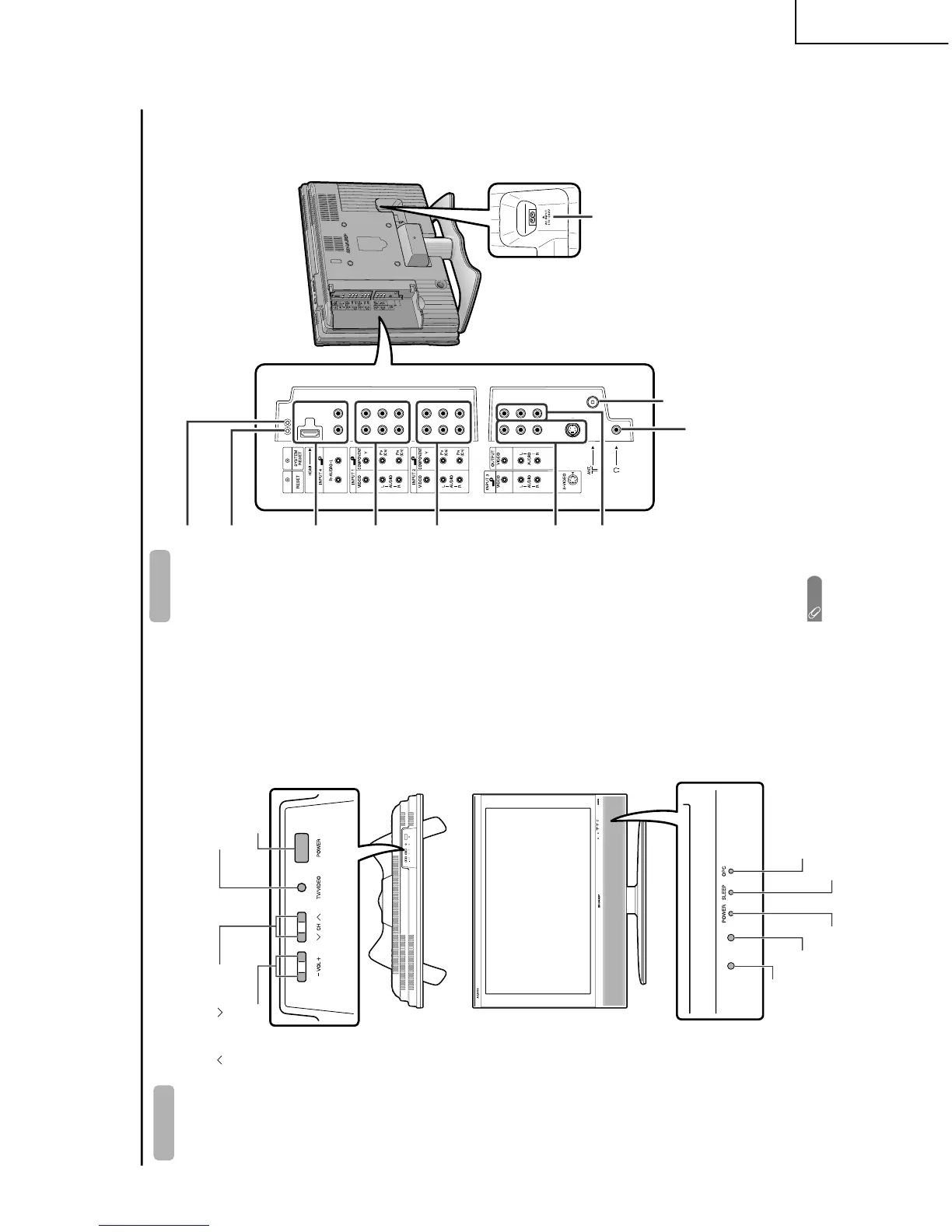
Part names
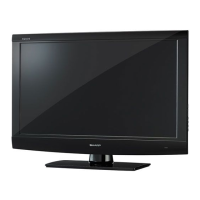
TV (Front)
POWER indicator
OPC sensor
POWER (On/Off) button
TV/VIDEO button
Volume up (+)/down (
–) buttons
Channel up ( )/down ( ) buttons
Remote control sensor
*OPC: Optical Picture Control
SLEEP timer indicator
OPC indicator*
* Press RESET if the TV cannot return to its original state after performing various operations.
This will reset the TV as shown below.
• "AV MODE" resets to "USER".
• TV channel r
esets to channel 1.
• Sound volume is initialised.
• Image position is initialised.
** Press SYSTEM RESET if the TV does not operate after starting up.
NOTE
• Pressing RESET will not work if the TV is in standby mode (indicator lights red).
• Pressing RESET will not delete channel preset and password. See page for resetting the password. See page for
initialising to the factor
y preset values in case you forget your password.
• Freeze (Still image) mode deactivates.
• "Audio Only" setting r esets to "Of f".
• "Rotate" r esets to "Normal".
TV (Rear)
RESET*
INPUT 2 terminals
Antenna input terminal
SYSTEM RESET**
INPUT 3 terminals
INPUT 1 terminals
INPUT 4 (HDMI)
terminals
Headphone jack
AV OUTPUT terminals
AC INPUT terminal






 To Next Page