LC-32AX3H/M/X
LC-37AX3H/M/X
17
15 [OPC4]
1 OPC AD LEVEL0
2 OPC AD LEVEL1
3 OPC AD LEVEL2
4 OPC AD LEVEL3
5 OPC AD LEVEL4
6 OPC AD LEVEL5
7 OPC AD LEVEL6
8 OPC AD LEVEL7
6. Special features
` STANDBY CAUSE (Page 2/15)
To indicate the reason code when the unit last enters standby.
When the unit enters standby, the cause of the error is recorded on EEPROM as much as possible.
When repairing a defective unit, checking adjustment values may useful for detecting abnormalities.
` EEP SAVE (Page 11/15)
Storage of EEP adjustment value
` EEP RESTORE (Page 11/15)
Retrieval of EEP adjustment value from storage area
7. Video signal adjustment procedure * The adjustment process mode menu is listed in Section 5.
(1) Signal check
Signal generator level adjustment check (Adjustment to the specified level)
• Composite signal NTSC: 0.714Vp-p ± 0.02Vp-p (Pedestal to white level)
• Composite signal PAL : 0.7Vp-p ± 0.02Vp-p (Pedestal to white level)
• RGB signal : 0.7Vp-p ± 0.02Vp-p
• 15K component signal : Y level 0.7Vp-p ± 0.02Vp-p (Pedestal to white level)
(50 Hz) PB, PR level 0.7Vp-p ± 0.02Vp-p
• 33K component signal : Y level 0.7Vp-p ± 0.02Vp-p (Pedestal to white level)
PB, PR level 0.7Vp-p ± 0.02Vp-p
(2) Entering the adjustment process mode
Enter the adjustment process mode according to Section 3.
(3) RF AGC adjustment
Adjustment point Adjustment conditions Adjustment procedure
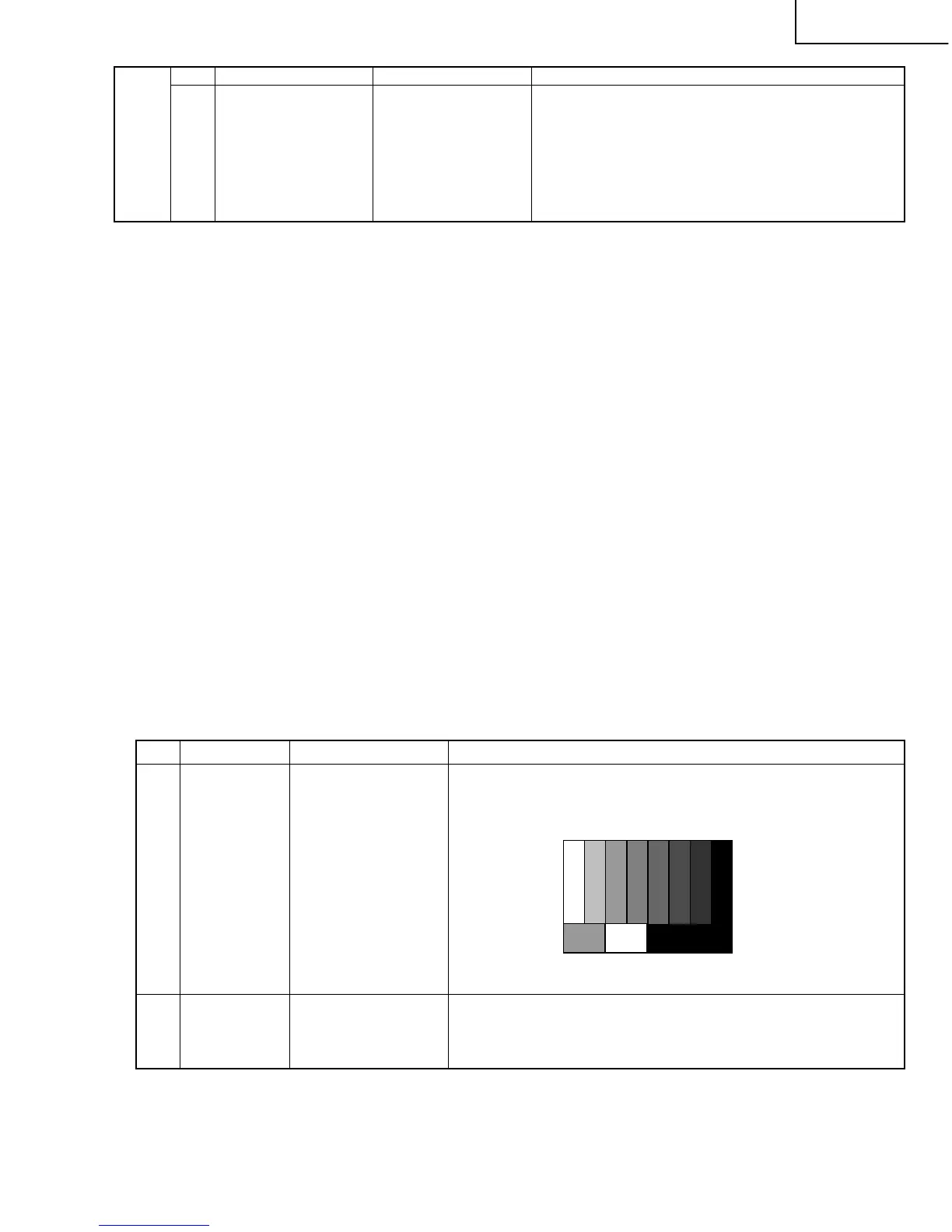
1 Setting [Signal]
PAL Split Colour Bar
E-12 ch, RF signal
[Terminal]
TUNER RF
2 Auto adjustment Page 3/15
performance
» Feed the PAL Split Colour Bar signal (E-12ch) to TUNER RF.
Bring the cursor on [ËRF AGC ADJ] and press [ENTER].
[ËRF AGC ADJ OK] appears when finished.








 To Next Page