EN 4
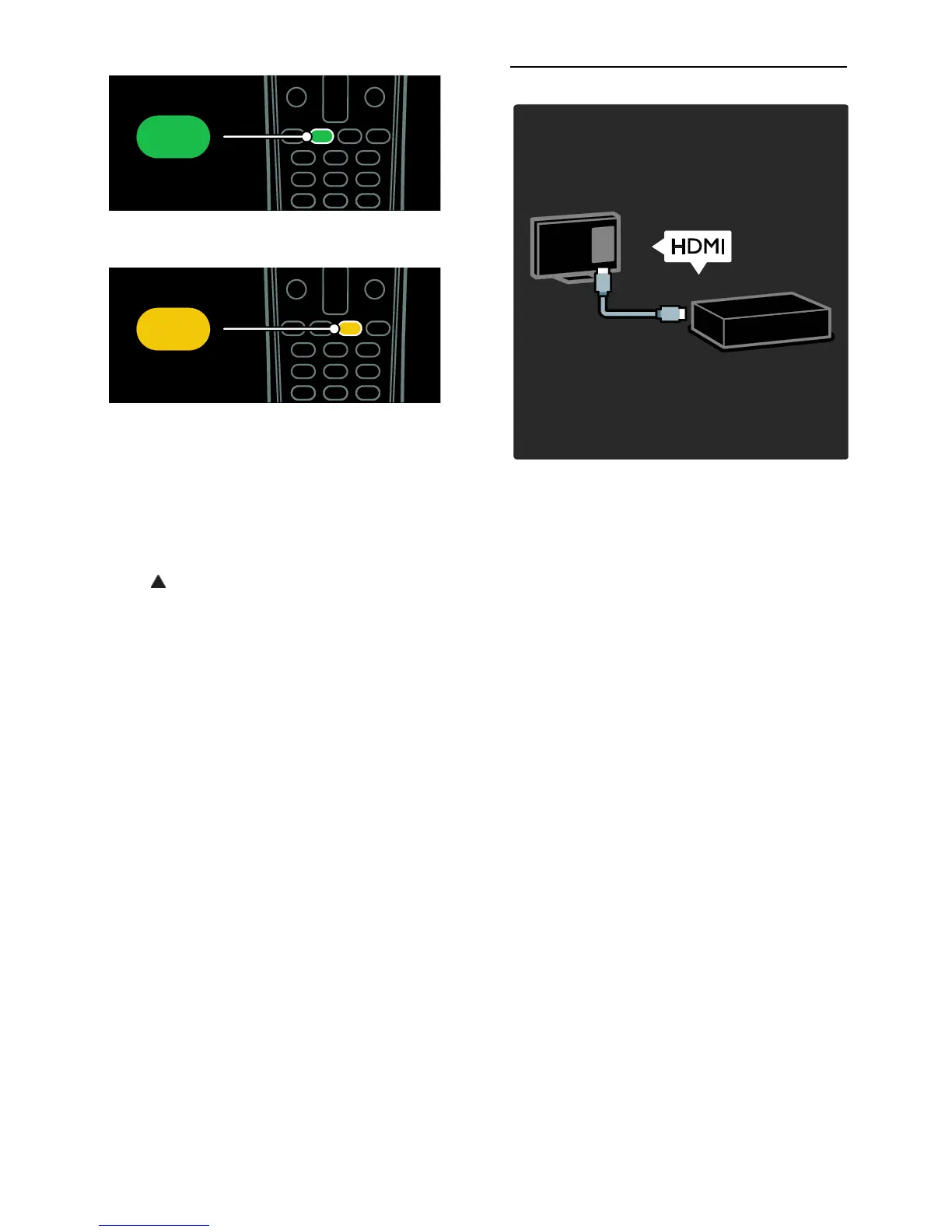
To select a green menu option or to access
energy efficient settings.
To select a yellow menu option or to access
the electronic user manual.
Read more about the remote control in Use
your TV > Controls > Remote control
(Page 11).
Alternatively, look at the index in Search
for...
Press to select the next TV tour.
Connect devices
For the best picture and sound quality,
connect a DVD, Blu-ray disc player, or game
console through HDMI (TM).
To watch a device, add it to the TV menu.
1. Press MENU > [Add your devices].
2. Follow the onscreen instructions.
Note: If you are prompted to select the TV
connection, select the connector that this
device uses. See Connect your TV >
Connect devices (Page 37) for information
on connection.
If a Link operation or HDMI-Consumer
Electronic Control (HDMI-CEC) compliant
device is connected to the TV, it is
automatically added to the TV menu when
both devices are switched on.
To watch a connected device
1. Press MENU.
2. Select the newly added device icon.



 To Next Page