68
Select settings in the touch panel.
(Continued)
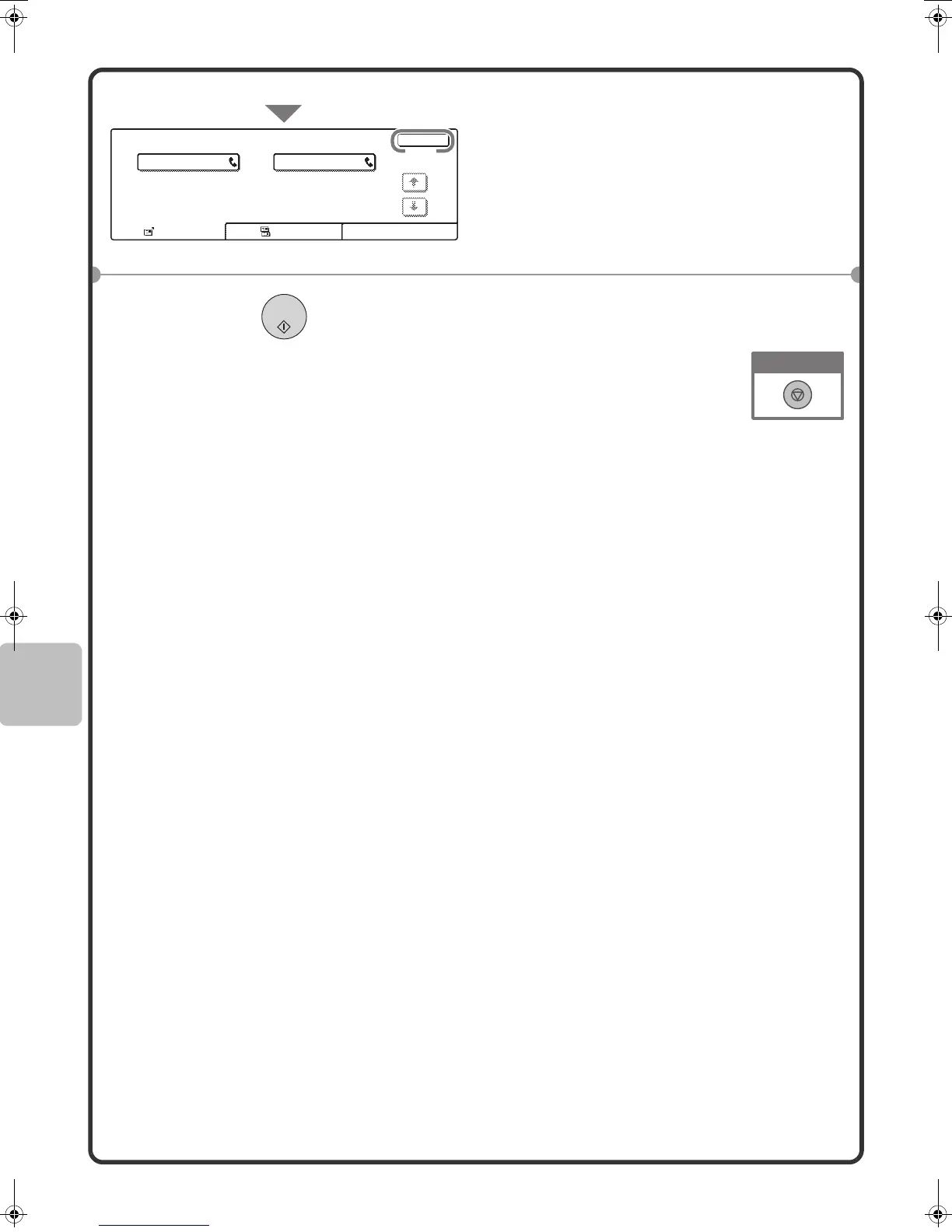
(5) Check the destinations and then
touch the [OK] key.
To delete a destination, touch the key of
the destination that you wish to delete. A
message will appear to confirm the
deletion. Touch the [Yes] key.
4 Press the [BLACK & WHITE START]
key.
Address Review
OK
Cc
To
0120000001001
CCC CCC
002
(5)
mx2301_ex_qck.book 68 ページ 2009年8月7日 金曜日 午後4時6分



 To Next Page