96
PRINTING A SAVED FILE
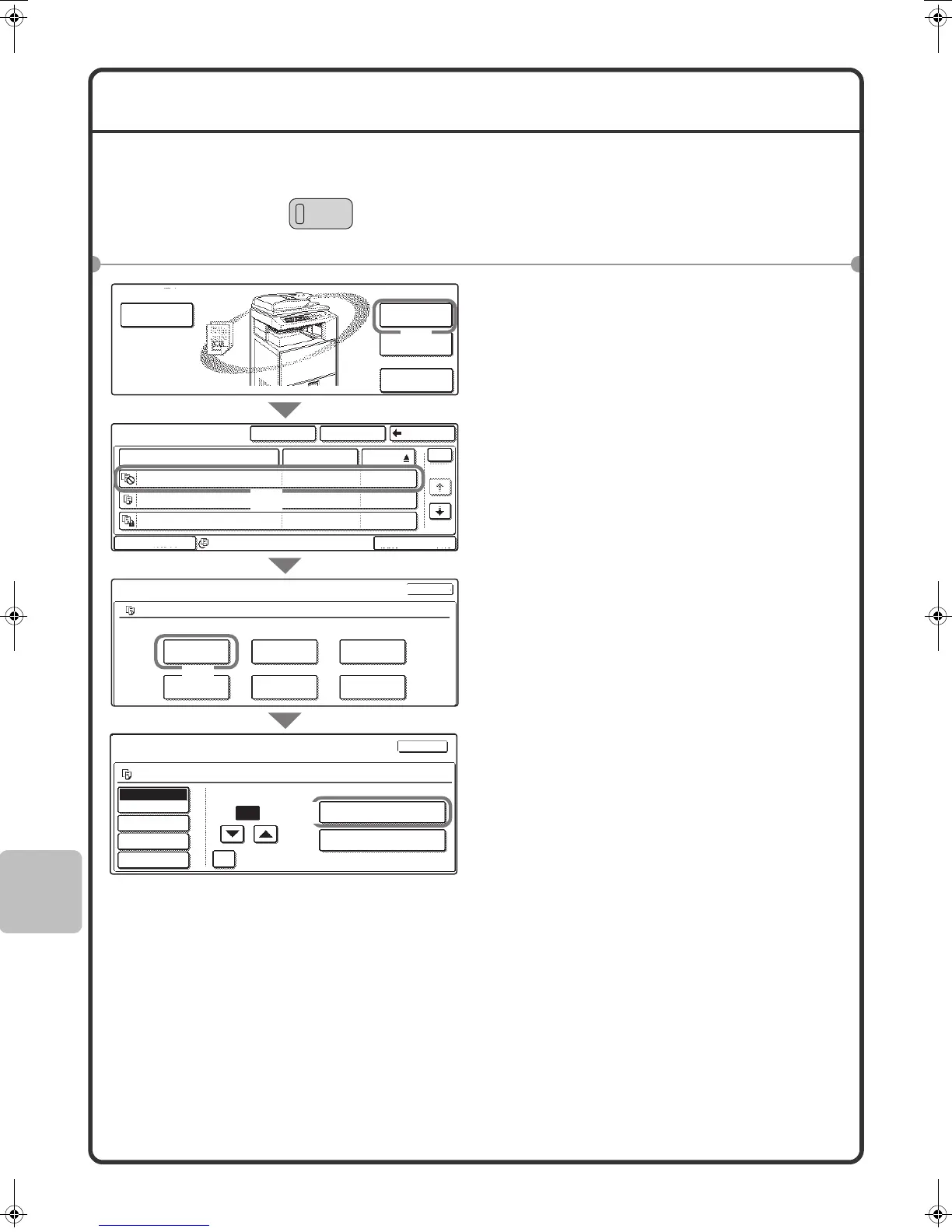
You can retrieve a file stored by document filing and print or transmit the file.
This section explains how to retrieve and print a file stored in the main folder.
1 Press the [DOCUMENT FILING] key.
2 Select the file in the touch panel and
print it.
(1) Touch the [File Folder] key.
When the [File Folder] key is touched,
either the [Main Folder] or the [Custom
Folder] will open, depending on which was
used last.
(2) Touch the key of the file that you
wish to call up.
(3) Touch the [Print] key.
(4) Touch the [Print and Delete the
Data] key.
To delete the file after printing it, select
[Print and Delete the Data].
To keep the file after printing it, touch the
[Print and Save the Data] key.
File Store
Scan to HDD
File Retrieve
File
Folder
Quick File
Folder
Main Folder
1
1
Search
Custom Folder
Back
Multi-File Print
File Name
User Name
Name 1file-01
file-02
file-03
Name 2
Name 3
01/08/2005
01/08/2005
01/08/2005
Date
All Files
Filter by Job
Job Settings
Job Settings / Print
Auto
Paper Select
Output
2-Sided
Special Modes
Name 1
Select the job.
Cancel
F. Colour
Cancel
F. Colour
Name 1
file-01
file_01
Print
Move
Send
Delete
Property
Change
Detail
Number of Prints
1
(1~999)
B/W Print
Print and Delete the Data
Print and Save the Data
A4
A4
External Date
Access
(1)
(2)
(3)
(4)
mx2301_ex_qck.book 96 ページ 2009年8月7日 金曜日 午後4時6分



 To Next Page