83
Search number sending
When you store an individual key or a group key, a 3-digit search number is assigned to the key.
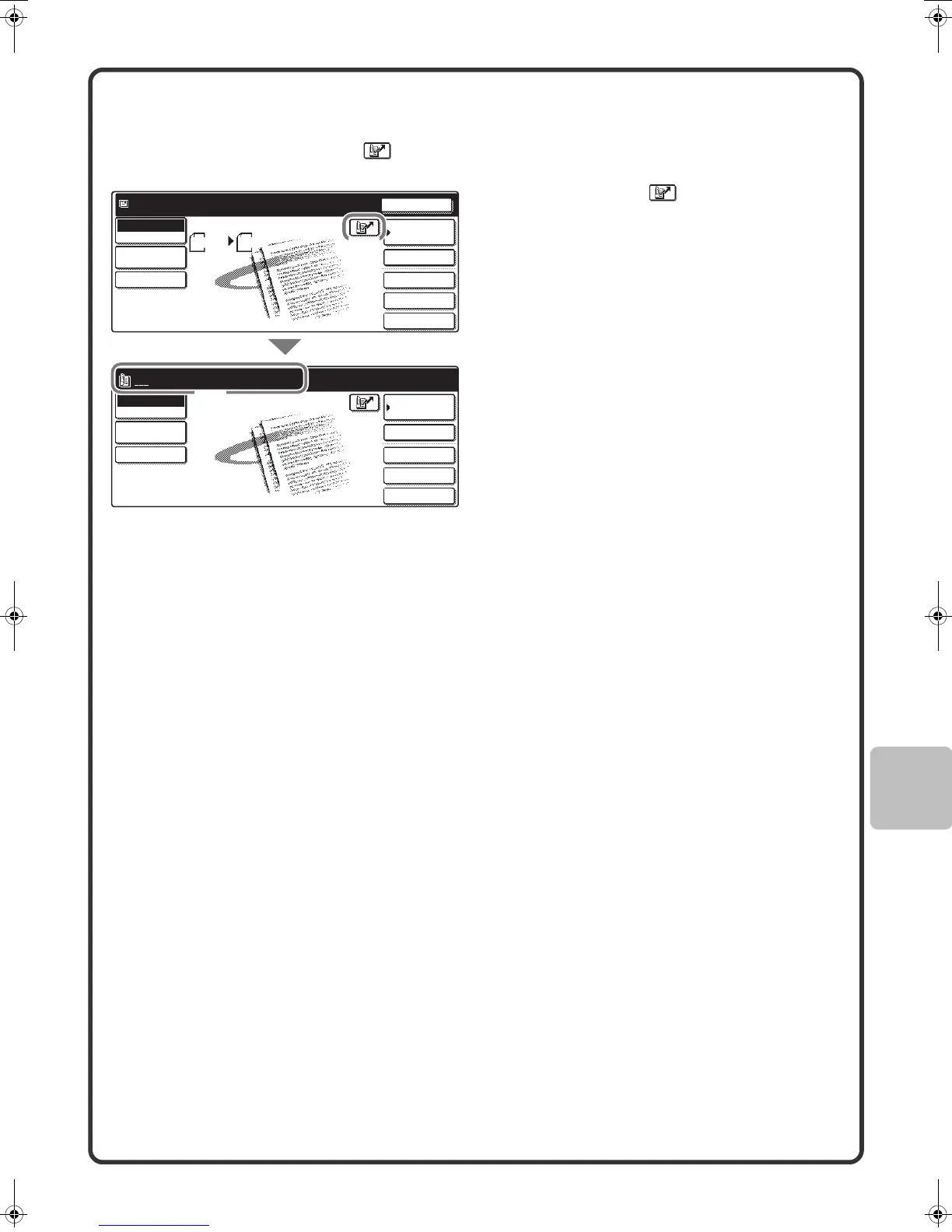
You can select a destination using the key and the 3-digit search number.
To check a search number, print the appropriate list in the sending address list menu in the system settings.
(1) Touch the key.
(2) Enter the 3-digit search number with
the numeric keys.
Enter search number.(001-999)
Special Modes
File
Quick File
Scan
Mode Switch
Job Detail
Settings
Send Settings
Address Book
Address Entry
Ready to send.
Special Modes
File
Quick File
Scan
Mode Switch
Send Settings
Job Detail
Settings
Address Book
Address Entry
Scan Send
Auto
Resend
A4
(2)
(1)
mx2301_ex_qck.book 83 ページ 2009年8月7日 金曜日 午後4時6分



 To Next Page