Note: Before solving the problem, print the Print Quality Test Pages. From the home screen, touch Settings >
Troubleshooting > Print Quality Test Pages.
Action Yes No
Step 1
a Check if the printer is using a genuine and supported toner
cartridge.
Note: If the cartridge is not supported, then install a
supported one.
b Print the document.
Are text or images cut o?
Go to step 2. The problem is
solved.
Step 2
a Remove the imaging unit.
Warning—Potential Damage: Do not expose the imaging unit
to direct light for more than 10 minutes. Extended exposure
to light may cause print quality problems.
Warning—Potential Damage: Do not touch the
photoconductor drum under the imaging unit. Doing so may
aect the quality of future print jobs.
b Remove any packing material that is stuck on the imaging unit.
Note: Make sure to remove any obstruction between the
charge roller and photoconductor drum.
c Insert the imaging unit.
d Print the document.
Are text or images cut o?
Go to step 3. The problem is
solved.
Step 3
a Replace the imaging unit.
b Print the document.
Are text or images cut o?
Contact your
dealer. The problem is
solved.
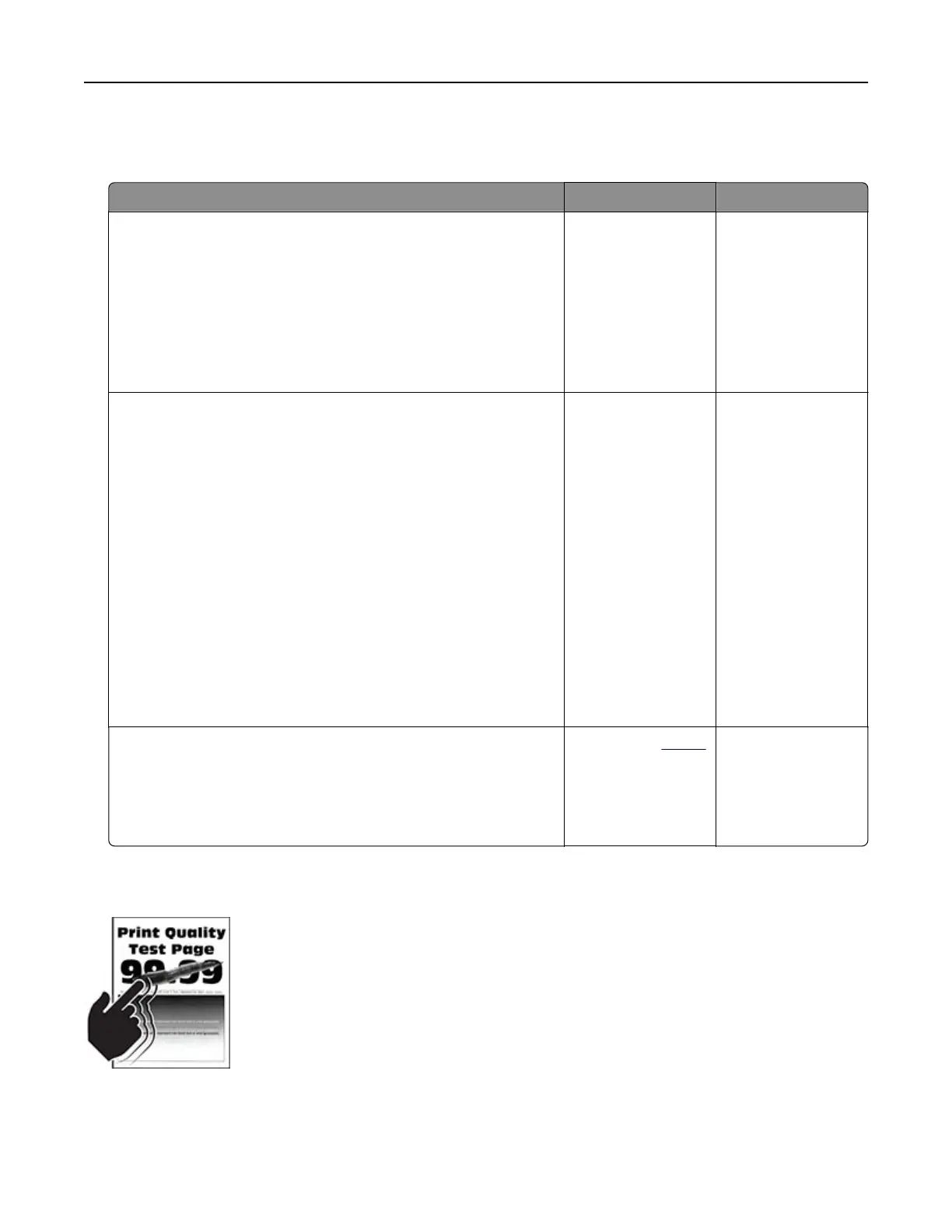
Toner easily rubs o
Note: Before solving the problem, print the Print Quality Test Pages. From the home screen, touch Settings >
Troubleshooting > Print Quality Test Pages.
Troubleshoot a problem 120



 To Next Page