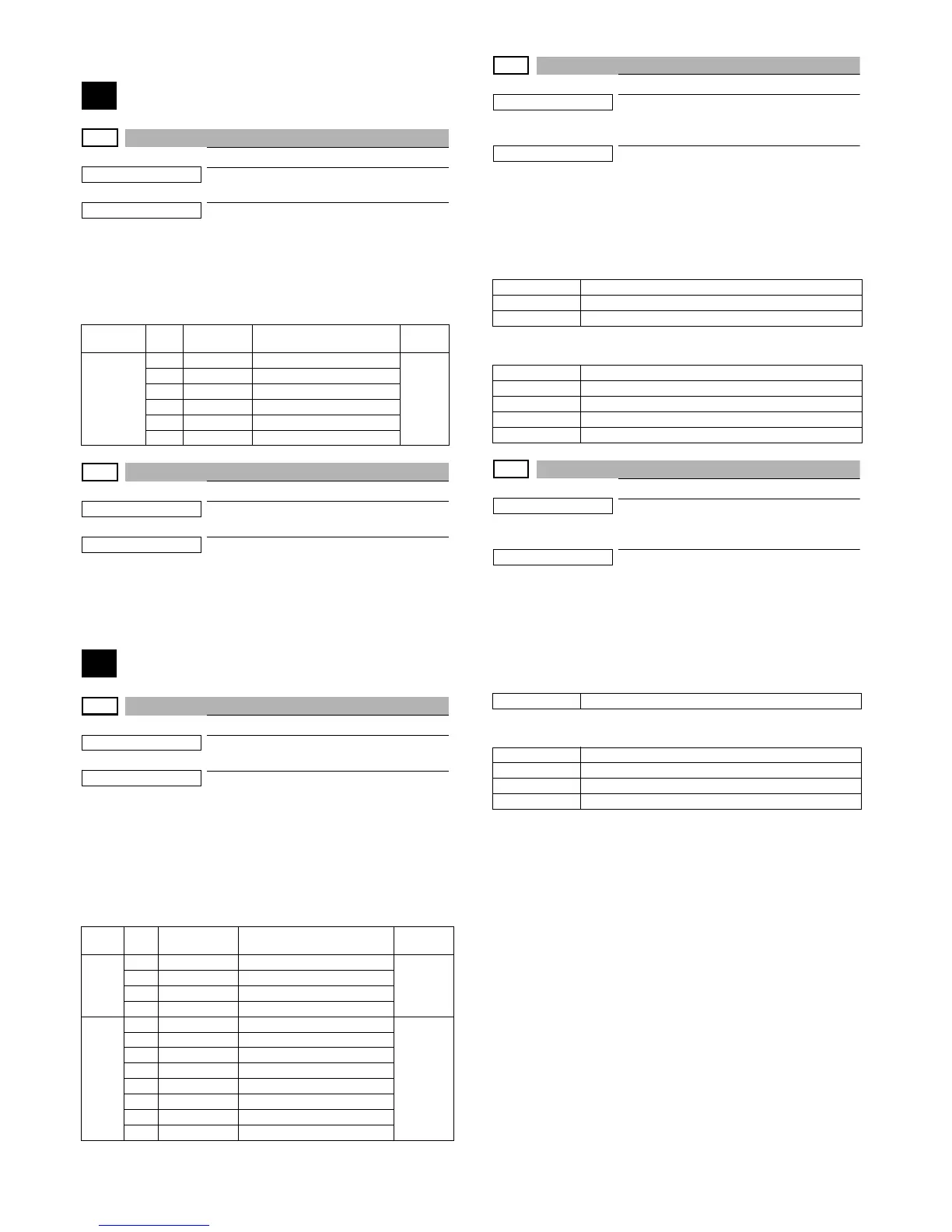
MX-C250 SIMULATION 6 – 7
3. Details of simulation
1
1-1
Purpose
Operation test/check
Function (Purpose)
Used to check the operation of the scanner
(reading) unit and the control circuit.
Section
Scanner (reading)
Operation/Procedure
1) Select the operation speed with 10 keys. .
2) Press [[OK]/[START] key.
Scanning is once performed at the speed corresponding to the
scan resolution (operation speed).
1-2
Purpose
Operation test/check
Function (Purpose)
Used to check the sensors in the scanner
(reading) section and the related circuits.
Section
Scanner (reading)
Operation/Procedure
The operating status of the sensor is displayed.
When "MHPS" is highlighted, the scanner unit is in the home posi-
tion.
2
2-1
Purpose
Operation test/check
Function (Purpose)
Used to check the operations of the auto
document feed unit and the control circuit.
Section
RSPF
Operation/Procedure
1) Select the operation mode and the speed with 10keys. .
2) Press [OK]/[START] key.
The RSPF repeats paper feed, transport, and paper exit oper-
ations at the speed corresponding to the scan resolution (oper-
ation speed).
When [STOP] key is pressed, the operation is terminated.
2-2
Purpose
Operation test/check
Function (Purpose)
Used to check the operations of the sen-
sors and the detectors in the document
feed unit section and the control circuits.
Section
SSPF/RSPF
Operation/Procedure
The operating conditions of the sensors and detectors are dis-
played.
The code names of the sensors and the detectors which are active
are highlighted.
SSPF
RSPF
2-3
Purpose
Operation test/check
Function (Purpose)
Used to check the operations of the loads
in the auto document feed unit and the con-
trol circuit.
Section
RSPF
Operation/Procedure
1) Select a target item of the operation check with 10 keys.
2) Press [OK]/[START] key.
The selected load performs the operation.
When [STOP] key is pressed, the operation is terminated.
SSPF
RSPF
Item No. Display Operation mode
Default
value
OC SCAN
1 MONO300 300DPI(112.0mm/s)
2 MONO400 400DPI(84.0mm/s)
3 MONO600 600DPI(56.0mm/s)
4 COLOR300 300DPI(56.0mm/s)
5 COLOR400 400DPI(42.0mm/s)
6 COLOR600 600DPI(28.0mm/s)
Item No. Display Operation mode
Default
value
SSPF
1 MONO300S Monochrome 300DPI Single
2 MONO600S Monochrome 600DPI Single
3 COLOR300S Color 300DPI Single
4 COLOR600S Color 600DPI Single
RSPF
1 MONO300S Monochrome 300DPI Single
2 MONO600S Monochrome 600DPI Single
3 COLOR300S Color 300DPI Single
4 COLOR600S Color 600DPI Single
5 MONO300D Monochrome 300DPI duplex
6 MONO600D Monochrome 600DPI duplex
7 COLOR300D Color 300DPI duplex
8 COLOR600D Color 600DPI duplex
Sensor name Contents
SPPD1 RSPF transport detector 1
SPED RSPF document empty detector
Sensor name Contents
SPPD1 RSPF transport detector 1
SPPD2 RSPF transport detector 2
SPED RSPF document empty detector
SCOV RSPF cover open/close detector
SPFM SPF transport motor
SPFM_F RSPF transport motor (normal rotation)
SPFM_R RSPF transport motor (reverse rotation)
SPUS RSPF paper feed roller solenoid
SRVC Reverse clutch



 To Next Page