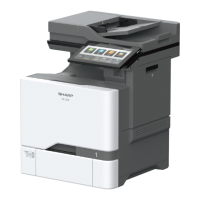
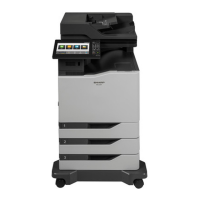
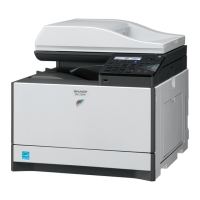
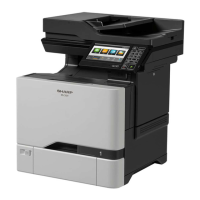
Setup 2: Printer is connected to a wall jack; cable modem is installed elsewhere in the facility
1 Connect one end of the telephone cable to the line port of the printer.
2 Connect the other end of the cable to an active analog telephone wall jack.
3 Connect your analog telephone to the telephone port of the printer.
Setting up fax in countries or regions with different telephone wall jacks and plugs
CAUTION—SHOCK HAZARD: To avoid the risk of electrical shock, do not set up this product or make
any electrical or cabling connections, such as the power cord, fax feature, or telephone, during a
lightning storm.
CAUTION—SHOCK HAZARD: To avoid the risk of electrical shock, do not use the fax feature during a
lightning storm.
Faxing 45


 To Next Page