88
4
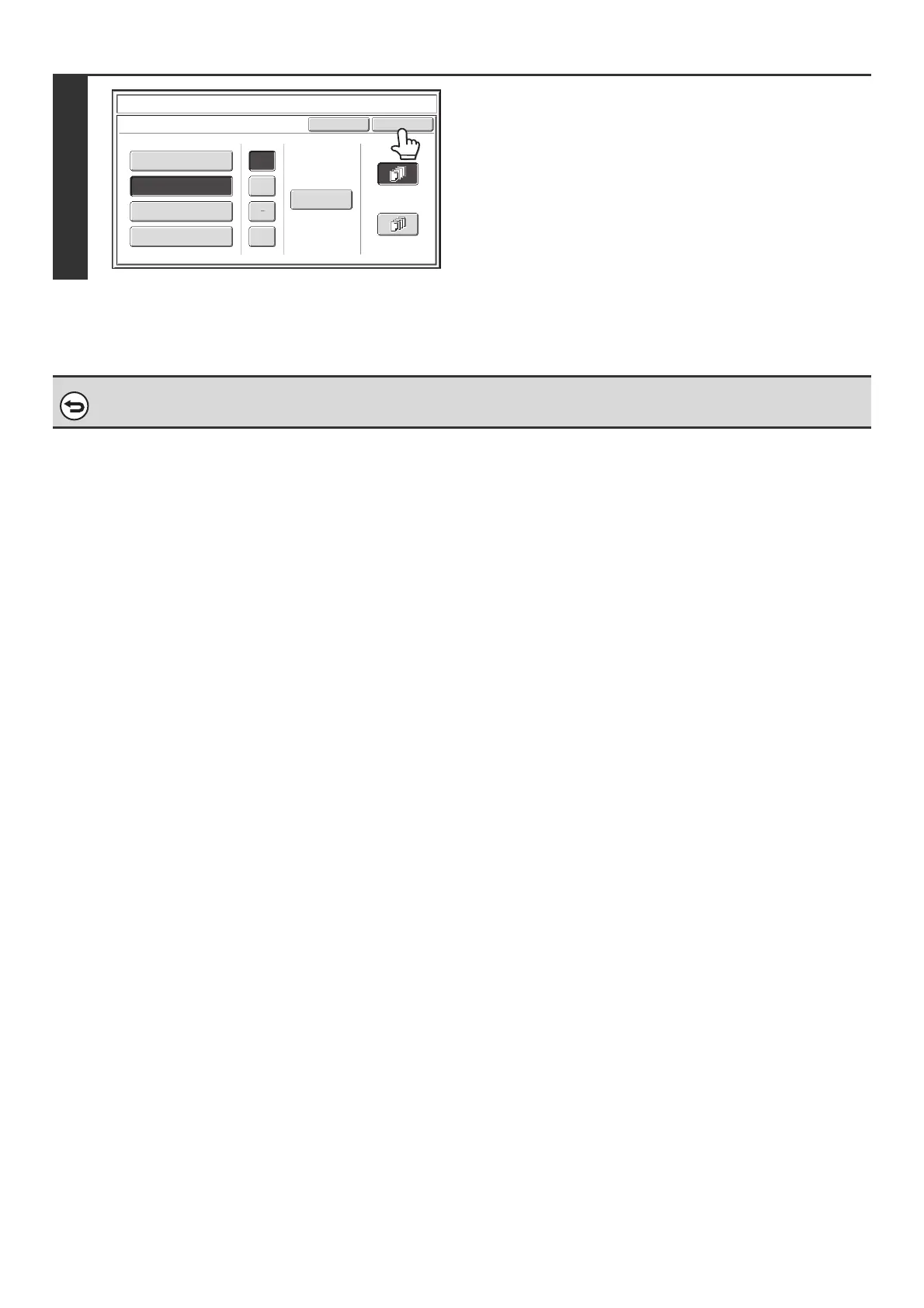
Select the pages that the date will be
printed on and touch the [OK] key.
Select printing on the first page only, or printing on all pages.
After touching the [OK] key, continue from step 5 of "GENERAL
PROCEDURE FOR USING STAMP" (page 84) to complete the
copy procedure.
To cancel the date print setting...
Touch the [Cancel] key in the screen of step 2.
Cancel
OK
Date Change
MM DD, YYYY
DD/MM/YYYY
MM/DD/YYYY
YYYY/MM/DD
APR/04/2010
All Pages
First Page
Stamp
Date
/
.



 To Next Page