EasyManua.ls Logo

Sharp PA-3000 - Auto Correction

Sharp PA-3000
28 pages
Print Icon
To Next Page IconTo Next Page
To Previous Page IconTo Previous Page
Loading...
E-SAVING
FEATURES
CODE
'CORRECTIONS
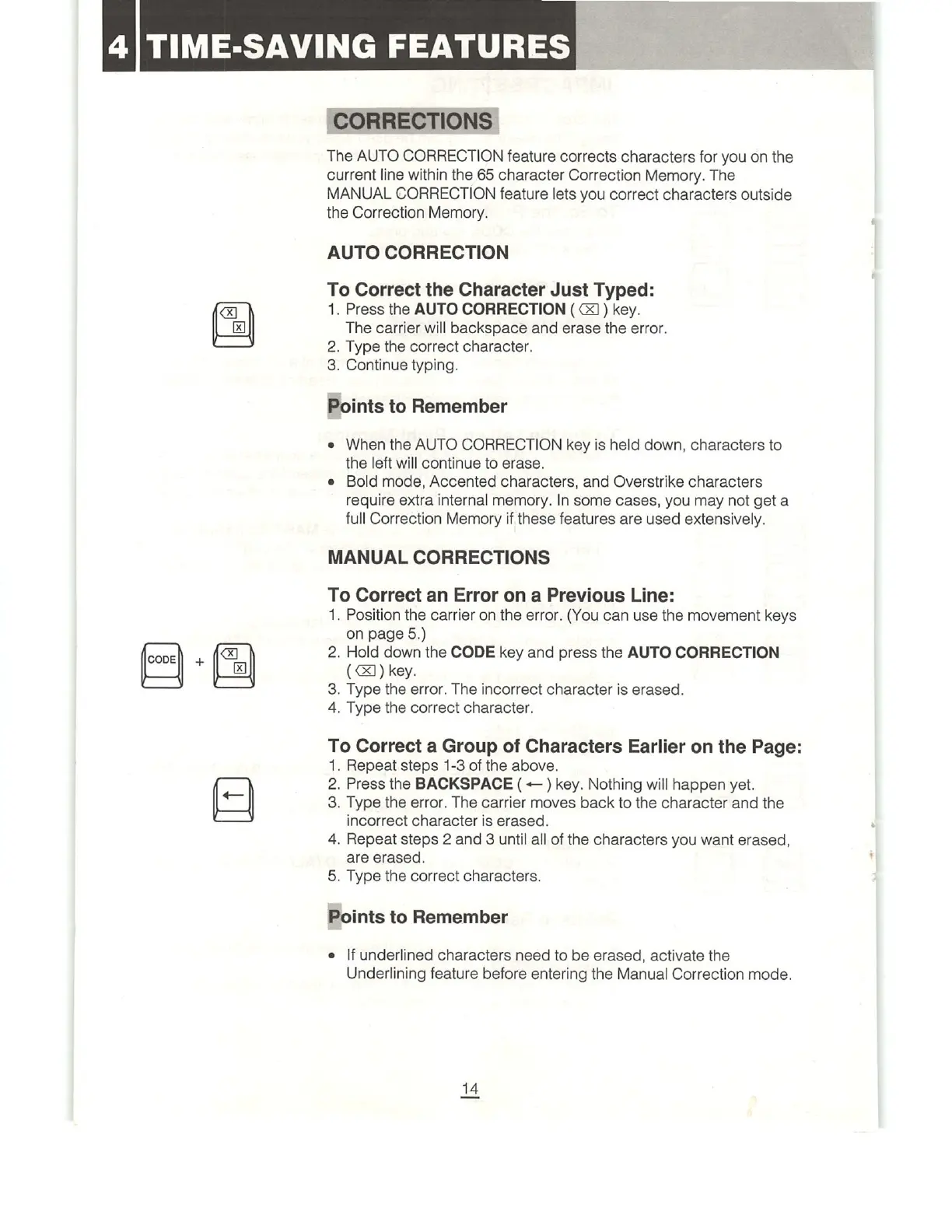
The
AUTO
CORRECTION
feature
corrects
characters
for
you
on
the
current
line
within
the
65
character
Correction
Memory.
The
MANUAL
CORRECTION
feature
lets
you
correct
characters
outside
the
Correction
Memory.
AUTO
CORRECTION
To
Correct
the
Character
Just
Typed:
1.
Press
the
AUTO
CORRECTION
(
XJ)
key.
The
carrier
will
backspace
and
erase
the
error.
2.
Type
the
correct
character.
3.
Continue
typing.
Points
to
Remember
¢
When
the
AUTO
CORRECTION
key
is
held
down,
characters
to
the
left
will
continue
to
erase.
e
Bold
mode,
Accented
characters,
and
Overstrike
characters
require
extra
internal
memory.
In
some
cases,
you
may
not
get
a
full
Correction
Memory
if
these
features
are
used
extensively.
MANUAL
CORRECTIONS
To
Correct
an
Error
on
a
Previous
Line:
1.
Position
the
carrier
on
the
error.
(You
can
use
the
movement
keys
on
page
5.)
2.
Hold
down
the
CODE
key
and
press
the
AUTO
CORRECTION
(&)
key.
3.
Type
the
error.
The
incorrect
character
is
erased.
4,
Type
the
correct
character.
To
Correct
a
Group
of
Characters
Earlier
on
the
Page:
1.
Repeat
steps
1-3
of
the
above.
2.
Press
the
BACKSPACE
(
<)
key.
Nothing
will
happen
yet.
3.
Type
the
error.
The
carrier
moves
back
to
the
character
and
the
incorrect
character
is
erased.
4.
Repeat
steps
2
and
3
until
all
of
the
characters
you
want
erased,
are
erased.
5.
Type
the
correct
characters.
Points
to
Remember
e
|f
underlined
characters
need
to
be
erased,
activate
the
Underlining
feature
before
entering
the
Manual
Correction
mode.

Related product manuals