EasyManua.ls Logo

Sharp PA-3000 - Page 19

Sharp PA-3000
28 pages
Print Icon
To Next Page IconTo Next Page
To Previous Page IconTo Previous Page
Loading...
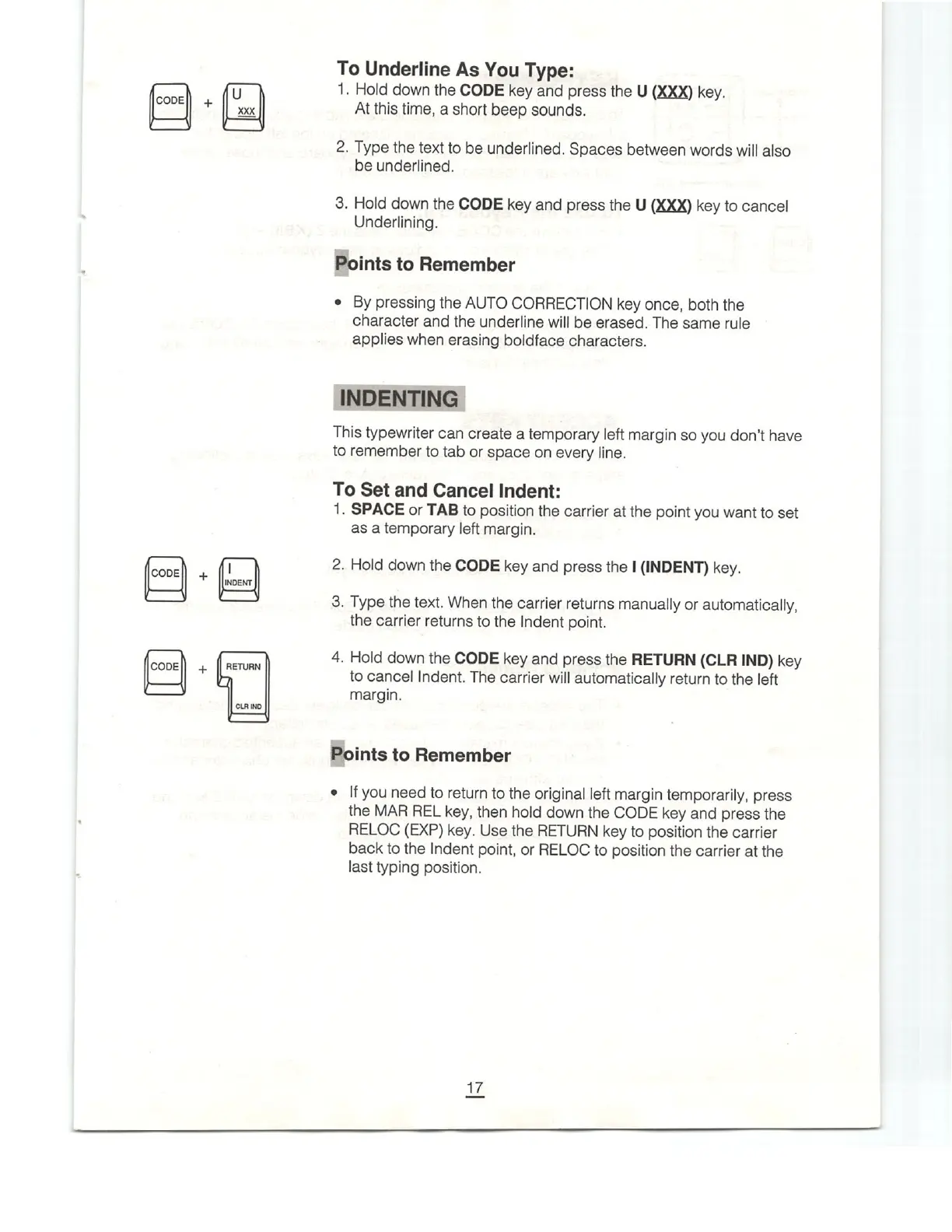
CODE
XXX
CODE
CODEI
To
Underline
As
You
Type:
1.
Hold
down
the
CODE
key
and
press
the
U
(XXX)
key.
At
this
time,
a
short
beep
sounds.
2.
Type
the
text
to
be
underlined.
Spaces
between
words
will
also
be
underlined.
3.
Hold
down
the
CODE
key
and
press
the
U
(XXX)
key
to
cancel
Underlining.
Points
to
Remember
¢
By
pressing
the
AUTO
CORRECTION
key
once,
both
the
character
and
the
underline
will
be
erased.
The
same
rule
applies
when
erasing
boldface
characters.
INDENTING
This
typewriter
can
create
a
temporary
left
margin
so
you
don't
have
to
remember
to
tab
or
space
on
every
line.
To
Set
and
Cancel
Indent:
1.
SPACE
or
TAB
to
position
the
carrier
at
the
point
you
want
to
set
as
a
temporary
left
margin.
2.
Hold
down
the
CODE
key
and
press
the
I
(INDENT)
key.
3.
Type
the
text.
When
the
carrier
returns
manually
or
automatically,
the
carrier
returns
to
the
Indent
point.
4.
Hold
down
the
CODE
key
and
press
the
RETURN
(CLR
IND)
key
to
cancel
Indent.
The
carrier
will
automatically
return
to
the
left
margin.
E]oints
to
Remember
*
If
you
need
to
return
to
the
original
left
margin
temporarily,
press
the
MAR
REL
key,
then
hold
down
the
CODE
key
and
press
the
RELOC
(EXP)
key.
Use
the
RETURN
key
to
position
the
carrier
back
to
the
Indent
point,
or
RELOC
to
position
the
carrier
at
the
last
typing
position.

Related product manuals