ENGLISH
1
E
WARNING: TO REDUCE THE RISK OF FIRE OR ELECTRIC SHOCK, DO NOT EXPOSE THIS PRODUCT
TO RAIN OR MOISTURE.
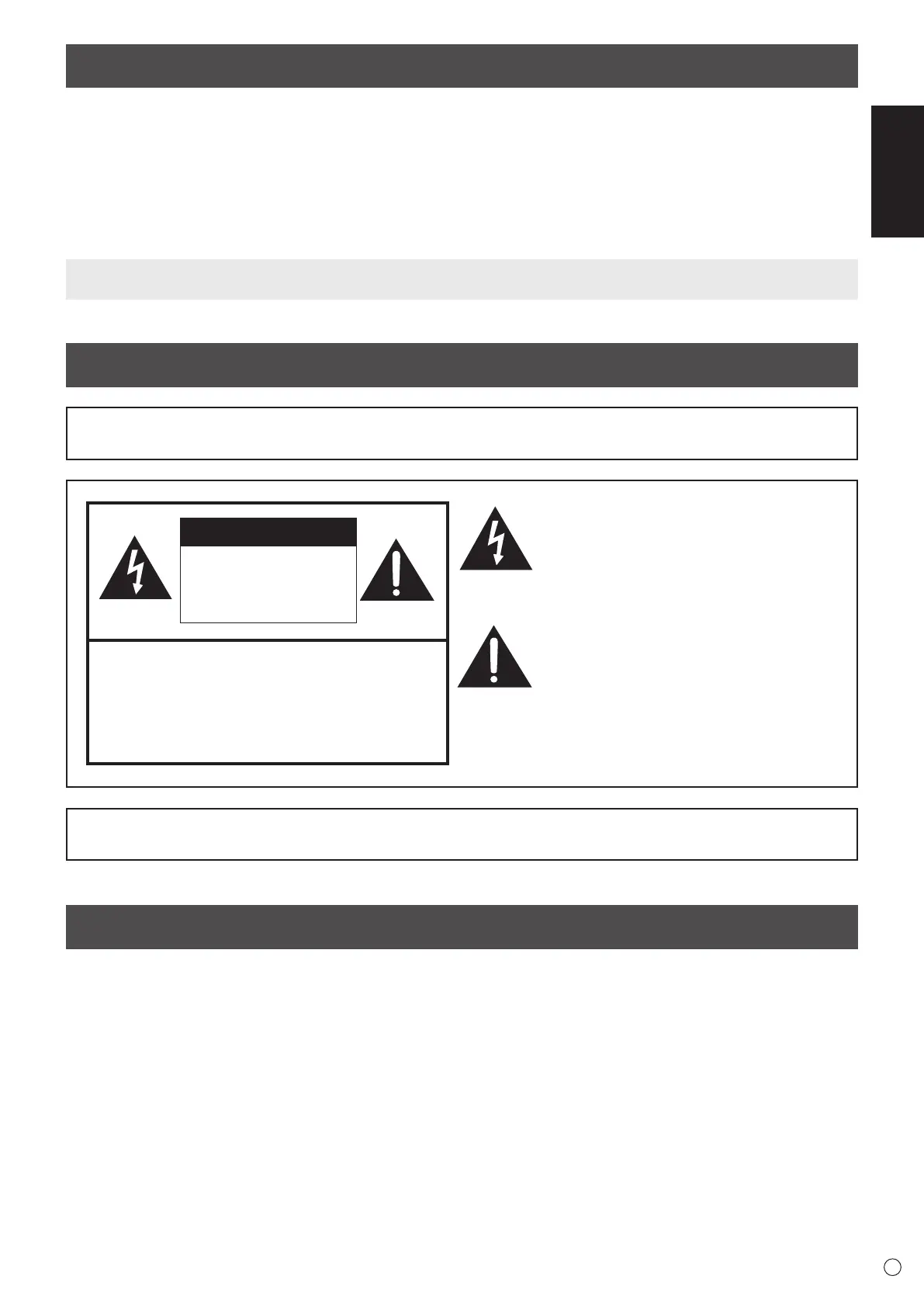
CAUTION: TO REDUCE THE RISK OF ELECTRIC
SHOCK, DO NOT REMOVE COVER.
NO USER-SERVICEABLE PARTS
INSIDE.
REFER SERVICING TO QUALIFIED
SERVICE PERSONNEL.
The lightning ash with arrowhead symbol, within
a triangle, is intended to alert the user to the
presence of uninsulated “dangerous voltage”
within the product’s enclosure that may be of
sufcient magnitude to constitute a risk of electric
shock to persons.
The exclamation point within a triangle is
intended to alert the user to the presence of
important operating and maintenance (servicing)
instructions in the literature accompanying the
product.
Thank you for your purchase of a SHARP LCD product. To ensure safety and many years of trouble-free operation of your
product, please read the Safety Precautions carefully before using this product.
DEAR SHARP CUSTOMER
IMPORTANT INFORMATION
Contents
[ENGLISH]
IMPORTANT INFORMATION ............................................1
DEAR SHARP CUSTOMER .............................................. 1
SAFETY PRECAUTIONS ..................................................2
SAFETY INSTRUCTION ...................................................3
MOUNTING PRECAUTIONS ............................................4
Supplied Components ..................................................... 5
Specications ..................................................................5
Preparing the Remote Control Unit and the Touch Pen
...6
Connections .....................................................................7
Turning Power On/Off ...................................................... 8
Mounting Precautions
(For SHARP dealers and service engineers) ................. 9
Read the manuals in the provided CD-ROM. (Adobe Acrobat Reader is required to view the manuals.)
To maintain compliance with EMC regulations, use shielded cables to connect to the following terminals: HDMI input
terminal, D-SUB input terminal, DisplayPort input/output terminals and RS-232C input terminal.
CAUTION
RISK OF ELECTRIC
SHOCK
DO NOT OPEN



 To Next Page