E – 4
OPERATION OF TOUCH CONTROL PANEL
The operation of the oven is controlled by pressing the appropriate pads arranged on the surface of the
control panel.
An entry signal tone should be heard each time you press the control panel to make a correct entry.
In addition an audible signal will sound for approximately 2 seconds at the end of the cooking cycle, or 4
times when cooking procedure is required.
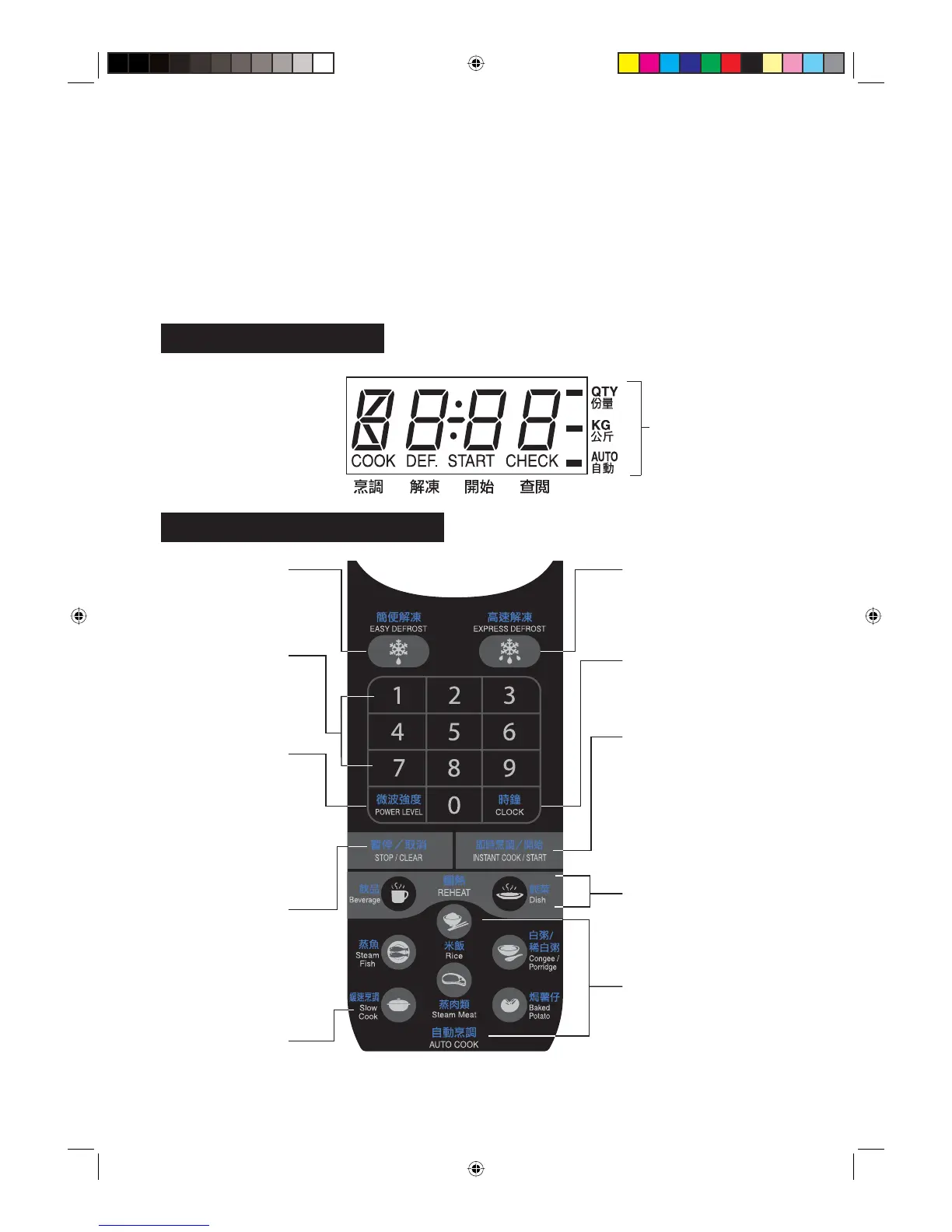
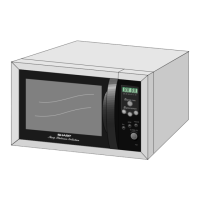
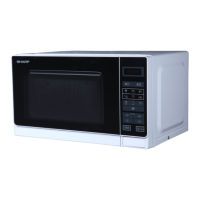
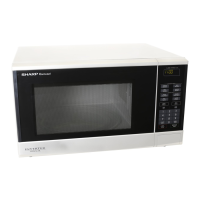
Control Panel Display
Touch Control Panel Layout
CLOCK PAD
Press to set clock, child
lock, demonstration mode
or timer.
INSTANT COOK/START PAD
• Press to start oven after
setting programmes.
• Press once to cook for 1
minute at 100 % (HIGH
POWER) or increase by
1 minute multiples each
time this pad is pressed
during cooking.
Indicator
AUTO COOK PADS
Press to cook 5 popular
menus.
SLOW COOK PAD
Press to cook slowly and
longer time.
POWER LEVEL PAD
• Press to select microwave
power setting.
If not pressed, 100
% (HIGH POWER) is
automatically selected.
• Press to alter the cooking
result for automatic
operations.
(less/more setting)
STOP/CLEAR PAD
• Press to clear during
programming.
• Press once to stop
operation of oven
during cooking; press
twice to cancel cooking
programme.
EXPRESS DEFROST PAD
Press to select the Express
Defrost menu.
EASY DEFROST PAD
Press to defrost meat
by entering the weight.
NUMBER PADS
Press to enter cooking
time, clock time or
weight of food.
REHEAT PADS
Press to reheat 2 popular
menus.
R-360N(R) [01EN]_01-21.indd 4R-360N(R) [01EN]_01-21.indd 4 3/3/08 12:03:50 PM3/3/08 12:03:50 PM



 To Next Page