EasyManua.ls Logo

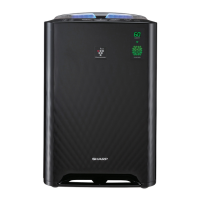
Sharp UA-KIL80E - User Manual

Sharp UA-KIL80E
172 pages
Print Icon
To Next Page IconTo Next Page
Loading...
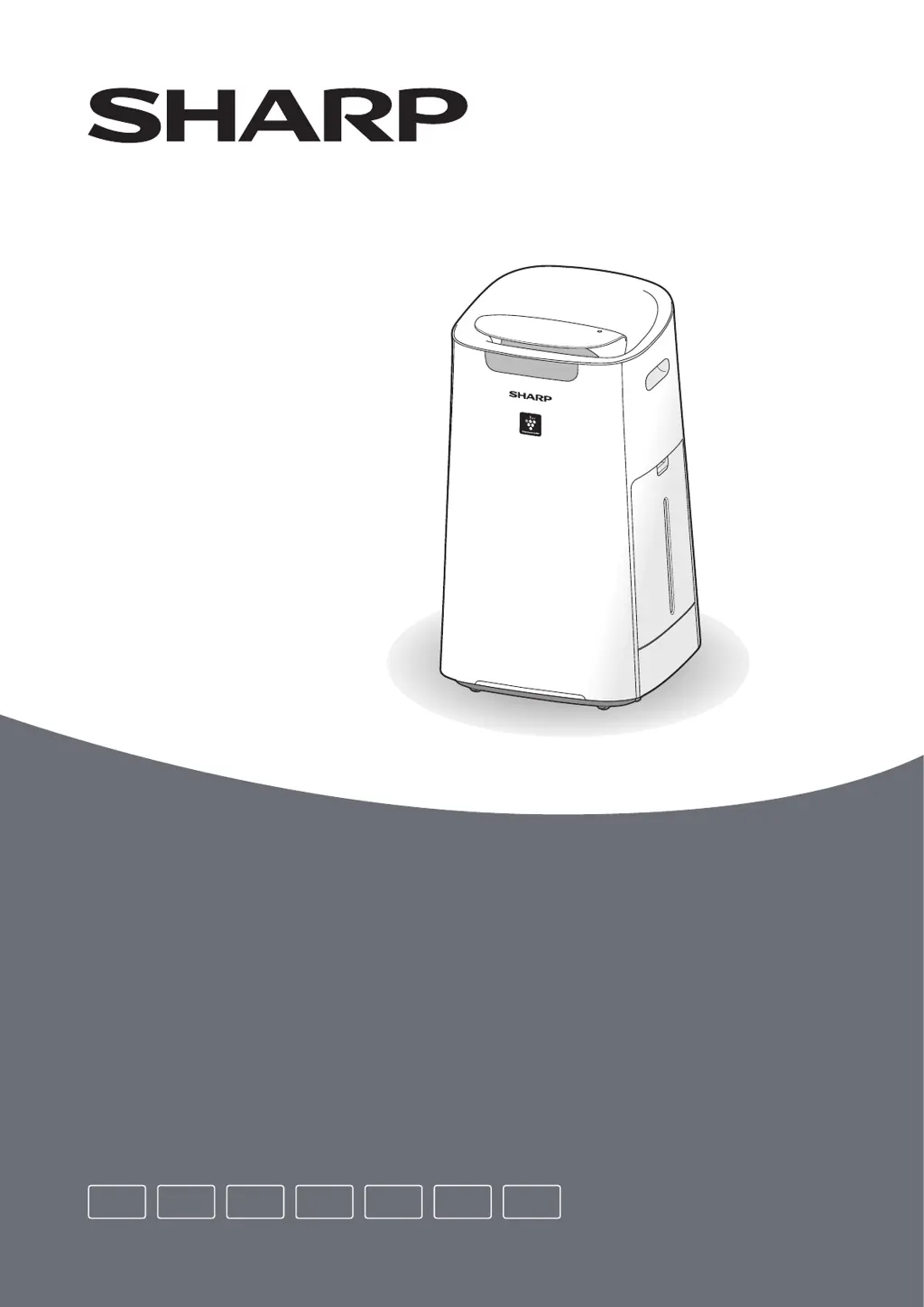
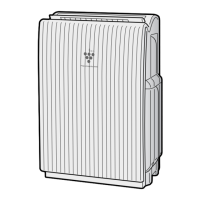
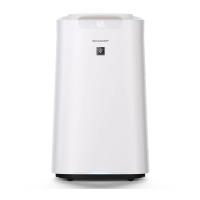
UA-KIL80E, UA-KIL60E
Operation Manual
Air Purifier with Humidifying Function
EN FRDE ITES PL NL

Questions and Answers

  • K
    Kent LangAug 18, 2025
    How to reset filter maintenance lamp on Sharp Air Cleaner?
    • B
      Brian MorrisAug 19, 2025
      Whenever after performing maintenance or replacing the Humidifying Filter on your Sharp Air Cleaner, connect the power cord to an outlet and then touch the Filter Reset Button.
  • W
    Wayne StoneAug 20, 2025
    What to do if Sharp UA-KIL80E has an odour?
    • E
      Evan StewartAug 21, 2025
      If your Sharp Air Cleaner emits an odor, the filters may be extremely dirty. Clean or replace them. Also, ensure you are using fresh tap water, as other water sources can promote the growth of mold, fungi, or bacteria.
  • W
    William SullivanAug 23, 2025
    What to do if Sharp UA-KIL80E cleanliness indicator changes colour frequently?
    • M
      Matthew CallahanAug 23, 2025
      The Cleanliness Indicator on your Sharp Air Cleaner automatically changes color when the Sensitive Dust Sensor and Odour Sensor detect impurities. If you are concerned about the change, you can change sensor sensitivity.
  • L
    Leonard HardingAug 26, 2025
    Why Sharp UA-KIL80E Air Cleaner water level in the tank does not decrease?
    • R
      Richard CarterAug 26, 2025
      If the water level in your Sharp Air Cleaner's tank isn't decreasing, ensure the Humidifying Tray and Water Tank are correctly installed and check the Humidifying Filter. If the filter is extremely dirty, clean or replace it.
  • D
    Danny YoungAug 27, 2025
    What to do if Sharp UA-KIL80E Air Cleaner cleanliness indicator is red even when the air is clean?
    • R
      Randall PadillaAug 27, 2025
      If the Cleanliness Indicator on your Sharp Air Cleaner is red even when the air is clean, the Sensitive Dust Sensor openings may be dirty or clogged, interfering with sensor operation. Gently clean the Sensor Filter or the Back Panel.
  • L
    lisa43Aug 30, 2025
    What to do if Sharp UA-KIL80E Air Cleaner does not operate when cigarette smoke is in the air?
    • A
      Angel ReeseAug 30, 2025
      Ensure that your Sharp Air Cleaner is installed in a location where the sensors can detect cigarette smoke. Also, check if the Sensitive Dust Sensor openings are blocked or clogged. If they are, clean the Sensor Filter or the Back Panel.
  • B
    Brittany BarnettSep 1, 2025
    How to fix error display on Sharp Air Cleaner?
    • A
      Amy BauerSep 1, 2025
      If your Sharp Air Cleaner displays an error, the concentration of Plasmacluster ion may be descending, maintain the Plasmacluster Ion Generating Unit (Electrode Section). Also, make sure the Back Panel, Humidifying Filter, Humidifying Tray and Roller, Pre-Filter, Dust Box, and Brush in the Dust Box are installed correctly. Ensure the Plasmacluster Ion Generating Unit is properly inserted. As well, unplug the product, wait one minute, and then plug the product in again.
  • C
    Charles McdanielSep 3, 2025
    Why Sharp Air Cleaner cleanliness indicator is blue or off even when the air is not clean?
    • J
      Jeffrey BuchananSep 3, 2025
      If the Cleanliness Indicator on your Sharp Air Cleaner is blue or off even when the air is not clean, the air may have been dirty when the product was plugged in. Unplug the product, wait one minute, and then plug it back in.
  • E
    Eddie JenkinsSep 6, 2025
    Why Sharp Air Cleaner operation stopped halfway?
    • J
      John DennisSep 6, 2025
      The operation of your Sharp Air Cleaner (UA-KIL80E) may be suspended during the Pre-Filter Auto Cleaning. The Pre-Filter Auto Cleaning will operate for about 8 minutes while the Pre-Filter Auto Cleaning Indicator is flashing.
  • C
    Christopher KingSep 8, 2025
    Why Sharp UA-KIL80E odour and smoke persists?
    • G
      gail52Sep 8, 2025
      If odour and smoke persist when using your Sharp Air Cleaner, check the filters. If they appear to be extremely dirty, clean or replace them.

Sharp UA-KIL80E Specifications

General IconGeneral
ModelUA-KIL80E
TypeAir Cleaner
Humidifying functionYes
Humidifying rate600 ml/h
Plasmacluster ionsYes
Filter TypeHEPA Filter
FeaturesAuto mode, Child lock, Timer

Related product manuals