EasyManua.ls Logo

Sharp UA-KIL80E - User Manual

Sharp UA-KIL80E
172 pages
Print Icon
To Next Page IconTo Next Page
Loading...
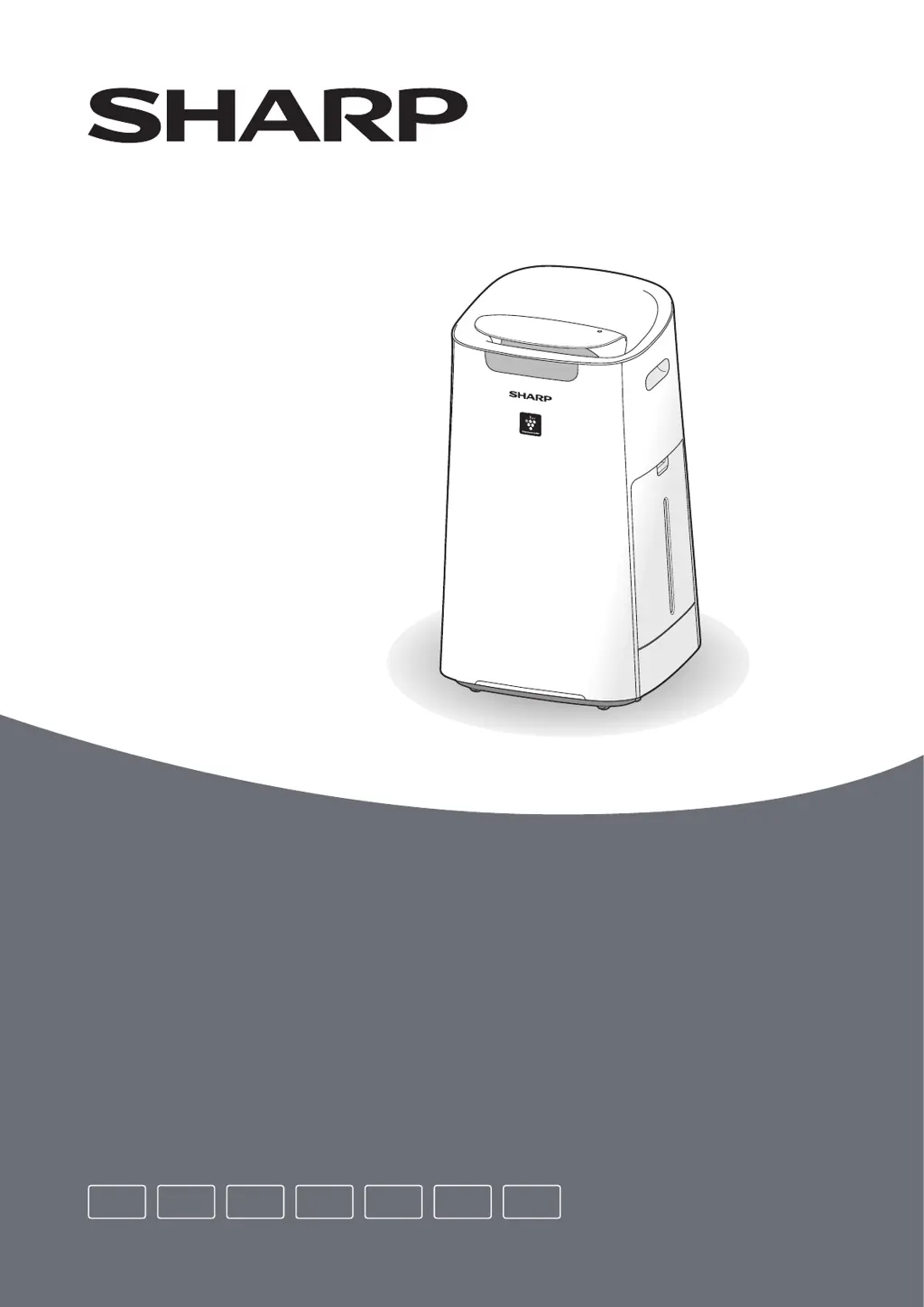
UA-KIL80E, UA-KIL60E
Operation Manual
Air Purifier with Humidifying Function
EN FRDE ITES PL NL

Questions and Answers

  • K
    kreedSep 12, 2025
    Why Sharp UA-KIL80E Air Cleaner front display does not match weather report?
    • E
      Eric ParkerSep 12, 2025
      The Front display on your Sharp Air Cleaner may not match the weather report or other devices due to outdoor and indoor conditions, as well as the home environment (traffic volume, number of stories, etc.). There may also be differences in levels within the same room.
  • T
    Tammy FosterSep 13, 2025
    Why Sharp Air Cleaner front display is turned off?
    • B
      Brenda ParksSep 13, 2025
      When the Light Control on your Sharp Air Cleaner is set to 'Auto', the light automatically turns off when the room is dark or operating in sleep mode. When set to 'Turn off', the light is always off. To keep the light on, set the Light Control to the 'Dim' setting.
  • L
    Lisa MaddoxSep 15, 2025
    Why Sharp UA-KIL80E Air Cleaner makes a clicking or ticking sound?
    • Y
      ybrooksSep 15, 2025
      Your Sharp Air Cleaner may make clicking or ticking sounds when it is generating ions.

Sharp UA-KIL80E Specifications

General IconGeneral
ModelUA-KIL80E
TypeAir Cleaner
Humidifying functionYes
Humidifying rate600 ml/h
Plasmacluster ionsYes
Filter TypeHEPA Filter
FeaturesAuto mode, Child lock, Timer

Related product manuals