UP-810F/820N/820F (U) SRV MODE PROGRAMMING (“IRC SETTING”)
4 – 3
Entry [TERMINAL NO.] WINDOW.
3The POS is changed from standalone POS to inline satellite POS.
SRV#902 a) is “1” (Inline exist.)
SRV#920 d) is “3” (This POS is back up master.)
(PRESETTING OF TERMINAL NO./GLU SYSTEM/Etc.
*
) are acted.
(INLINE FILES for Backup master) are created.
* Please refer to Set Up List.
(INLINE RAM CLEAR) is acted.
[4 STD. WITH IRC]
DISPLAY: Setting screen
Select the item to be changed and press the ENTER key.
The setting content is described below.
Set Up List
Entry [TERMINAL NO.] WINDOW.
3The POS is changed from stand-alone POS to standalone with IRC
POS.
SRV#902 a) is “1” (Inline exist.)
SRV#920 d) is “0” (This POS is standalone.)
(PRESETTING OF TERMINAL NO.) is acted.
[5 STAND ALONE]
Used to restore to a stand alone machine.
Entry [TERMINAL NO.] WINDOW.
3The POS is changed from inline POS to standalone POS.
SRV#902 a) is “0” (Inline not exist.)
SRV#920 d) is “0” (This POS is standalone.)
(PRESETTING OF TERMINAL NO.) is cleared.
DISPLAY TEXT CONTENTS SELECT ITEM MRS
IP ADDRESS 1
Terminal number 1
000-254 192
IP ADDRESS 2
Terminal number 2
000-254 168
IP ADDRESS 3
Terminal number 3
000-254 000
IP ADDRESS 4 Terminal
number 4
001-254 000
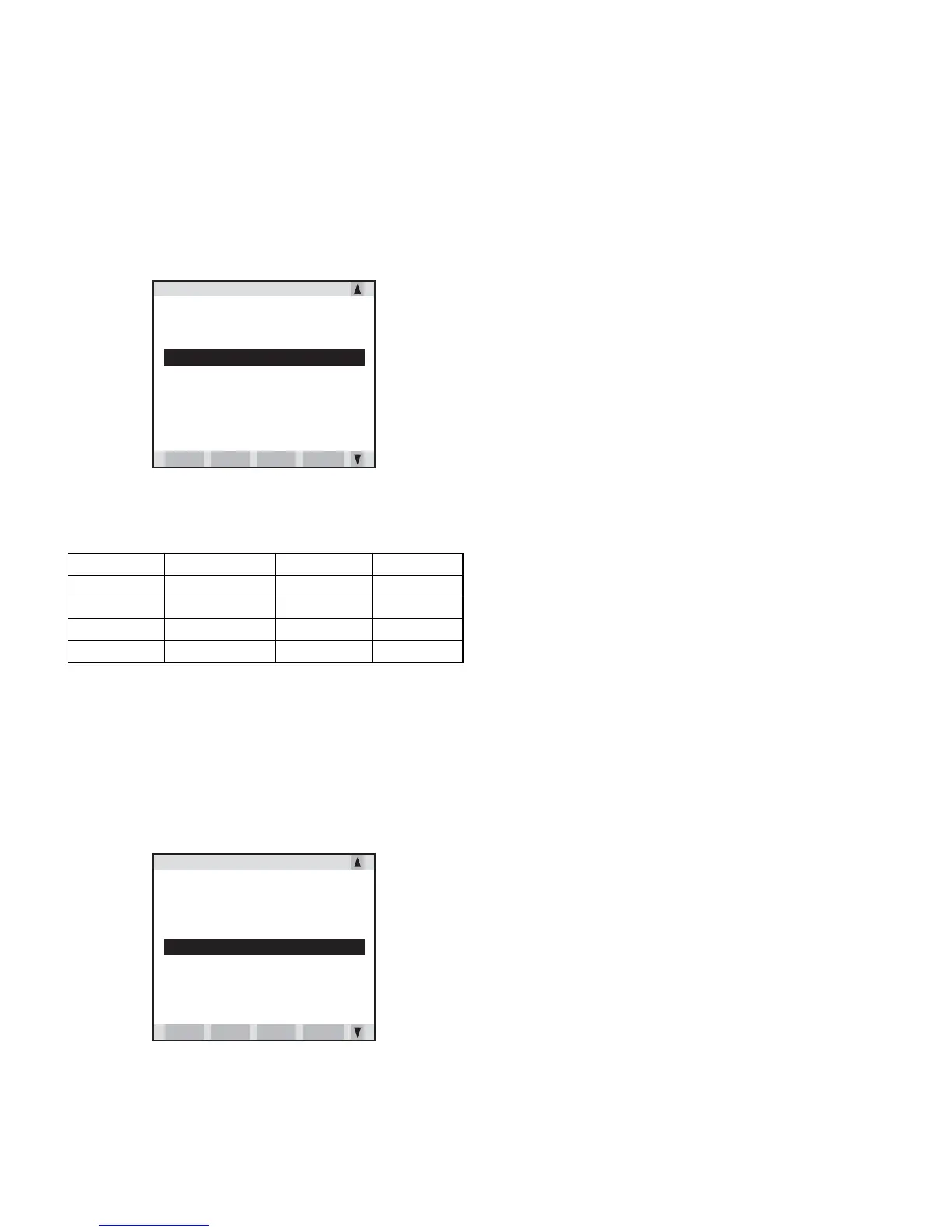
TERMINAL SETTING
1 SATELLITE
2 MASTER
3 BACKUP MASTER
4 STD. WITH IRC
5 STAND ALONE
PREV. NEXT
LIST
P DOWN
TERMINAL SETTING
1 SATELLITE
2 MASTER
3 BACKUP MASTER
4 STD. WITH IRC
5 STAND ALONE
PREV. NEXT
LIST
P DOWN



 To Next Page