14
If problems persist contact the SHARP Helpline on tel: 0990-274277
BASIC OPERATION
HOW TO USE TO MAKE A RECORDING
7. If your VCR has long play facility and you wish
to change the
RECORDING SPEED, use
the [ / ] to highlight SP. Press [ / ]
to select standard play (SP) or long play (LP)
as required.
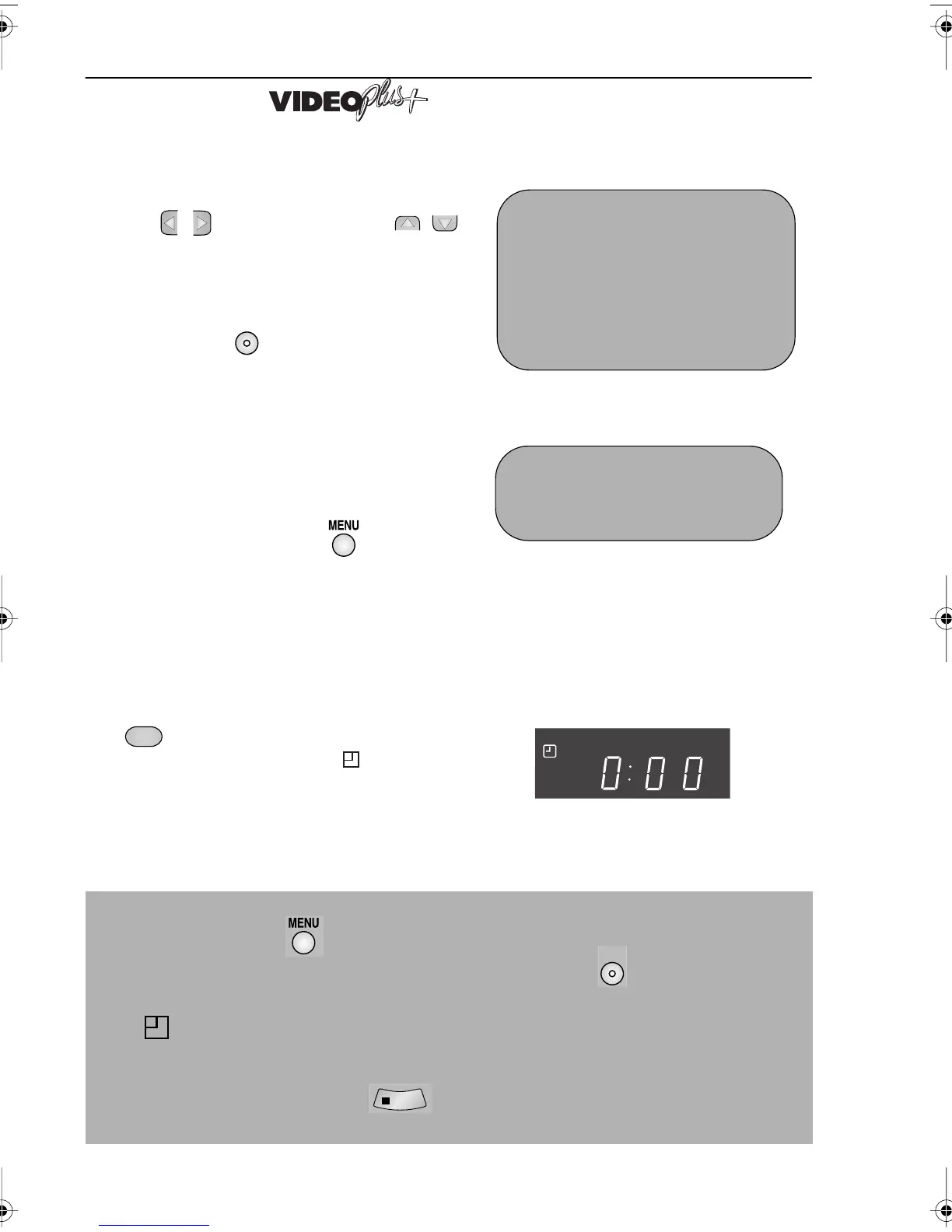
8. Press the SET button to confirm the
programme. The VIDEOPLUS+ menu will
reappear. If you wish to enter further
VIDEOPLUS+ recordings repeat this
procedure.
9. When you have completed entering timer
settings, press the
MENU button to
remove the menu from the TV screen.
10. Ensure that the tape on which you
wish to record is inserted into the
VCR, then press the TIMER ON/OFF
button once to place the VCR in
TIMER STANDBY mode. will be
shown on the display.
NOTES:
• You may also access the VIDEOPLUS+ menu by the following procedure:
i. Press the MENU button.
ii. The VIDEOPLUS+ option will be highlighted. Press the SET button to confirm.
Continue from step 2 above.
• If flashes a video tape has not been inserted into the VCR.
• If the video tape is ejected when the VCR tries to record the record protection tab has
been removed.
• During recording, press
STOP to cancel the recording. If there are further
recordings to be made, the VCR will return to TIMER STANDBY.
1/2
DATE PR START STOP
21/060212:0013:00SP
--/-- -- -:-- -:-- --
--/-- -- -:-- -:-- --
--/-- -- -:-- -:-- --
TAPE
SPEED :SP / LP
: SELECT : CHANGE
SET : ENTER MENU : EX I T
→
PLUS CODE . -
ONCE WE E K L Y D A I L Y
SET
TIMER
ON/OFF
SET
STOP
VC-MH713HM.book Page 14 Monday, May 8, 2000 11:53 AM



 To Next Page