EasyManua.ls Logo

Sharp W/DIVX Series - Troubleshooting Guide

Sharp W/DIVX Series
44 pages
Print Icon
To Next Page IconTo Next Page
To Previous Page IconTo Previous Page
Loading...
TROUBLESHOOTING GUIDE
(LCD SECTION)
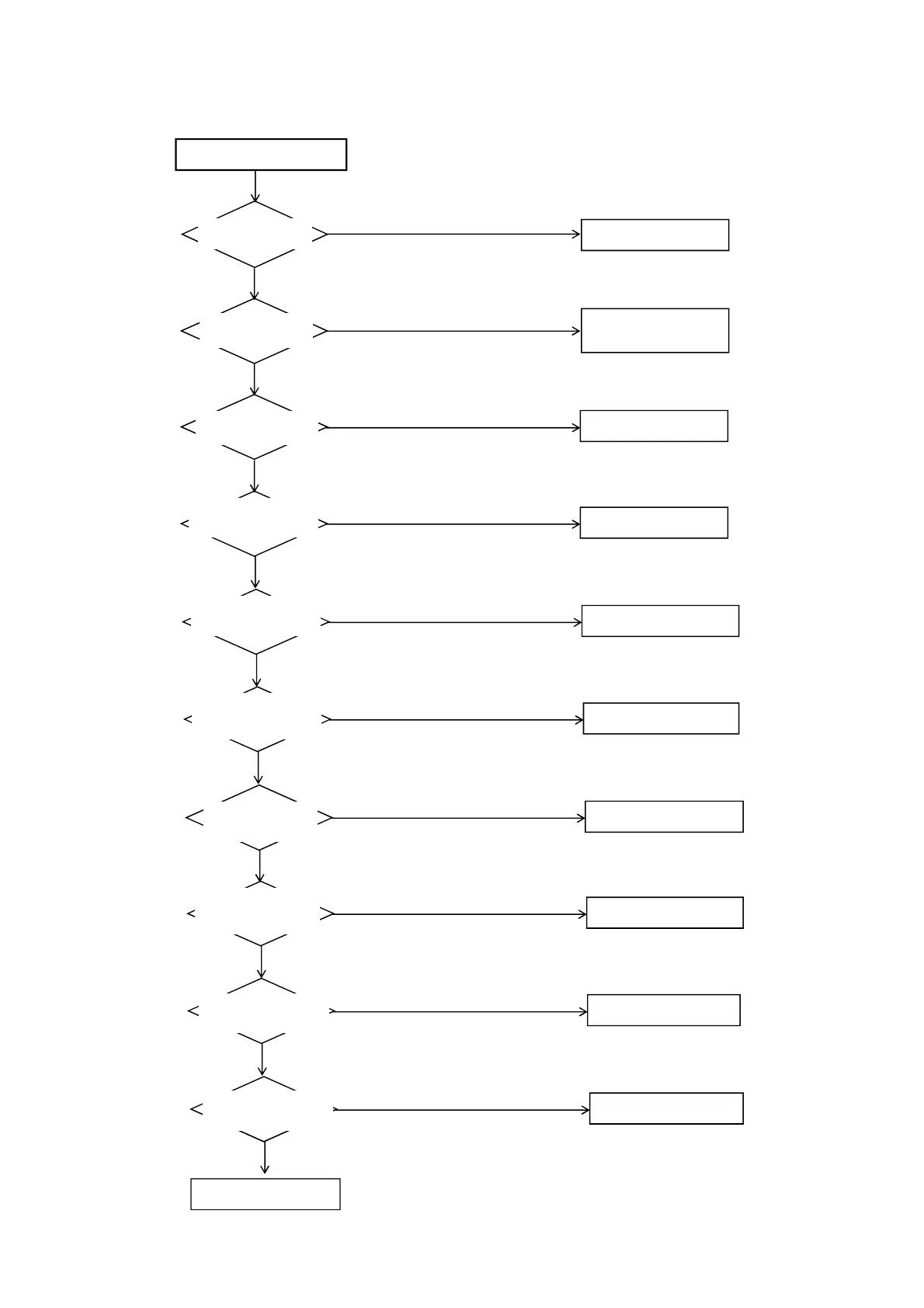
POWER DOES NOT TURN ON
Is F3801 broken ?
Is there voltage C3814
100 - 300 V ?
Is R3825 broken ?
Change F3801.
Check D3811,D3814,D3815.
Yes
No
Change R3825.
No
Yes
Yes
Yes
Is there voltage 16 V at pin
4 of IC3801 ?
Check IC3801 and peripheral
circuit.
No
No
Yes
Is there voltage 6 V at
D3820 ?
Change IC3801.
No
Yes
Is there voltage 400 V at
C3846 ?
Check D3827,Q3816 and
peripheral circuit.
.
No
Yes
Is F3803 broken ?
Change F3803.
No
Yes
Is there voltage 3.5 V
at pin 4 of IC3804 ?
Check IC3804 and peripheral
circuit.
No
Yes
Is there voltage 230 V
Q3817 ?
Check Q3817 and Q3818
and peripheral circuit.
No
Yes
Is there voltage 110 V at
C7007 ?
Check D7001, Q7001,Q7009
and peripheral circuit.
No
Change POWER PCB.
E-1

Related product manuals