29
QuickBooks®
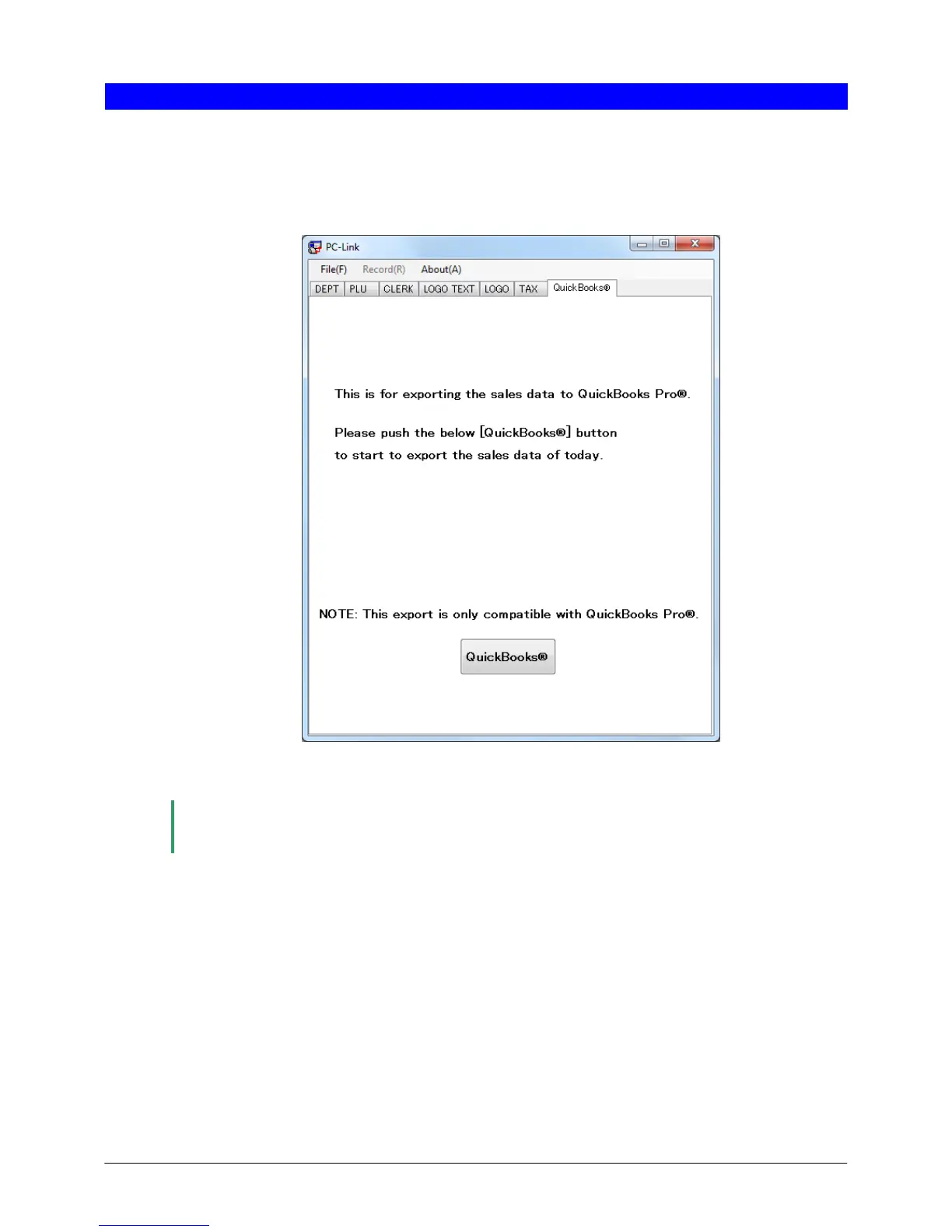
You can send sales data from the cash register to QuickBooks
®
Pro via an SD memory card. To open the
QuickBooks® screen, click [QuickBooks®] in the main window of Customer Support Tool.
● Appearance and details of the QuickBooks® screen
(1) QuickBooks®
To send sales data from the cash register to QuickBooks
®
Pro, click [QuickBooks®].
Note
Before using this function, install QuickBooks
®
Pro 2010 or QuickBooks
®
Pro 2011 on the computer
on which you are using Customer Support Tool.
(1)












 To Next Page