13
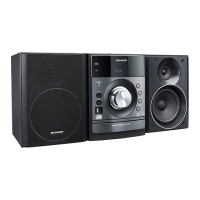
XL-DV60
General Information
" Icons used on DVD discs
Check the icons of the DVD jacket before playing your discs.
" Discs that cannot be played
Notes:
! The discs above cannot be played at all, or no sound is heard
although images appear on the screen or vice versa.
! Faulty playback may damage the speakers and can have an
adverse effect on your hearing when played at high volume set-
tings.
! You cannot play illegally produced discs.
! A disc with scratches or fingerprints may not play properly. Refer
to "Care of discs" (page 54) and clean the disc.
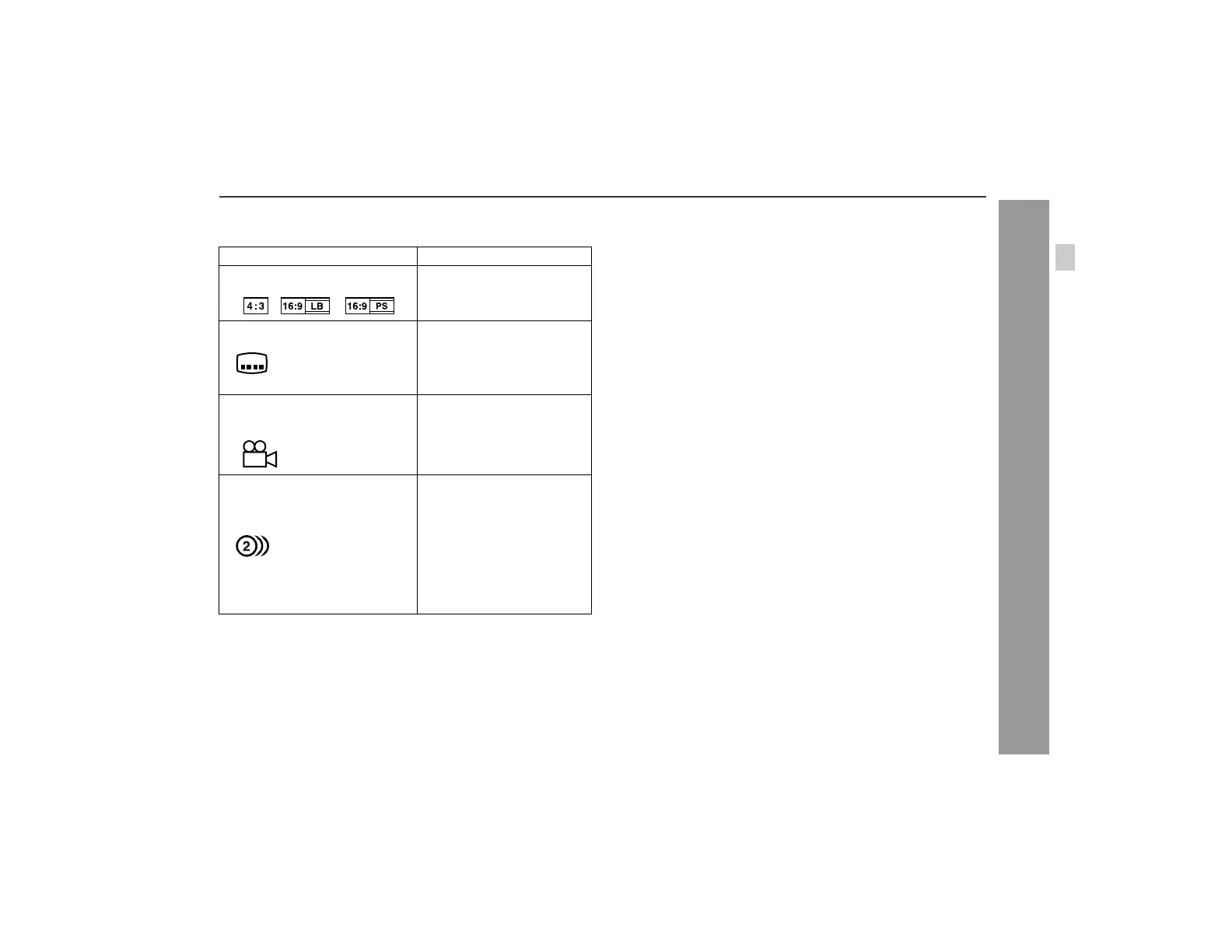
Display Description
Format recorded on the DVD Select a type according to the
connected TV type.
Type of subtitles recorded Recorded subtitle languages.
Example: You can select a subtitle lan-
guage.
1. English
2. German
Number of camera angles Number of angles recorded on
the DVD.
You can view scenes from dif-
ferent angles.
Number of audio tracks and au-
dio recording systems
The number of audio tracks
and audio recording systems
are indicated.
Example:
1: Original <English>
(Dolby Digital 5.1 Sur-
round)
! You can change the audio
language.
! Audio and recording sys-
tem vary depending on the
DVD. Check them in the
DVD's manual.
2. German (Dolby Dig-
ital 2 ch)
2
2
! DVDs without the region num-
ber "1" or "ALL".
! DVD-Audio
! CDG
! DVDs with SECAM system ! Photo CD
! DVDs with MPEG sound ! CD-ROM
! DVD-ROM ! SACD
! DVD-RAM ! Discs recorded in special for-
mats, etc.


 To Next Page