EasyManua.ls Logo

Sharp XL-DH10NH - User Manual

Sharp XL-DH10NH
32 pages
Print Icon
To Next Page IconTo Next Page
Loading...
XL-DH10N 20H_EN ES
2009August10
Se reporter aux pages i à viii et F-1 à F-22.
FRANÇAIS
Consulte las páginas i a viii y S-1 a S-22.
ESPAÑOL
Please refer to pages i to viii and E-1 to E-22.
ENGLISH
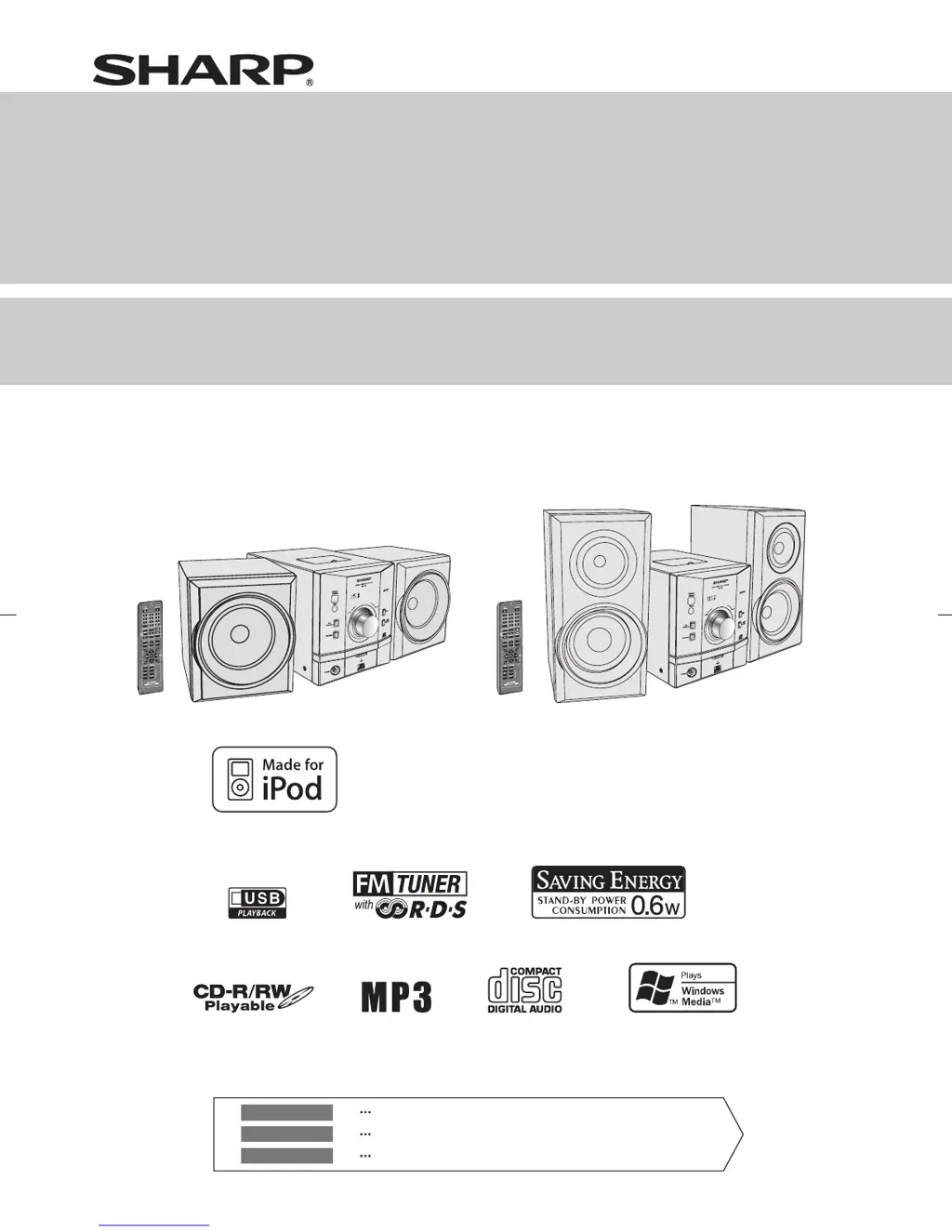
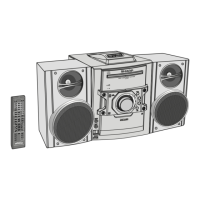
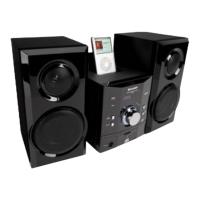
XL-DH10NH XL-DH20NH
C
D
U
S
B
M
U
T
E
M
U
T
E
C
L
O
C
K
/
T
I
M
E
R
C
L
O
C
K
/
T
I
M
E
R
T
U
N
I
N
G
/
F
OL
D
E
R
A
U
X
A
U
X
P
T
Y
P
T
Y
R
D
S
R
D
S
C
D
U
S
B
M
U
T
E
M
U
T
E
C
L
O
C
K
/
T
I
M
E
R
C
L
O
C
K
/
T
I
M
E
R
T
U
N
I
N
G/
F
OL
D
E
R
A
U
X
A
U
X
P
T
Y
P
T
Y
R
D
S
R
D
S
iPod is a trademark of Apple Inc., registered in the
U.S. and other countries.
MODEL
MODELO
MODÈLE
XL-DH10NH
XL-DH20NH
MICRO COMPONENT SYSTEM
SISTEMA MICRO
MICRO-CHAÎNE
OPERATION MANUAL
MANUAL DE MANEJO
MODE D’EMPLOI

Questions and Answers

  • J
    Jordan Clay DVMAug 11, 2025
    Why is there no sound coming from my Sharp XL-DH10NH?
    • A
      Andre FosterAug 12, 2025
      If your Sharp Stereo System produces no sound, check a few things: * Ensure the volume isn't set to “0”. * Make sure headphones are not connected. * Verify that the speaker wires are properly connected.
  • D
    Debra SummersAug 17, 2025
    What to do if playback stops in the middle on Sharp XL-DH10NH Stereo System?
    • J
      Jason HamiltonAug 17, 2025
      If playback stops unexpectedly or isn't working right on your Sharp Stereo System, check the following: Ensure the disc is loaded correctly (not upside down), meets the required standards, and isn't damaged (distorted or scratched). Also, make sure the unit isn't near excessive vibrations, the disc is clean, and there's no condensation inside the unit.
  • T
    Tyler StricklandAug 23, 2025
    What to do if Sharp XL-DH10NH Stereo System playback does not start?
    • G
      Gina CarrilloAug 23, 2025
      If playback doesn't start on your Sharp Stereo System, make sure the disc isn't loaded upside down, meets the required standards, and isn't distorted or scratched.
  • D
    Diane YorkAug 29, 2025
    What to do if Sharp Stereo System does not respond when a button is pressed?
    • J
      jason36Aug 29, 2025
      If your Sharp Stereo System isn't responding when you press a button, try setting the unit to power stand-by mode and then turning it back on. If it still doesn't work, reset the unit. Refer to page 21 for instructions on resetting.
  • O
    ocookSep 4, 2025
    How to clean the laser pickup lens on my Sharp Stereo System when the CD does not function?
    • D
      Derek EvansSep 4, 2025
      If the CD on your Sharp Stereo System isn't working, dust or foreign matter may have built up on the laser pickup lens. Ensure the lens is clean. If it isn't, gently clean it using a lens cleaning tissue and a small amount of isopropyl alcohol.

Sharp XL-DH10NH Specifications

General IconGeneral
BrandSharp
ModelXL-DH10NH
CategoryStereo System
LanguageEnglish

Related product manuals