Figure 17 Selecting an ERC20 token for sending
You will see your selected ERC20 token in the “Amount to Send” box in the “Send Ether &
Tokens” screen, but only if you actually have that particular token in your balance. Sending is
the same as for sending Ether.
Using an Ethereum Classic Wallet
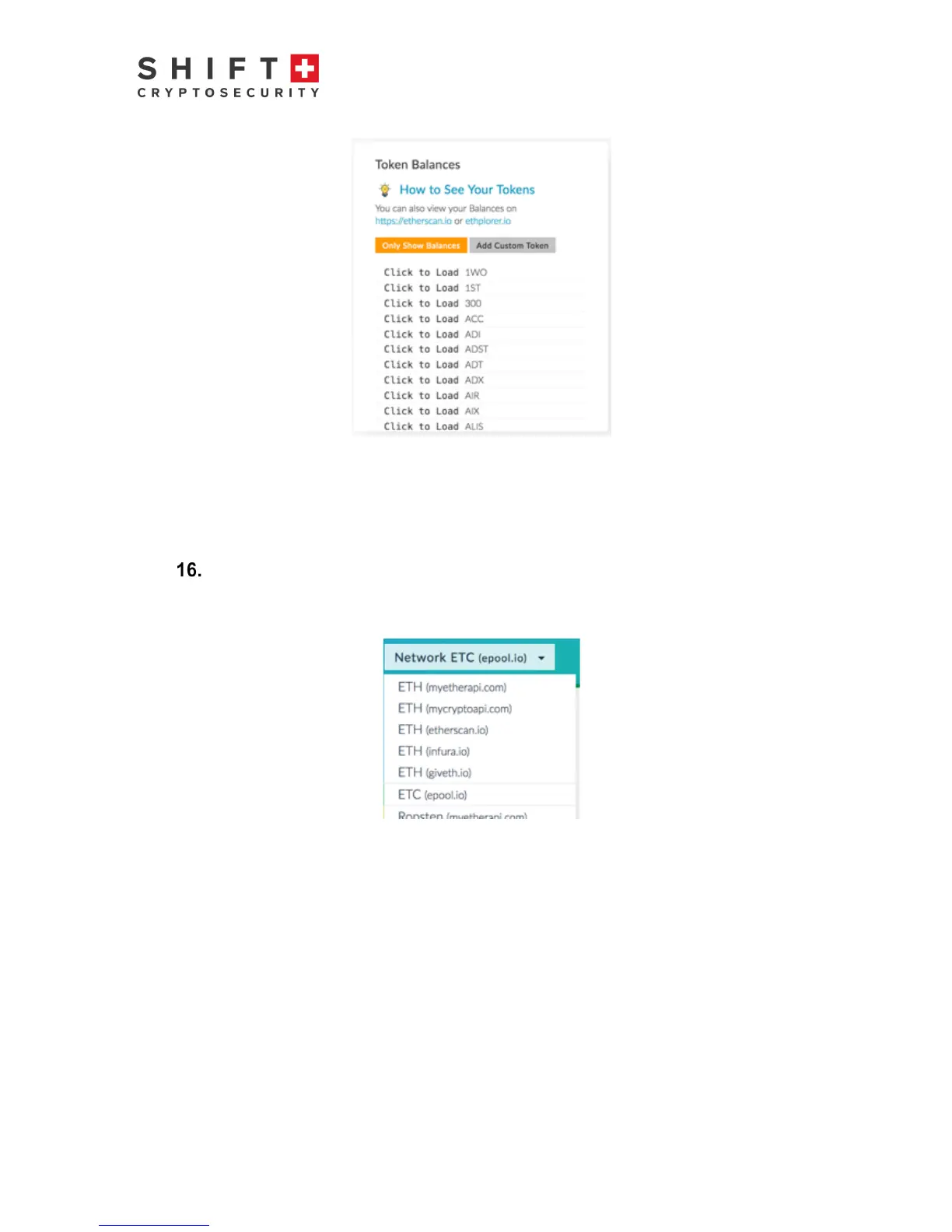
To send and receive Ethereum Classic, via the pulldown menu in the upper right, select
“ETC”.
Figure 18: selecting an Ethereum Classic Wallet
The rest of the process is identical as for Ether Wallet described previously.



 To Next Page