Introduction
Thank you for purchasing the Digital BitBox (“BitBox”). Designed and produced in
Switzerland, your BitBox hardware wallet gives you the highest level of security for your
cryptocurrencies in a compact, discrete and robust design. The BitBox is the most
secure way to manage your cryptocurrencies because your private keys that unlock
access to your coins and transaction history are not accessible via the internet or
external devices: they NEVER leave the BitBox (“cold storage”, the equivalent of an
electronic vault). This is not the case with software wallets or cryptocurrency exchanges
where the exchange and not you are in control of your private keys.
The BitBox supports Bitcoin, Ether (ETH, ETC and ERC20 tokens via
myetherwallet.com) and Litecoin (via electrum-ltc.org) . More coins are continuously
added, check the Shift website for the latest firmware and information about coin
support. Note that the first part of this guide describes the BitBox used as a Bitcoin
wallet. For Ethereum (ETH), Ethereum Classic (ETC) and ERC20 tokens, first setup a
wallet using the BitBox desktop app. Then refer to the “Using an Ether Wallet“ section of
this guide.
Initializing your BitBox automatically creates a backup of the wallet on the micro SD
card. Be sure to remember the password! Without it, your funds are permanently lost.
Once initialized, the micro SD card should then be stored separately in a secure location
away from the BitBox. Should you lose or damage your BitBox, your wallet can be
recovered, including access to all funds and transactions, from the micro SD backup
card in combination with the password. Note that if your micro SD backup card is stolen,
it does not contain sufficient information for an attacker to recover your wallet or access
your funds. This is a major differentiator from other hardware wallets which require you
to write down a passphrase when setting up the device – this passphrase can be stolen,
photographed or copied giving an attacker full access to your funds.
You can view a tutorial video here.
A third party video tutorial can be viewed here and here.
What’s inside the package?
The package delivered to you from Shift Cryptosecurity contains two electronic
components:
• The BitBox hardware cryptocurrency wallet with USB-A, Micro SD interfaces
and built-in touch-sensitive LED.
• Micro SD backup card
Inserting the micro SD card
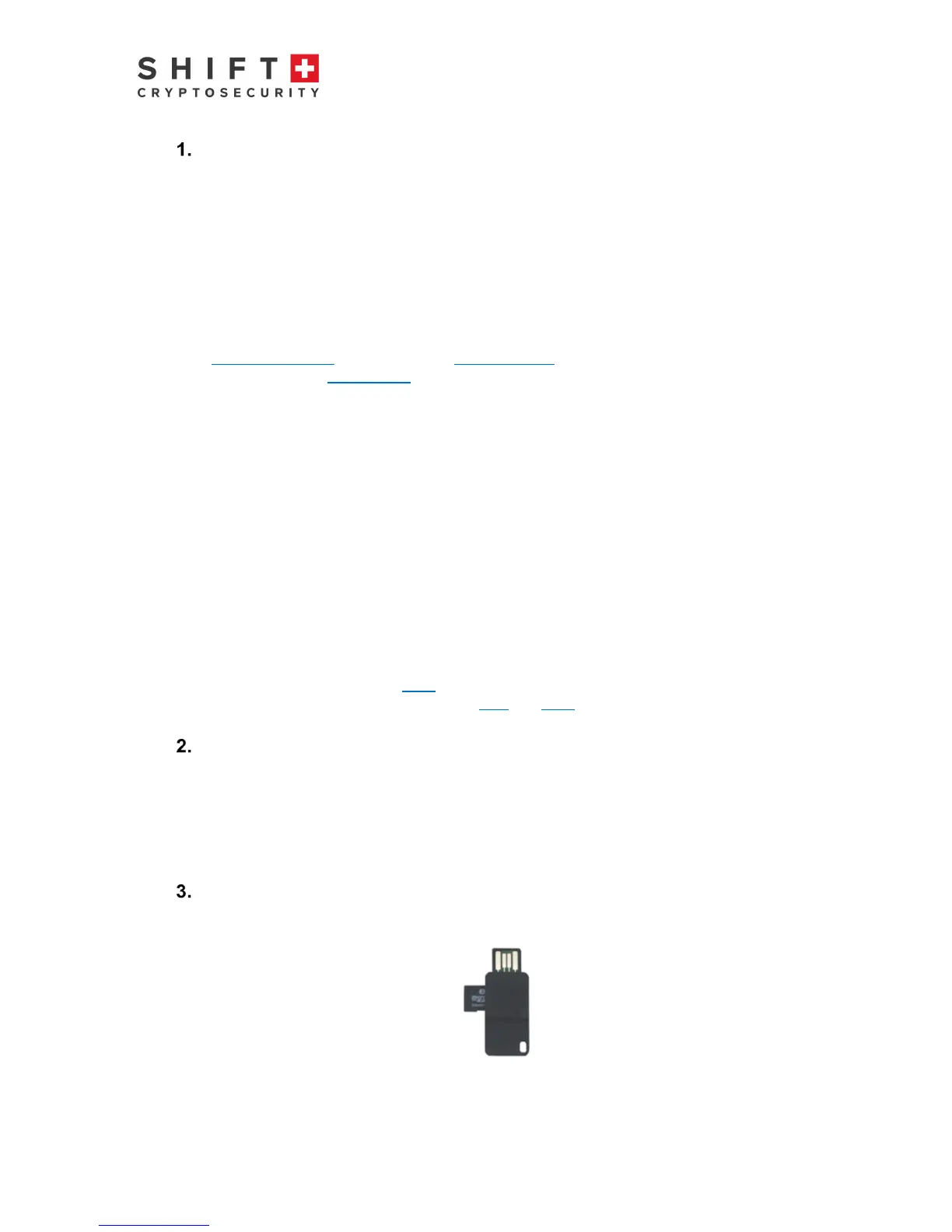
The first step is to insert the micro SD card into the BitBox. The devices should be
orientated according to this picture:
Figure 1: BitBox with backup Micro SD card inserted



 To Next Page