EasyManua.ls Logo

Shimadzu AP225WD-AD - User Manual

Shimadzu AP225WD-AD
169 pages
Print Icon
To Next Page IconTo Next Page
Loading...
SHIMADZU
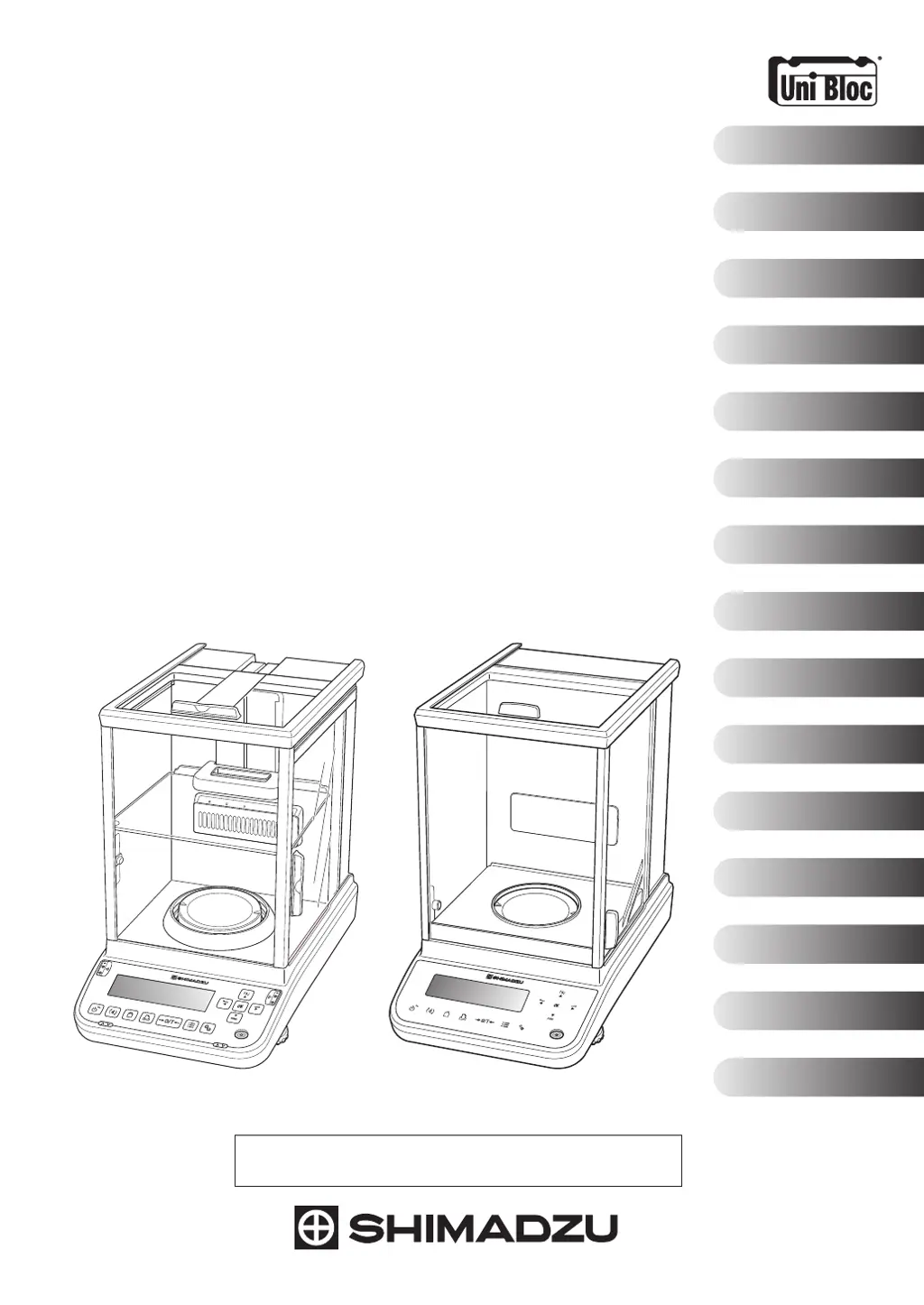
Analytical Balance
Instruction Manual
321-78382
Oct. 2021
Read the instruction manual thoroughly before you use the product.
Keep this instruction manual for future reference.
1
3
5
2
4
6
7
8
12
13
9
10
11
Foreword
Table of Contents
Setup
Component Names
and Functions
Display and Icons
Basic Operations
Calibration
Settings
Applications
Ionizer
Connecting and Communicating
with Peripheral Devices
Errors and Recovery
Maintenance
Specifications
Technical
Documentation
AP W Series
AP225W
AP135W
AP225WD
AP125WD
AP324W
AP224W
AP124W
AP X Series
AP324X
AP224X
AP124X
AP Y Series
AP324Y
AP224Y
AP124Y
AP W-AD Series
AP225W-AD
AP135W-AD
AP225WD-AD
AP125WD-AD
AP324W-AD
AP224W-AD
POWER
ION
ALARM

Table of Contents

Questions and Answers

  • M
    Michael GrayAug 9, 2025
    What to do if the serial communication function doesn't work with a USB serial converter on Shimadzu Laboratory Equipment?
    • J
      John PotterAug 9, 2025
      First, verify that the correct COM number has been set in the Windows settings. If the issue persists, the driver provided with the USB serial converter may not be set up correctly. Please refer to the Shimadzu website for details on checking/changing the COM number and setting up the driver.
  • E
    Edward PenningtonAug 15, 2025
    Why doesn't the serial communication function work after rebooting the PC with Shimadzu AP225WD-AD Laboratory Equipment?
    • G
      Gary TrujilloAug 15, 2025
      The serial communication function cannot be used if Balance Keys has not been started up. For details on Balance Keys, refer to the Shimadzu website.
  • A
    aramosAug 22, 2025
    What to do if the cells are not transferred when entering data on Excel with Shimadzu AP225WD-AD Laboratory Equipment?
    • J
      James CarrilloAug 22, 2025
      This issue may occur if Excel is not set to move cells after pressing the Enter key. To resolve this, in Excel, go to File > Options > Advanced Settings, and enable 'Move cell after pressing the [Enter] key.' Also, ensure that the Japanese conversion function in Windows is set to OFF, as this can interfere with data transfer.
  • S
    Stephanie CampbellAug 28, 2025
    Why do operations sometimes seem strange with Shimadzu AP225WD-AD Laboratory Equipment?
    • R
      Ralph LambertAug 28, 2025
      Strange operations can occur if the communication speed is set too slow in Balance Keys, depending on your PC's performance. Adjust the communication speed to align with your PC's capabilities. Also, if the interval for transmitting data from the balance is too short, it can cause malfunctions. Ensure data is transmitted after it has been displayed on the screen and avoid using the continuous output function. Additionally, ensure nothing is touching the PC keyboard or mouse when data is being transmitted from the balance.
  • T
    Tina BenitezSep 3, 2025
    What to do if garbled text is loaded onto the PC from Shimadzu AP225WD-AD Laboratory Equipment?
    • M
      Mr. Steven SandersSep 3, 2025
      If garbled text appears on your PC, the serial communication function settings on either the balance or the PC are likely incorrect. Reset these settings to resolve the issue.

Summary

Setup

Adjusting Balance Level

Step-by-step guide for adjusting the horizontal level using the balance's level screws.

Component Names and Functions

Basic Operations

Standard Measurement and Ending Procedures

Covers standard measurement process, including taring, weighing, and ending measurements.

Menu Navigation and Input Methods

Guides users on how to navigate menus, select functions, and enter data.

Calibration

CAL Key Settings and Calibration Methods

Overview of available calibration functions and how to register them to the CAL key.

Internal Weight Calibration and Tests

Procedures for adjusting and testing balance accuracy using internal weights.

External Weight Calibration and Tests

Procedures for adjusting and testing balance accuracy using external weights.

Perfect Self Calibration (PSC) Settings

Configuration for automatic sensitivity adjustment based on temperature fluctuations.

Settings

Taring and Zero Point Adjustments

Covers zero tracking, auto zero, auto tare, and zero/tare timing functions.

Stability and Response Adjustment

Methods for adjusting balance stability and response for optimal weighing conditions.

Menu Management and Security

Covers menu reset, preventing amendments (menu lock), log-in, user management, and passwords.

Applications

Specific Gravity and Density Measurements

Procedures for measuring specific gravity of solids and density of liquids.

Statistical Calculation

Explains how to perform statistical calculations on measurement data.

Comparator Function Modes

Details target measurement and pass/fail evaluation modes for quality control.

Ionizer

Connections and Communications with External Equipment

Useful Data Output Functions

Explains Auto-Print, Interval Timer, GLP output, and print details.

USB Device Connectivity and Operations

Details connecting USB keyboards, barcode readers, and saving data to USB memory.

Errors and Recovery

Troubleshooting Common Problems

Lists common problems, their causes, and recovery steps for balance operation issues.

Maintenance

Shimadzu AP225WD-AD Specifications

General IconGeneral
BrandShimadzu
ModelAP225WD-AD
CategoryLaboratory Equipment
LanguageEnglish

Related product manuals