EasyManua.ls Logo

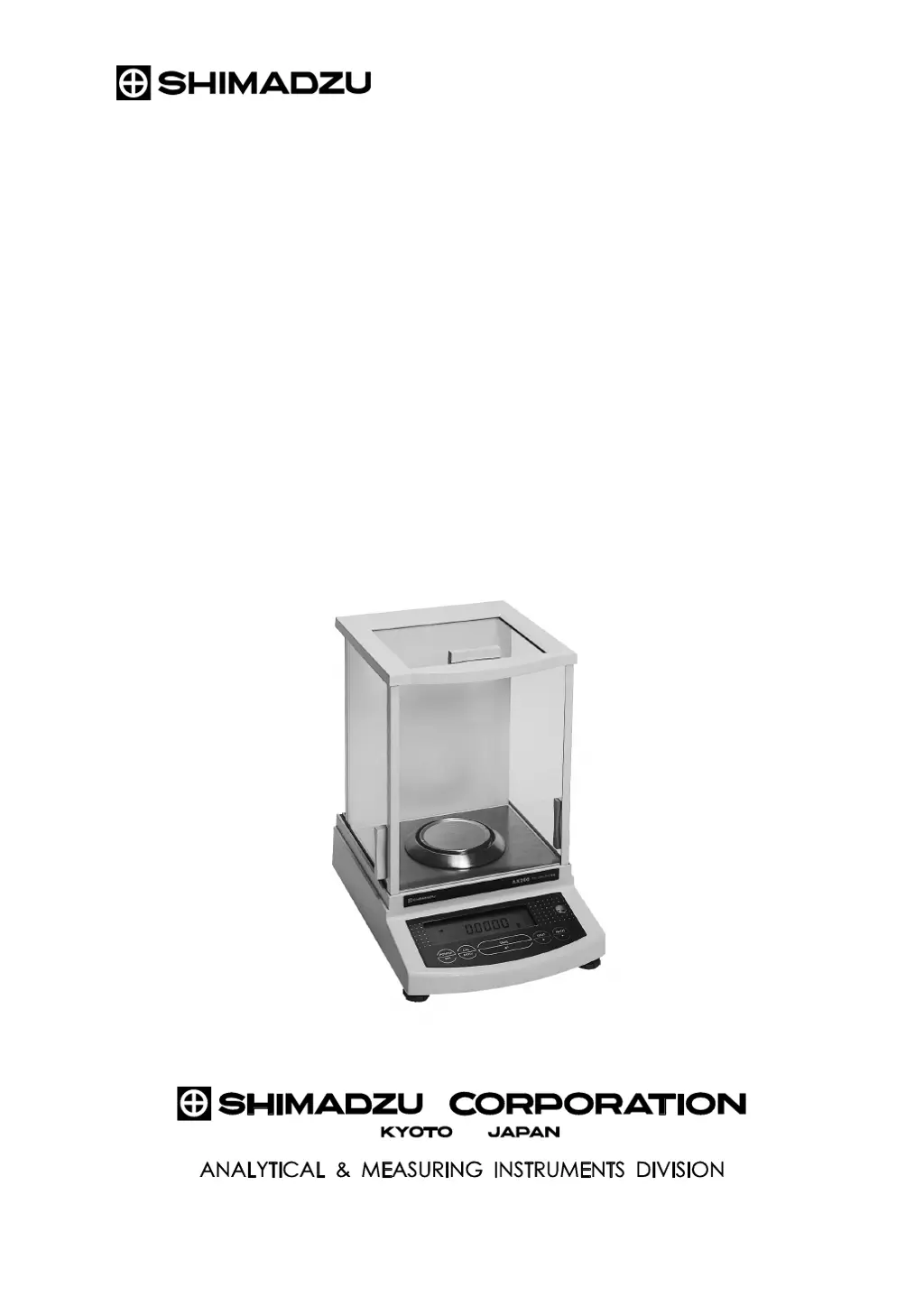
Shimadzu AX120 - User Manual

Shimadzu AX120
72 pages
Print Icon
To Next Page IconTo Next Page
Loading...
M054-E093J
Instruction Manual
for
Electronic Balance
AW series AW320, AW220, AW120
AX series AX200, AX120
AY series AY220, AY120, AY62

Table of Contents

Questions and Answers

  • B
    Brett NewtonAug 9, 2025
    What does 'CAL E2' mean on my Shimadzu Scales?
    • M
      Mary TranAug 9, 2025
      If your Shimadzu Scales displays 'CAL E2', it means something was on the pan during span calibration. Remove the item and wait for the span calibration to restart.
  • C
    Christopher JonesAug 15, 2025
    How to troubleshoot a Shimadzu Scales with a blank display?
    • E
      Emily JacksonAug 15, 2025
      If nothing appears on the display of your Shimadzu Scales, first ensure that the AC adapter is properly connected. If it is, check that the power supply is turned on.
  • C
    carrolljamesAug 20, 2025
    Why does the display on my Shimadzu Scales fluctuate?
    • T
      timothy42Aug 21, 2025
      If your Shimadzu Scales display is fluctuating, here are a few things to consider: * The balance might be experiencing vibration or drafts. Try relocating it. * If weighing a volatile sample, use a lid. * If the sample is charged, place it in a metallic container. * Ensure the sample's temperature matches the weighing chamber's. * Separate the balance from any electrical noise or electromagnetic waves. * If air currents are present, keep the weighing chamber door slightly open when not in use.
  • B
    Brad LeAug 27, 2025
    What to do if my Shimadzu Scales displays 'Err 20'?
    • C
      chamberschristinaAug 28, 2025
      If the Shimadzu Scales displays 'Err 20', it indicates that an incorrect value has been entered. Review the numeric value you entered and correct it.
  • G
    Gary GrimesSep 2, 2025
    What does 'Err24' mean on my Shimadzu Scales and how do I fix it?
    • J
      Jon KnightSep 2, 2025
      If your Shimadzu Scales displays 'Err24', this indicates low battery pack voltage. You should charge the battery pack.

Summary

Safety Precautions and Warnings

Danger Levels: WARNING vs. CAUTION

Explains the meaning of WARNING and CAUTION symbols for safe use.

Action and Prohibition Symbols

Defines symbols indicating mandatory actions or prohibitions for safe use.

Balance Installation Guide

Installation Site and Power Requirements

Specifies ideal environmental conditions and power supply specifications for installation.

Step-by-Step Installation Procedure

Detailed instructions for physically setting up the balance and connecting it.

Initial Balance Operations

Performing Measurements

Preparation and Mode Setting

Steps to prepare the balance and set the correct measuring mode.

Navigating the Balance Menu System

Standard Span Calibration Guide

External Weight Calibration Settings

Built-in Weight Calibration Procedure

Automatic Span Calibration (PSC)

Clock-CAL Functionality (AW Series)

Time Setting for AW;AX Series

Balance Performance Checks

Repeatability Testing Procedure

Corner Load Error Analysis

Troubleshooting Guide

Error Message Reference and Solutions

A comprehensive list of error codes, their meanings, and how to resolve them.

Technical Specifications Summary

Setting Up Windows Direct Data Transfer

Troubleshooting WindowsDirect Communication Issues

Initial Balance Installation and Setup

Level Adjustment Procedure

Steps to ensure the balance is properly leveled for accurate operation.

Span Calibration Procedures

AW;AX Series Span Calibration Steps

Detailed procedure for performing span calibration on AW/AX models.

AY Series Span Calibration Steps

Detailed procedure for performing span calibration on AY models.

Shimadzu AX120 Specifications

General IconGeneral
Maximum Capacity120 g
Readability0.1 mg
DisplayLCD
Power SupplyAC adapter
Repeatability±0.1 mg
Linearity±0.2 mg
Response TimeApprox. 3 seconds
InterfaceRS-232C
Operating Temperature5°C to 40°C
Pan Size80 mm diameter
CalibrationExternal

Related product manuals