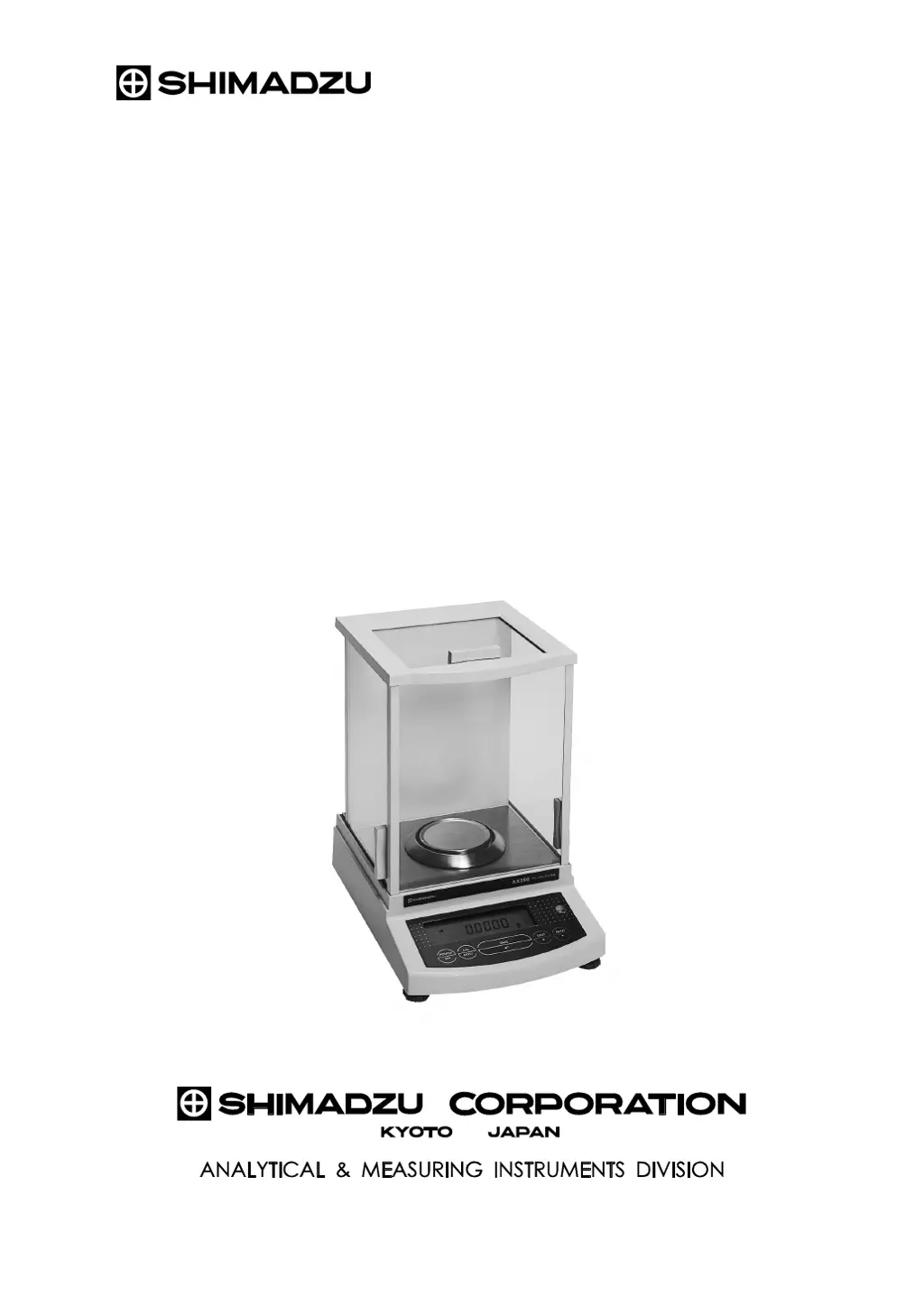
What does 'CAL E2' mean on my Shimadzu Scales?
- TTyler WilliamsAug 9, 2025
If your Shimadzu Scales displays 'CAL E2', it means something was on the pan during span calibration. Remove the item and wait for the span calibration to restart.
What does 'CAL E2' mean on my Shimadzu Scales?
If your Shimadzu Scales displays 'CAL E2', it means something was on the pan during span calibration. Remove the item and wait for the span calibration to restart.
How to troubleshoot a Shimadzu Scales with a blank display?
If nothing appears on the display of your Shimadzu Scales, first ensure that the AC adapter is properly connected. If it is, check that the power supply is turned on.
Why does the display on my Shimadzu Scales fluctuate?
If your Shimadzu Scales display is fluctuating, here are a few things to consider: * The balance might be experiencing vibration or drafts. Try relocating it. * If weighing a volatile sample, use a lid. * If the sample is charged, place it in a metallic container. * Ensure the sample's temperature matches the weighing chamber's. * Separate the balance from any electrical noise or electromagnetic waves. * If air currents are present, keep the weighing chamber door slightly open when not in use.
What to do if my Shimadzu Scales displays 'Err 20'?
If the Shimadzu Scales displays 'Err 20', it indicates that an incorrect value has been entered. Review the numeric value you entered and correct it.
What does 'Err24' mean on my Shimadzu Scales and how do I fix it?
If your Shimadzu Scales displays 'Err24', this indicates low battery pack voltage. You should charge the battery pack.
Explains the meaning of WARNING and CAUTION symbols.
Lists critical instructions and prohibitions for safe operation.
Step-by-step guide for setting up the balance.
Performing calibration using built-in or external weights.
Methods for verifying span calibration accuracy.
Configuring the balance for automatic calibration based on conditions.
Diagnosing and resolving issues with balance operation.
Explains specific error codes and their corrective actions.
Explains the meaning of WARNING and CAUTION symbols.
Lists critical instructions and prohibitions for safe operation.
Step-by-step guide for setting up the balance.
Performing calibration using built-in or external weights.
Methods for verifying span calibration accuracy.
Configuring the balance for automatic calibration based on conditions.
Diagnosing and resolving issues with balance operation.
Explains specific error codes and their corrective actions.
| Capacity | 120 g |
|---|---|
| Readability | 0.1 mg |
| Power Supply | AC adapter |
| Interface | RS-232C |
| Pan Size | ø80mm |
| Calibration | Automatic calibration |
| Display | LCD |
| Operating Temperature | 5°C to 40°C |