https://shimano-steps.com/
100 101
https://shimano-steps.com/
E6000 MANUALE8000 CONCEPT E8000 MANUAL E6000 CONCEPT
Trouble Shooting for Each Fuction/Unit
Assist function
Symptom Cause / Possibility Remedy
Assistance is not being
provided.
Is the battery sufficiently charged?
Check the battery charge. If the battery is nearly
spent, recharge it.
Are you riding on long slopes in summer
weather or riding for a long time carrying a
heavy load?
The battery may be overheating.
Turn off the power, wait for a while and then
check once more.
The drive unit (DU-E8000), cycle computer
(SC-E8000 / SC-E6010) or assist switch
(SW-E8000-L / SW-E6000 / SW-E6010) may be
connected incorrectly or there may be a problem
with one or more of them.
Contact the place of purchase.
Is the speed too high?
Check the cycle computer display.
Assistance is not provided at speeds of 25 km/h
or more.
Assistance is not being
provided.
Are you pedaling?
The bicycle is not a motorbike, so you need to
operate the pedals.
Is the assist mode set to [OFF]?
Set assist mode to a mode other than [OFF].
If you still do not feel that assistance is being
given, contact the place of purchase.
Is the system power ON?
If you have performed the steps below and still
do not feel the assistance, contact the place of
purchase.
<SC-E8000>
Press the battery power button to turn the
power ON.
<SC-E6010>
Press and hold the cycle computer power button
for 2 seconds, or press the battery power button
to turn the power ON.
Assist traveling distance
is too short.
The traveling distance may become shorter
depending on road conditions, the gear position
and total light usage time.
Check the battery charge. If the battery is nearly
spent, recharge it.
The battery characteristics will drop during
winter weather.
This is not a sign of a problem.
The battery is a consumable part. Repeated
recharging and long periods of use will cause the
battery to deteriorate (lose its performance).
If the distance that can be traveled on a single
charge is very short, replace the battery with a
new one.
Is the battery fully charged?
If the distance that can be traveled when the
battery is fully charged has decreased, the
battery may have degraded. Replace the battery
with a new one.
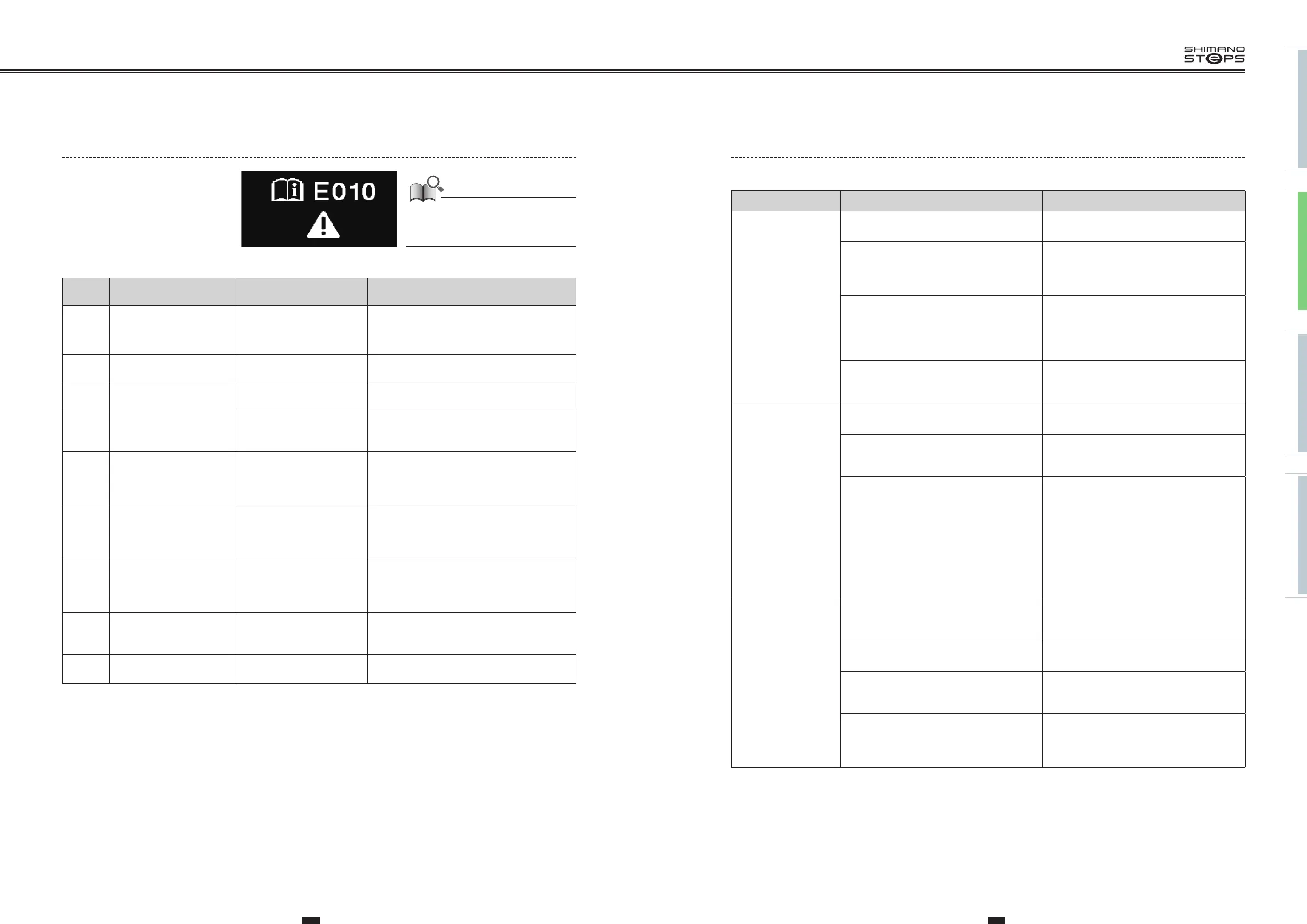
Error Message On The Cycle Computer
If an error message is displayed on the entire
screen, follow one of the procedures below to
reset the display.
•
Press the power button of the battery.
•
Remove the battery from the holder.
If resetting does not solve the problem or
the same problem occurs frequently, consult
an agency.
Code
Display
preconditions
Operational restriction when
an error is being displayed
Remedy
E010
A system error was
detected.
Power assistance is not
provided during riding.
Press the power button of the battery to turn it
on again.
If the situation does not improve, contact the
place of purchase.
E011
An error occurred in system
operation.
Power assistance is not
provided during riding.
Turn on the power again.
E013
An anomaly was detected
in the drive unit’s firmware.
Power assistance is not
provided during riding.
Contact the place of purchase or bicycle dealer.
E014
The speed sensor may have
been installed in the wrong
position.
Power assistance is not
provided during riding.
Contact the place of purchase or bicycle dealer.
E020
A communication error
between the battery and
drive unit was detected.
Power assistance is not
provided during riding.
Check that the cable between the drive unit and
battery is properly connected.
If the situation does not improve, contact the
place of purchase.
E021
Battery connected to drive
unit conforms with system
standards but is not
supported.
Power assistance is not
provided during riding.
Press the power button of the battery to turn it
on again.
If the situation does not improve, contact the
place of purchase.
E022
Battery connected to drive
unit does not conform with
system standards.
All system functions
shutdown.
Press the power button of the battery to turn it
on again.
If the situation does not improve, contact the
place of purchase.
E033
The current firmware is not
compatible with this
system.
Power assistance is not
provided during riding.
Connect to E-TUBE PROJECT, then update the
firmware for all units to the latest version.
E043
Part of the cycle computer’s
firmware may be damaged.
Power assistance is not
provided during riding.
Contact the place of purchase or bicycle dealer.


 To Next Page
 Loading...



