https://shimano-steps.com/
186 187
https://shimano-steps.com/
E6000 MANUALE8000 CONCEPT E8000 MANUAL E6000 CONCEPT
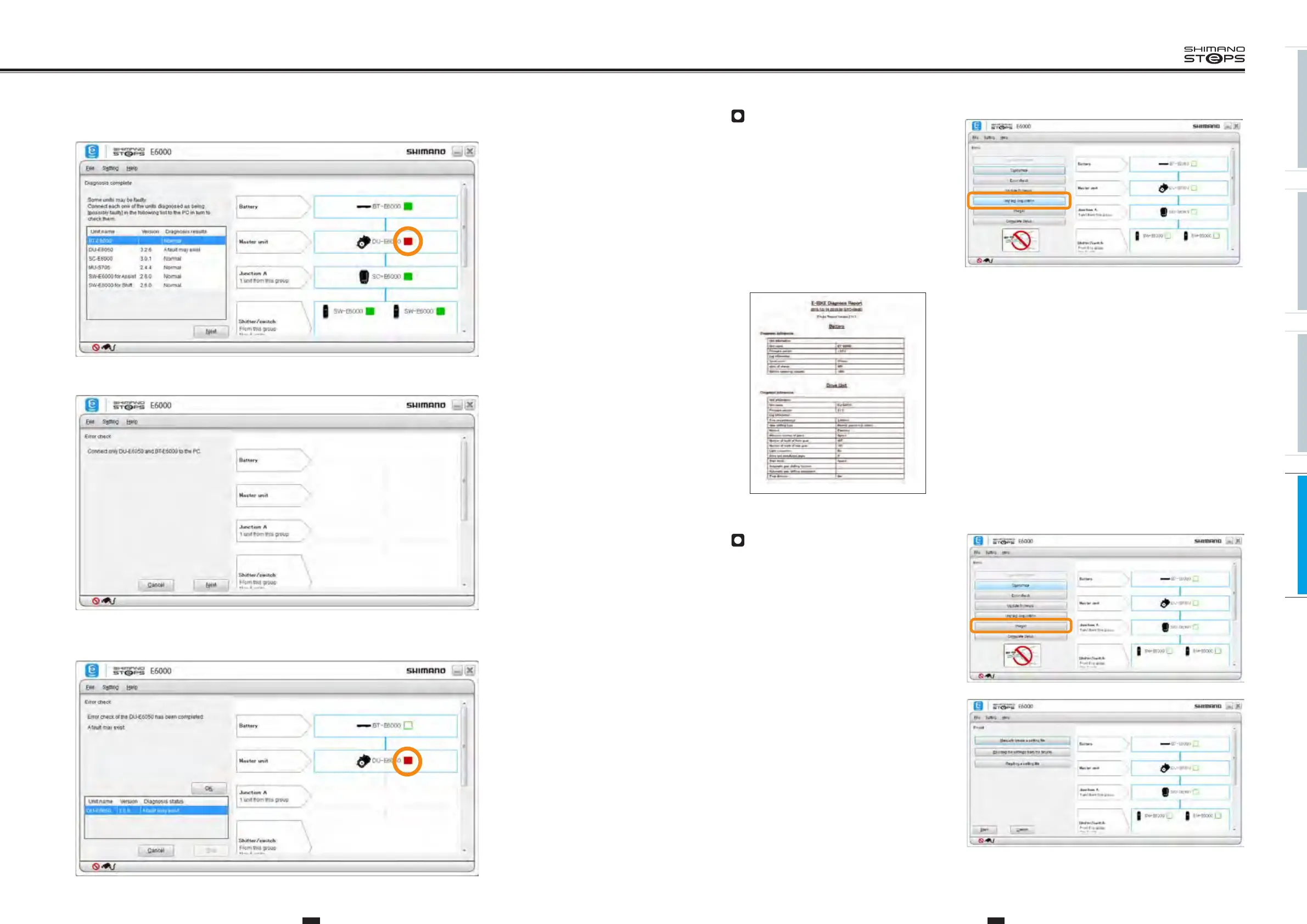
Unit Log Acquisition
Click [Unit log acquisition] on the main menu screen.
• Acquires various data from the connected units and displays them in a report format. The report is displayed in PDF format.
Preset
This function allows you to connect one or more units
and read or write all the settings of those units at the
same time. The readout settings can be saved in a file.
The settings can also be successively written to multiple
bicycles.
3. If there is no malfunction, this will be highlighted in green.
If a malfunction might occur, this will be highlighted in red.
4.
If a malfunction might occur, recheck using a single connection.
5.
If a malfunction still might occur even after rechecking, this will be highlighted in red.
Contact a SHIMANO distributor.






 To Next Page