39
Clock
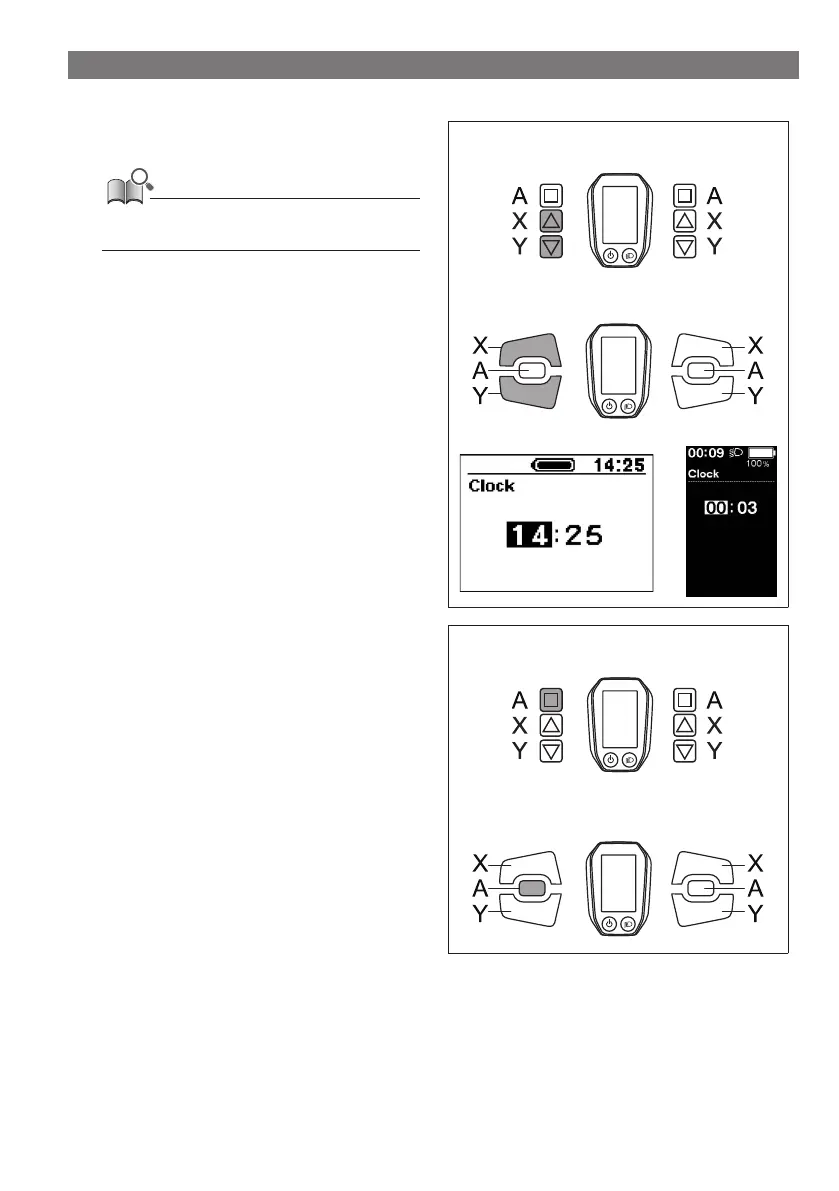
Configure the clock setting.
1.
Press the Assist-X or Assist-Y to set the hour.
Press Assist-X to increase the numbers.
Press Assist-Y to decrease the numbers.
< SW-E6000 >
Assist Shift
< SW-E6010 >
Assist Shift
< SC-E6000 > < SC-E6010 >
2.
Pressing the Assist-A enables the set value and moves
you to the minutes setting.
< SW-E6000 >
Assist Shift
< SW-E6010 >
Assist Shift








 To Next Page