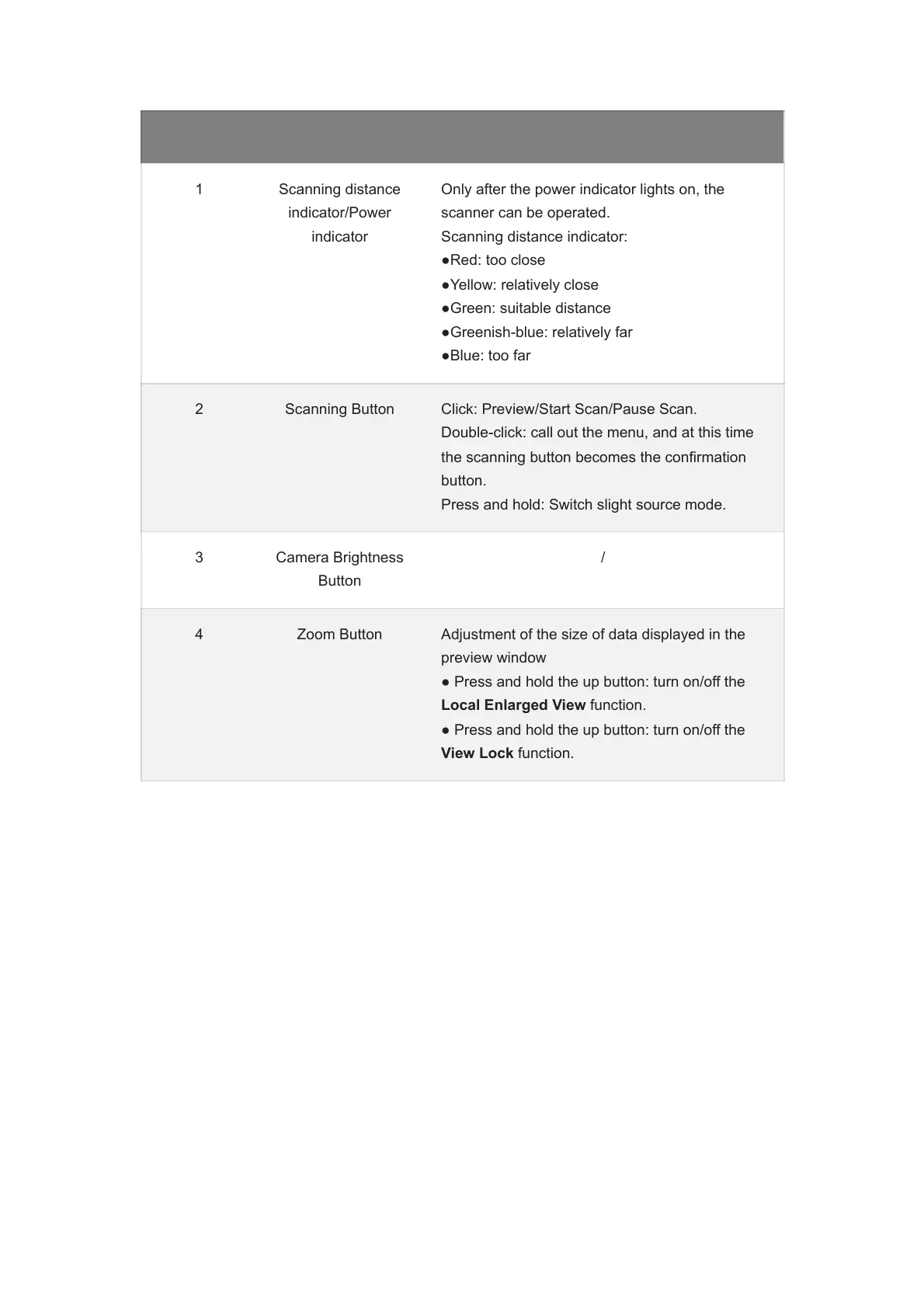
No. Name Description
1 Scanning distance
indicator/Power
indicator
Only after the power indicator lights on, the
scanner can be operated.
Scanning distance indicator:
●Red: too close
●Yellow: relatively close
●Green: suitable distance
●Greenish-blue: relatively far
●Blue: too far
2 Scanning Button Click: Preview/Start Scan/Pause Scan.
Double-click: call out the menu, and at this time
the scanning button becomes the confirmation
button.
Press and hold: Switch slight source mode.
3 Camera Brightness
Button
/
4 Zoom Button Adjustment of the size of data displayed in the
preview window
● Press and hold the up button: turn on/off the
Local Enlarged View function.
● Press and hold the up button: turn on/off the
View Lock function.














 To Next Page