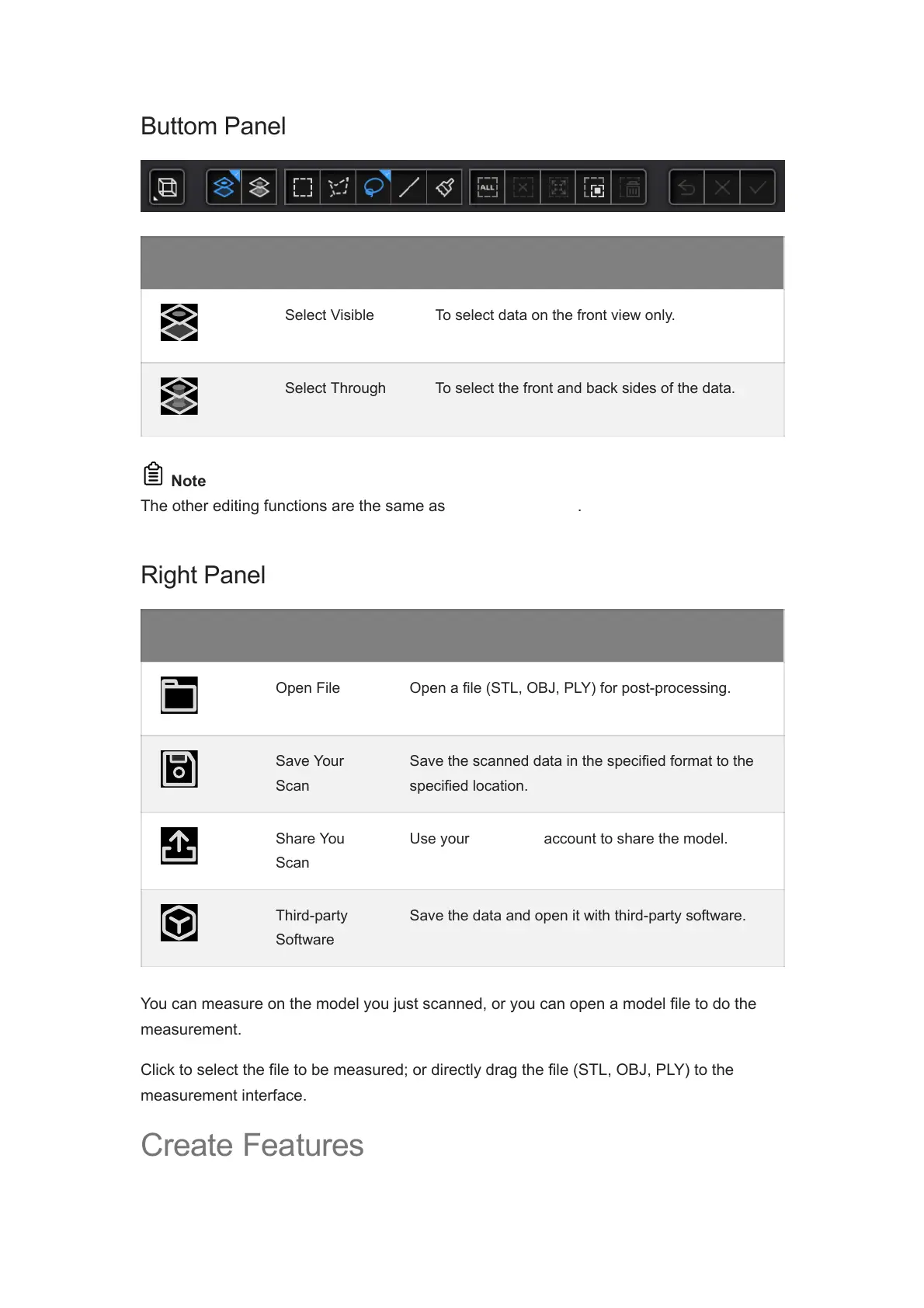
Icon Function Description
Select Visible To select data on the front view only.
Select Through To select the front and back sides of the data.
Note
The other editing functions are the same as point cloud editing.
Right Panel
Icon Function Description
Open File Open a file (STL, OBJ, PLY) for post-processing.
Save Your
Scan
Save the scanned data in the specified format to the
specified location.
Share You
Scan
Use your Sketchfab account to share the model.
Third-party
Software
Save the data and open it with third-party software.
You can measure on the model you just scanned, or you can open a model file to do the
measurement.
Click to select the file to be measured; or directly drag the file (STL, OBJ, PLY) to the
measurement interface.
Create Features














 To Next Page