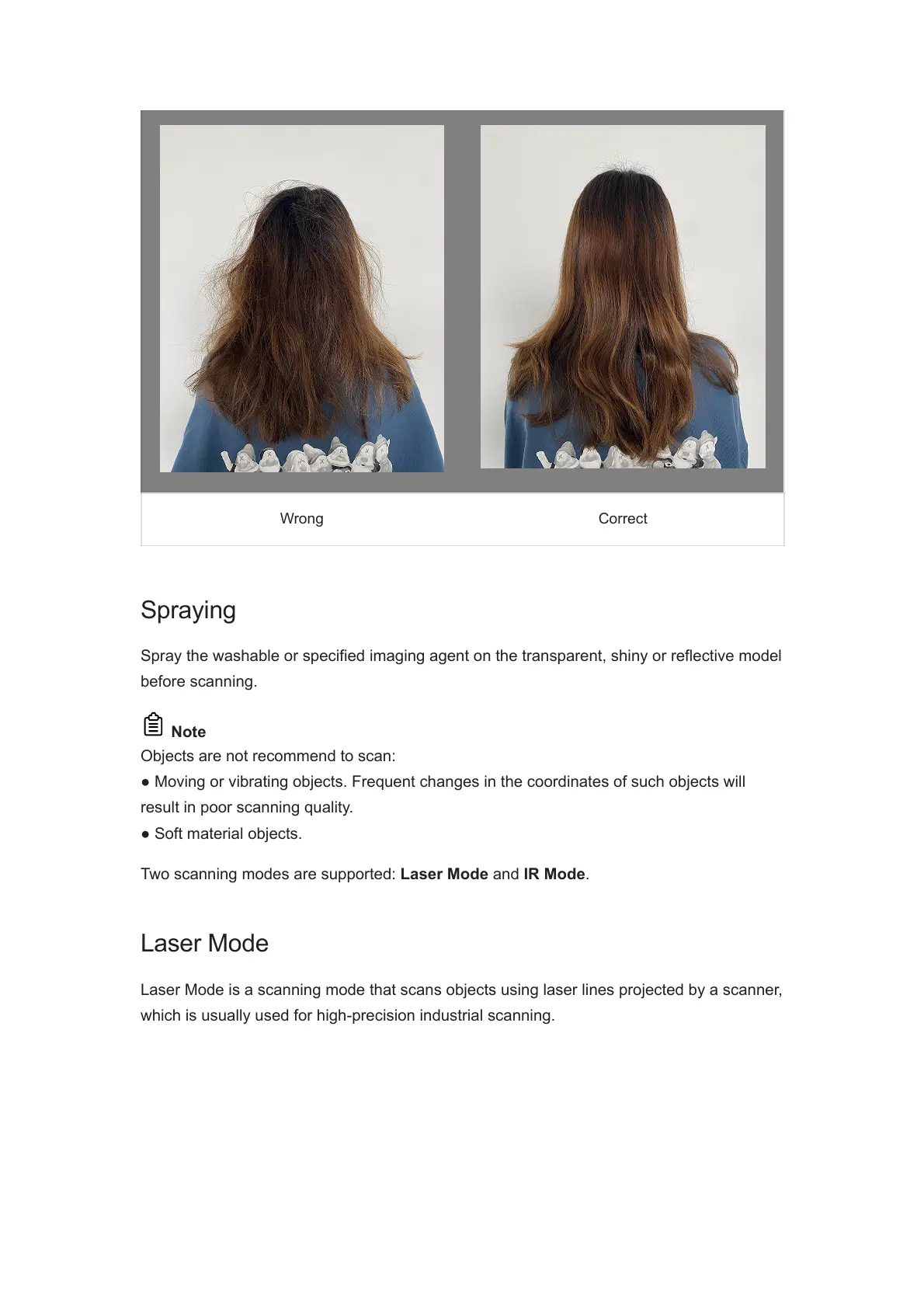
Wrong Correct
Spraying
Spray the washable or specified imaging agent on the transparent, shiny or reflective model
before scanning.
Note
Objects are not recommend to scan:
● Moving or vibrating objects. Frequent changes in the coordinates of such objects will
result in poor scanning quality.
● Soft material objects.
Two scanning modes are supported: Laser Mode and IR Mode.
Laser Mode
Laser Mode is a scanning mode that scans objects using laser lines projected by a scanner,
which is usually used for high-precision industrial scanning.














 To Next Page