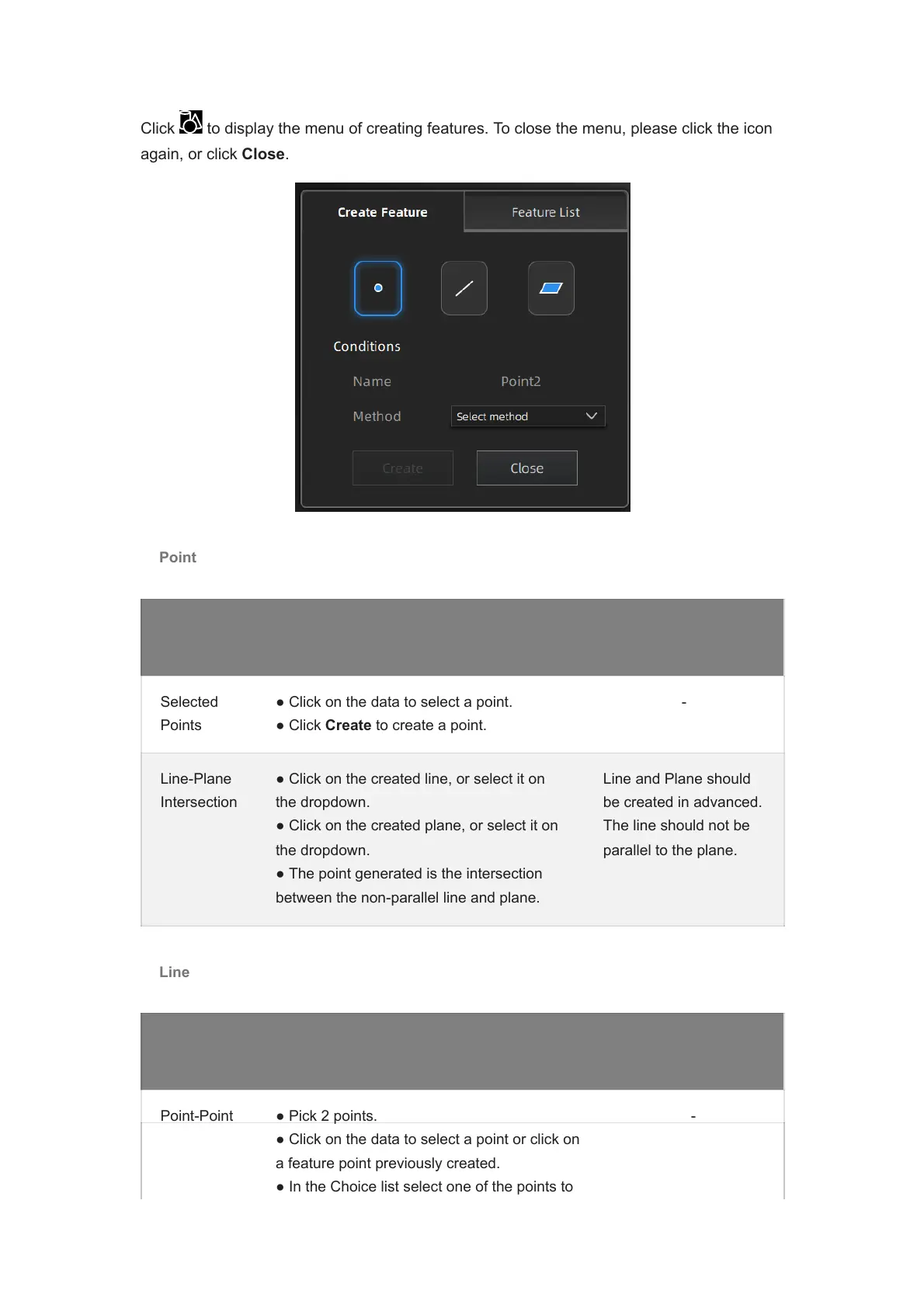
Click to display the menu of creating features. To close the menu, please click the icon
again, or click Close.
Point
Creation
Method
Description Note
Selected
Points
● Click on the data to select a point.
● Click Create to create a point.
-
Line-Plane
Intersection
● Click on the created line, or select it on
the dropdown.
● Click on the created plane, or select it on
the dropdown.
● The point generated is the intersection
between the non-parallel line and plane.
Line and Plane should
be created in advanced.
The line should not be
parallel to the plane.
Line
Creation
Method
Description Note
Description
Point-Point ● Pick 2 points.
● Click on the data to select a point or click on
a feature point previously created.
● In the Choice list select one of the points to
-














 To Next Page