Desktop Quick-Start Guide • September 13, 2016
© Copyright 2016 ShopBot Tools, Inc. page 16
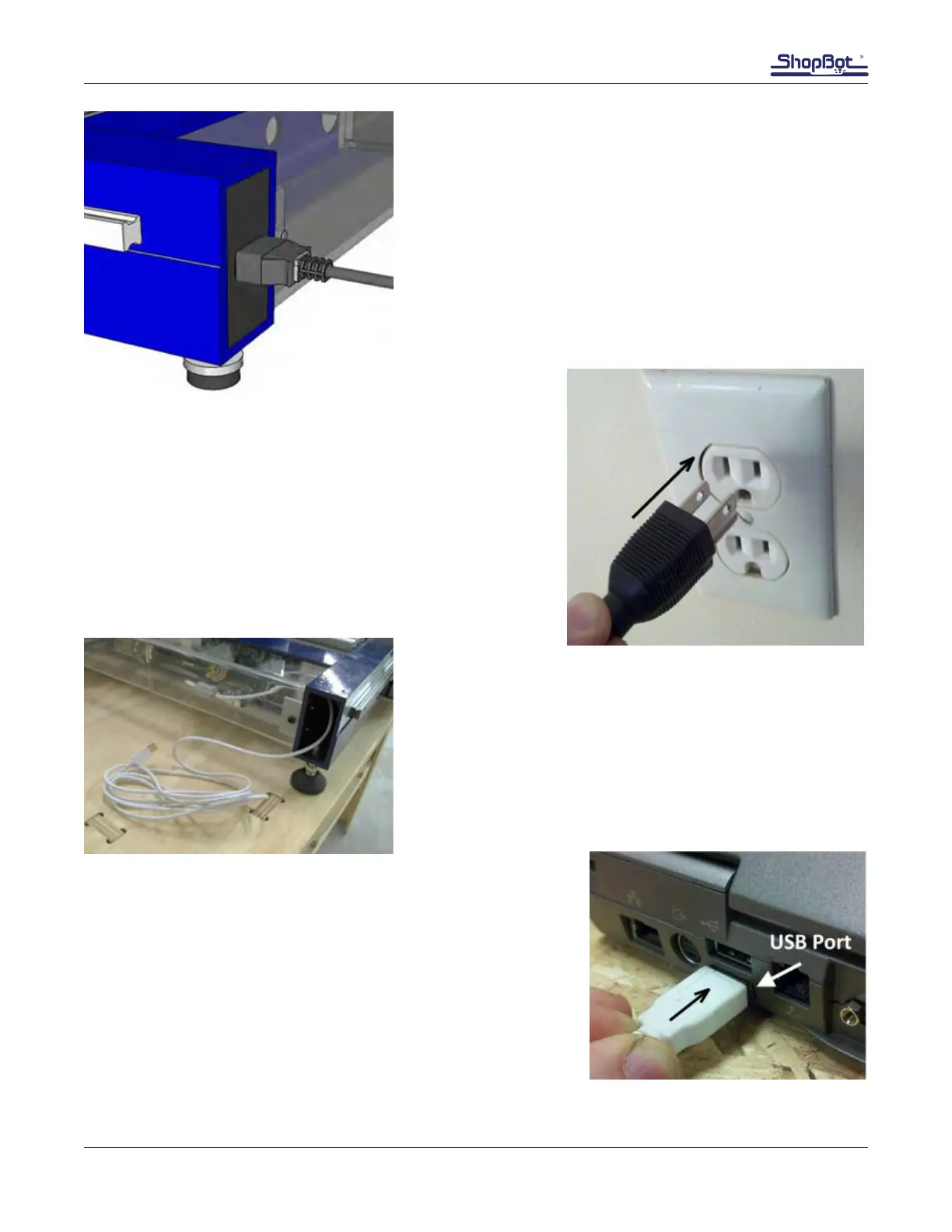
Install the power cord into socket at the back of Desktop.
Plug in the power cord into a standard 110 volt 15 amp re-
ceptacle.
Note: Do not use a ground fault interrupt (GFI) circuit.
Unravel the USB cable from the back of the machine.
Connect the USB cable to the computer. Windows will recog-
nize a “New Device.”
NOTE: It is best to use the same USB port every time the Shop-
Bot is connected to the computer.



 To Next Page