Desktop Quick-Start Guide • September 13, 2016
© Copyright 2016 ShopBot Tools, Inc. page 28
Trim Deck and Rout Jig Holes
Note: Do not proceed with this section until the X-, Y-, and Z-axes are zeroed and the spindle is
warmed up.
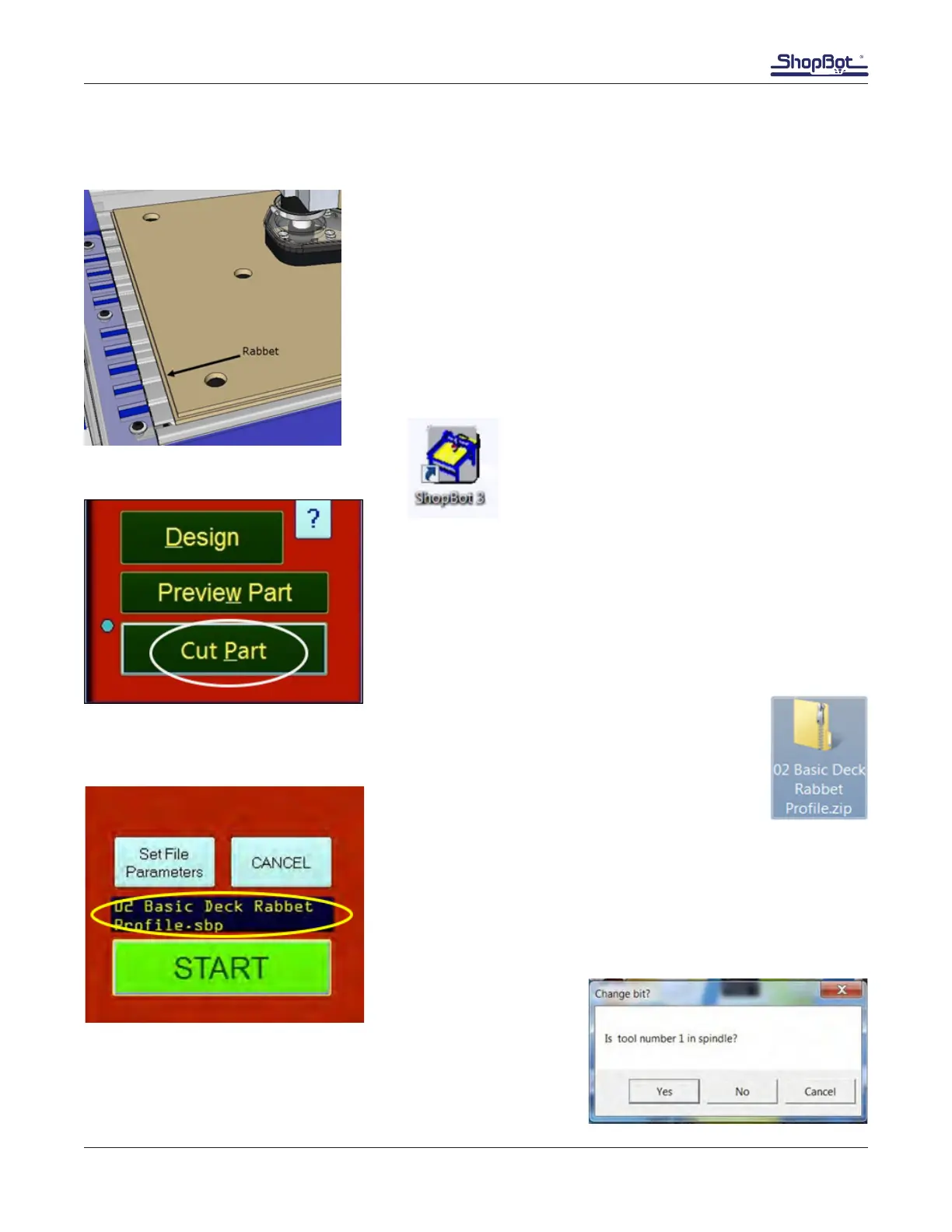
This process routs a rabbet around the Desktop’s 18” x 24” cutting
area.
Turn on dust extraction as applicable.
Click open the ShopBot 3 shortcut icon.
Click “Cut Part”.
Access to www.shopbottools.com > ShopBot Docs > Desktop > Files > Desktop Work
Area Cut File to download a zipped folder containing the rabbet .sbp le.
The le name appears in the display window in the ShopBotE-
ASY controller.
Click “START”.
Verify that the 1/4” spiral upcut bit is installed. Click “Yes.”
Note that the tool may be a number other than 1.



 To Next Page