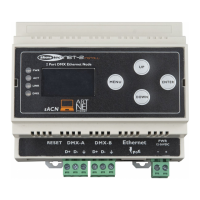
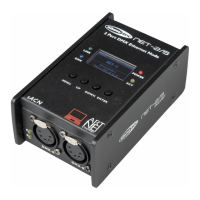
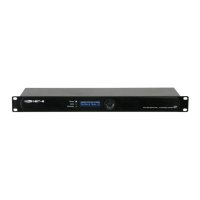
Installation
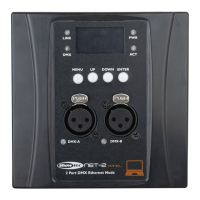
Remove all packing materials from the Net-2 Panel. Check that all foam and plastic padding is removed.
The Net-2 Panel can be powered from the Ethernet connection, using Power-over-Ethernet (PoE)
technology. If the network switch does not support PoE, you can use a PoE injector or the 12–36 V DC
connector.
Do not supply power before the whole system is set up and connected properly.
Always disconnect from electric mains power supply before cleaning or servicing.
Damages caused by non-observance are not subject to warranty.
01) Place the mounting plate on a U50 wall box and tighten the screws.


 To Next Page