EasyManua.ls Logo

SHOWTEC 50809 - User Manual

SHOWTEC 50809
24 pages
Print Icon
To Next Page IconTo Next Page
Loading...
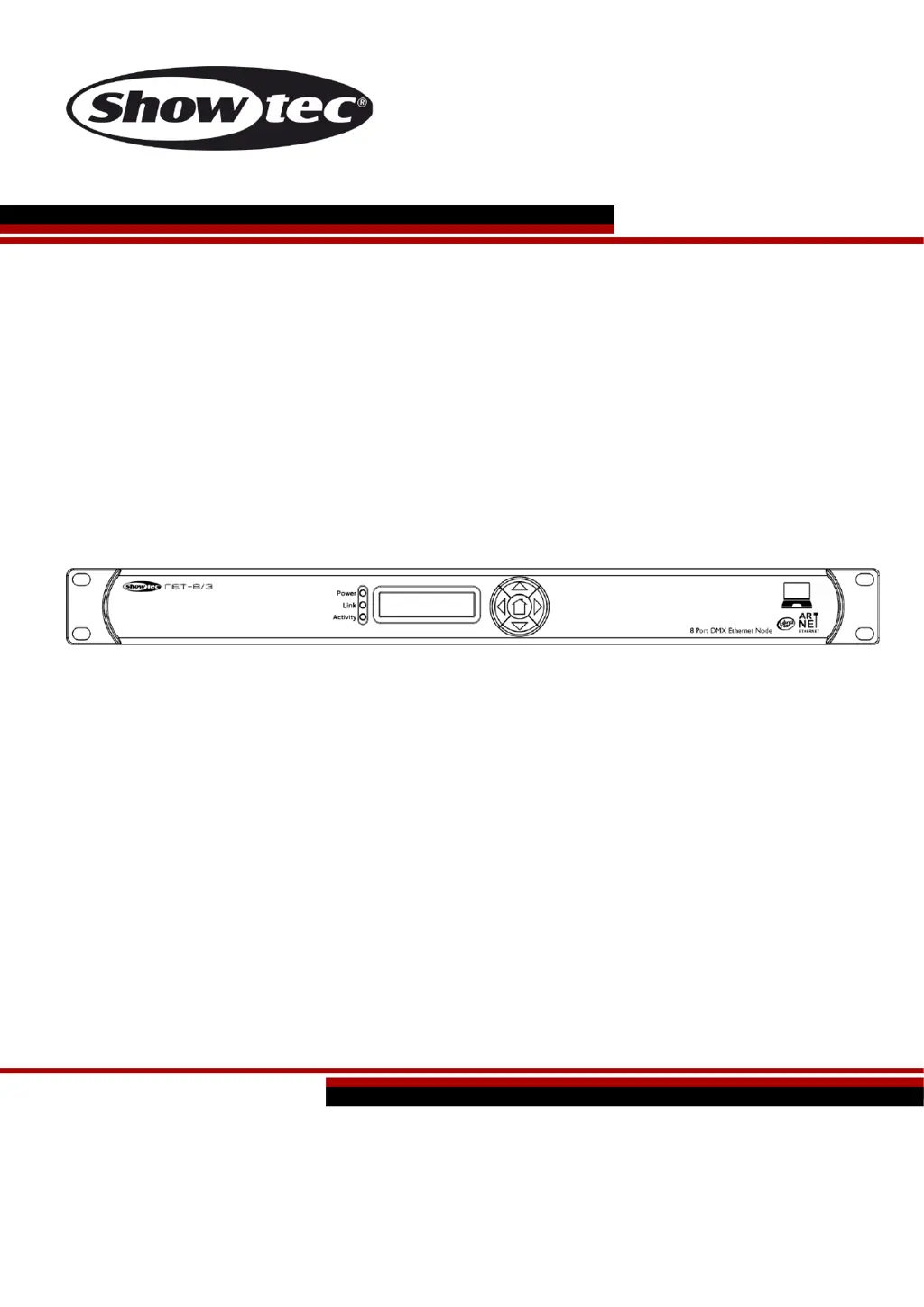
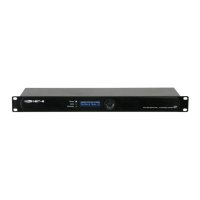
Net-8/3 V1
Highlite International B.V. Vestastraat 2 6468 EX Kerkrade the Netherlands
Ordercode: 50809
MANUAL
ENGLISH

Questions and Answers

  • C
    Caleb WilkersonAug 11, 2025
    What to do if one or more fixtures do not function at all with SHOWTEC Network Router?
    • A
      Annette DouglasAug 11, 2025
      If one or more fixtures aren't working, first, check if the power is switched on and the cables are properly plugged in. Then, verify if the primary fuse has blown and replace it if necessary. Finally, ensure that the ArtNet protocol is configured and activated.
  • M
    Mr. Christopher Fisher PhDAug 16, 2025
    What to do if SHOWTEC 50809 fixtures reset correctly, but all respond erratically or not at all to the controller?
    • B
      Benjamin GomezAug 16, 2025
      If fixtures reset correctly but respond erratically or not at all, ensure the controller is properly connected. If the 3-pin XLR Out of the controller doesn't match the XLR Out of the first fixture, install a phase reversing cable between them.
  • H
    hansenkathyAug 23, 2025
    What to do if SHOWTEC 50809 Network Router fixtures reset correctly, but some respond erratically or not at all to the controller?
    • E
      ericwhitakerAug 23, 2025
      If some fixtures respond erratically after a reset, check the data quality. If it's much lower than 100 percent, inspect the connections and cables for damage, and ensure the data link is terminated with a 120 Ohm termination plug. Verify the fixture addressing. Bypass one fixture at a time to check if one of them is defective and disturbs data transmission on the link. If the 3-pin XLR Out on the fixtures does not match (pins 2 and 3 reversed), install a phase-reversing cable between the fixtures or swap pin 2 and 3 in the fixture that behaves erratically. Also, if the LEDs are damaged, disconnect the fixture and return it to your dealer. Finally, ensure that the power supply settings match local AC voltage and frequency.
  • S
    Stephen GutierrezAug 28, 2025
    Why SHOWTEC Network Router has no light?
    • K
      Katrina ThomasAug 28, 2025
      If there is no light, check if the unit is correctly plugged into an appropriate power supply. If the issue persists, the fuse might be the problem, so replace the fuse. If the problem persists, return the Net-8/3 to your Showtec dealer.
  • J
    James NielsenSep 3, 2025
    What to do if SHOWTEC Network Router has no response to DMX?
    • J
      James WilliamsSep 3, 2025
      If there is no response to DMX, check the DMX setting and make sure that DMX addresses are correct. Also, check the DMX cable by unplugging the unit, changing the DMX cable, and then reconnecting it to electrical power. You can also determine whether the DMX recorder, light controller or light effect is at fault.

SHOWTEC 50809 Specifications

General IconGeneral
BrandSHOWTEC
Model50809
CategoryNetwork Router
LanguageEnglish

Related product manuals