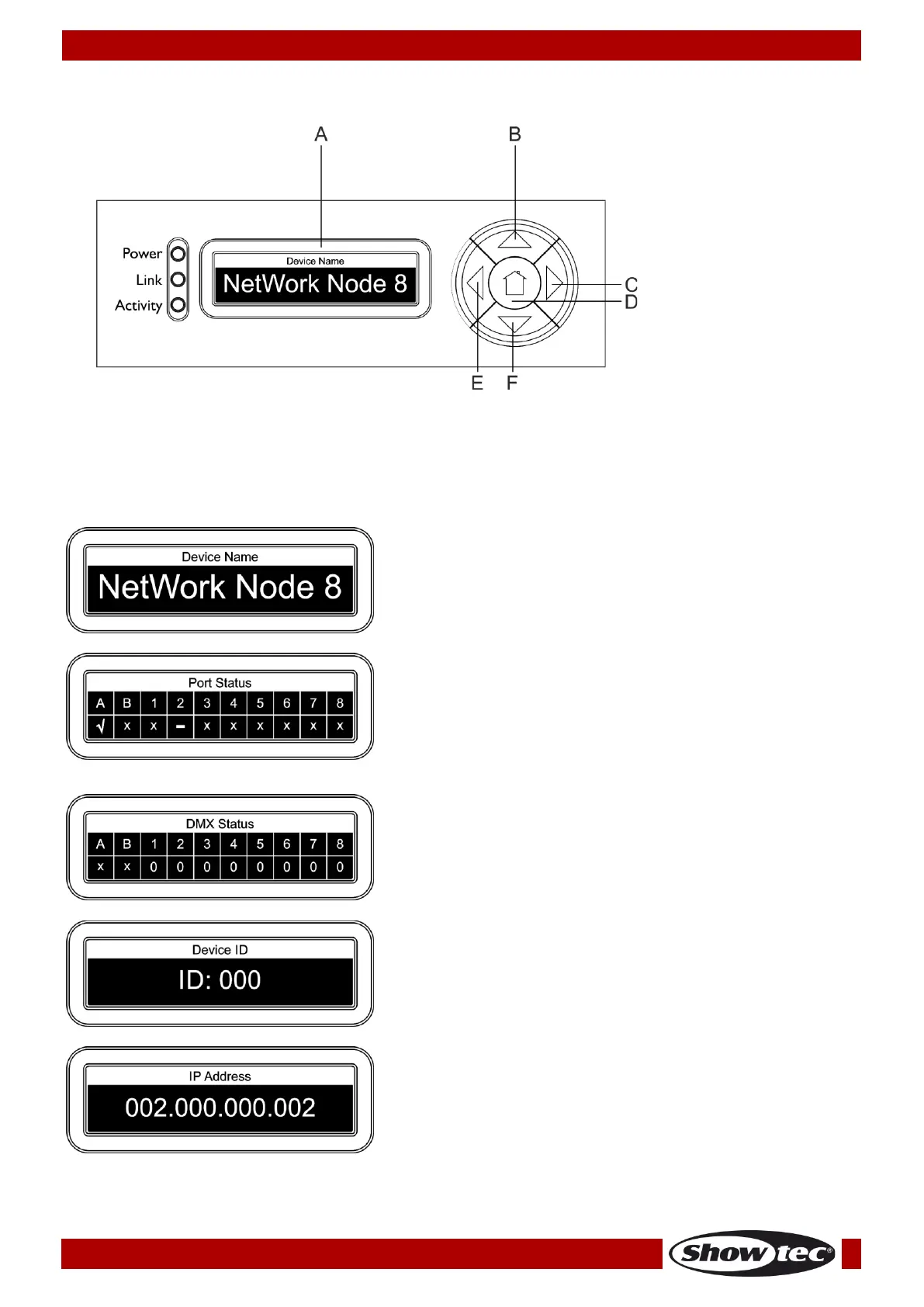
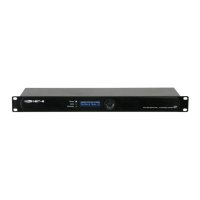
A) LCD display
B) UP button
C) RIGHT button
D) HOME button
E) LEFT button
F) DOWN button
Status Menu
At the start-up you can navigate through the 5 status modes. They provide you with instant information
about the most important parameters.
● Press the UP/DOWN buttons to navigate.
This menu shows the device’s name which can be
changed in the main menu. For more information see
“1.Rename” on page 12.
This menu shows which port is connected (√), not
connected (X) or disabled (–).
This menu shows which port is an input (I), output (O) or
disabled (X).
This menu shows the device’s ID. For more information
see “6.Set Device ID” on page 15.
This menu shows the device’s IP address. For more
information see “3.Set IP Address” on page 13).
● Press the LEFT button to enter the main menu.



 To Next Page