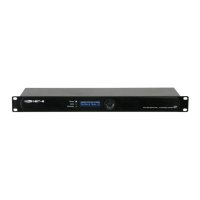
Control Modes
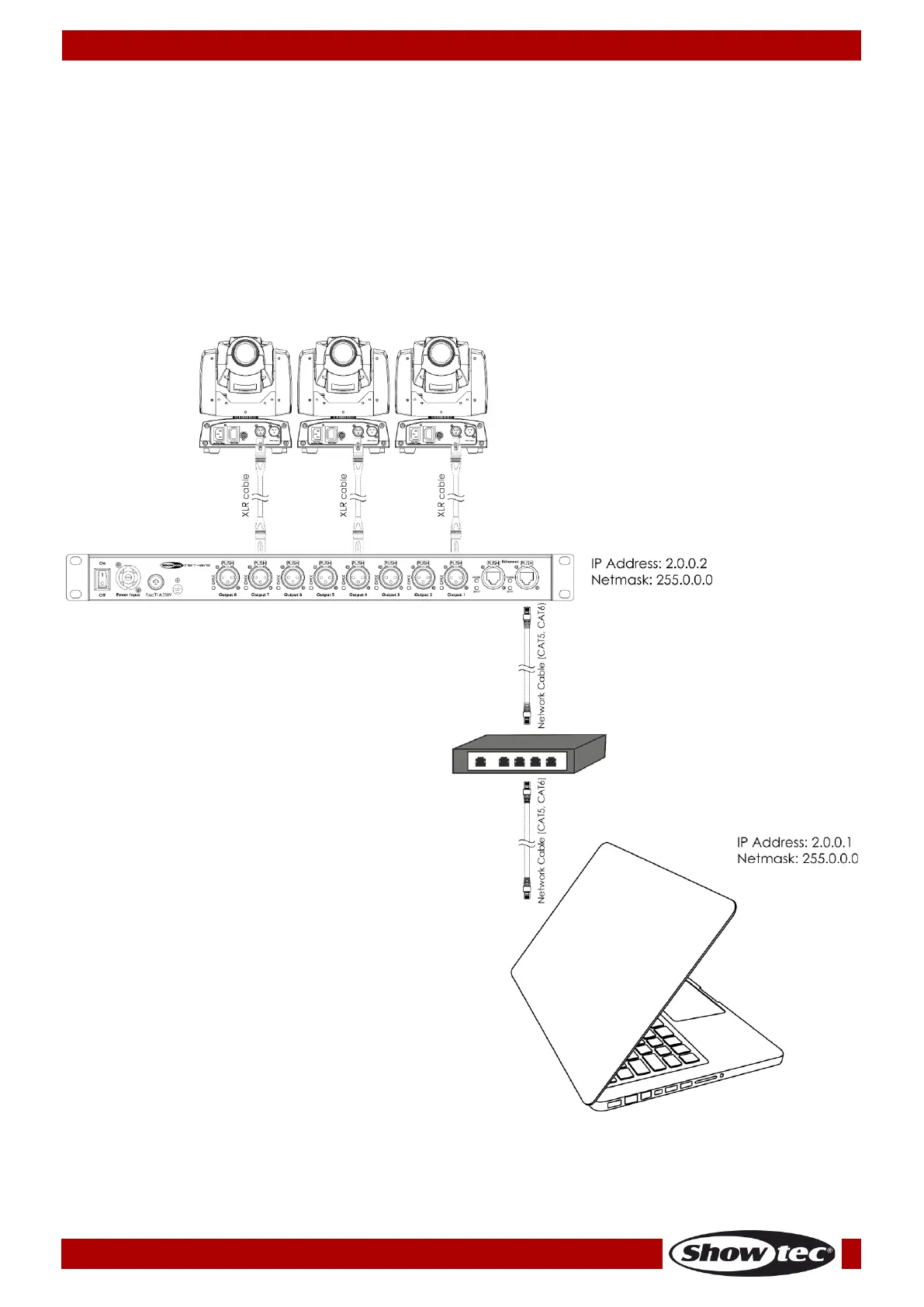
Setup Net-8/3 with Laptop/PC
01) Fasten the Net-8/3 to a 19-inch rack.
02) Use a 3-pin XLR cable to connect the Net-8/3 DMX outputs to your fixtures.
03) Connect the network switch to the Net-8/3 (CAT5, CAT6 cable).
04) Connect the laptop/PC to the network switch (CAT5, CAT6 cable).
05) Supply electric power: Plug the unit’s mains power cord into a proper electric power supply socket.
Do not supply power before the whole system is set up and connected properly.
06) Set the IP address of your laptop/PC to 2.0.0.1 and the Net’s to 2.0.0.2.
Setup Net-8/3 with Laptop/PC



 To Next Page