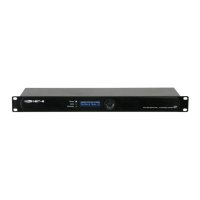
Setup Net-8/3 with Lighting controller
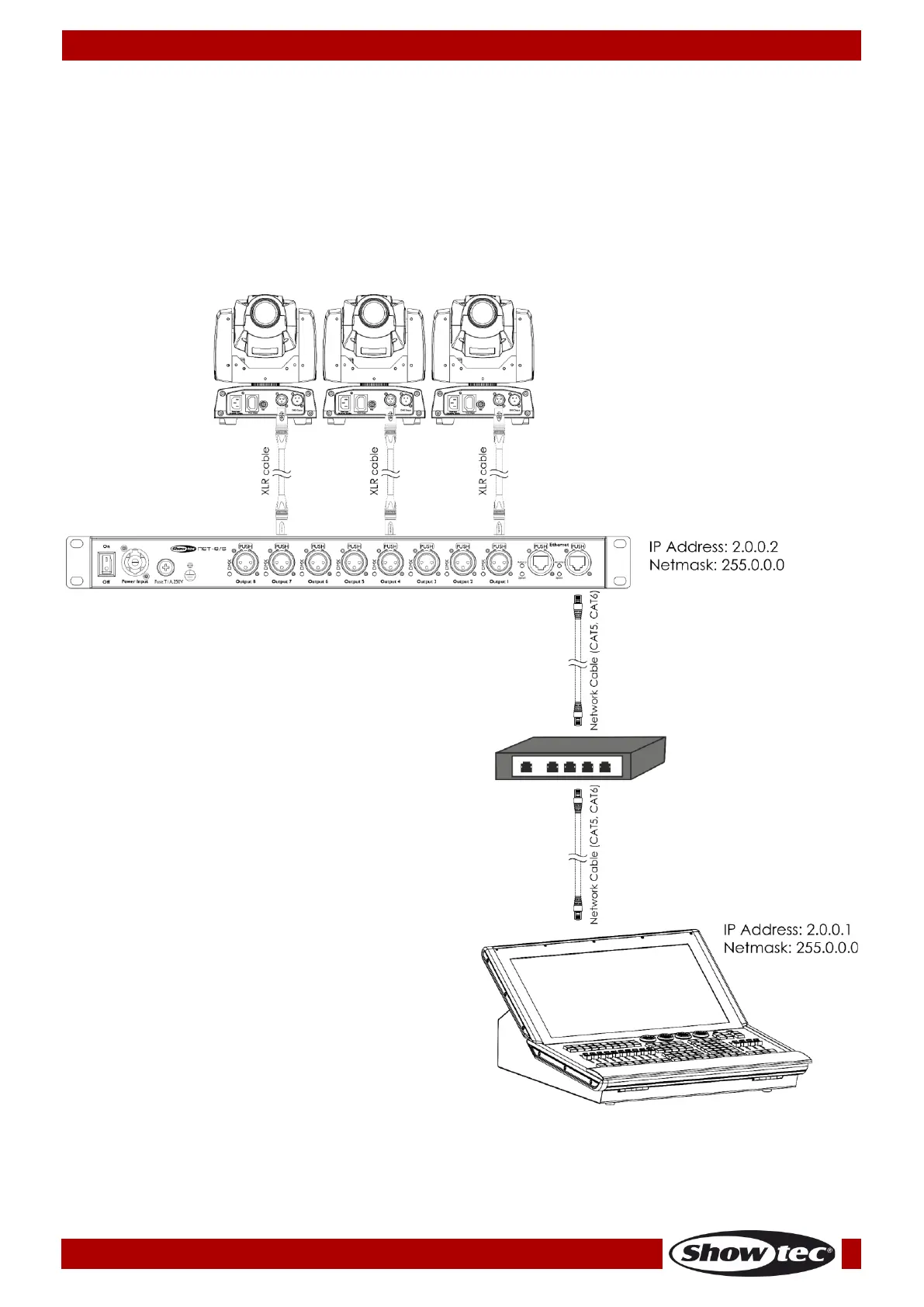
01) Fasten the Net-8/3 to a 19-inch rack.
02) Use a 3-pin XLR cable to connect the Net-8/3 DMX outputs to your fixtures.
03) Connect the network switch to the Net-8/3 (CAT5, CAT6 cable).
04) Connect the lighting controller to the network switch (CAT5, CAT6 cable).
05) Supply electric power: Plug the unit’s mains power cord into a proper electric power supply socket.
Do not supply power before the whole system is set up and connected properly.
06) Set the IP address of your lighting controller to 2.0.0.1 and the Net’s to 2.0.0.2.
Setup Net-8/3 with Lighting controller



 To Next Page