6. Set Device ID
01) Press the LEFT button to enter the main menu.
02) Press the UP/DOWN buttons to select SET DEVICE ID and press the RIGHT button to open the submenu.
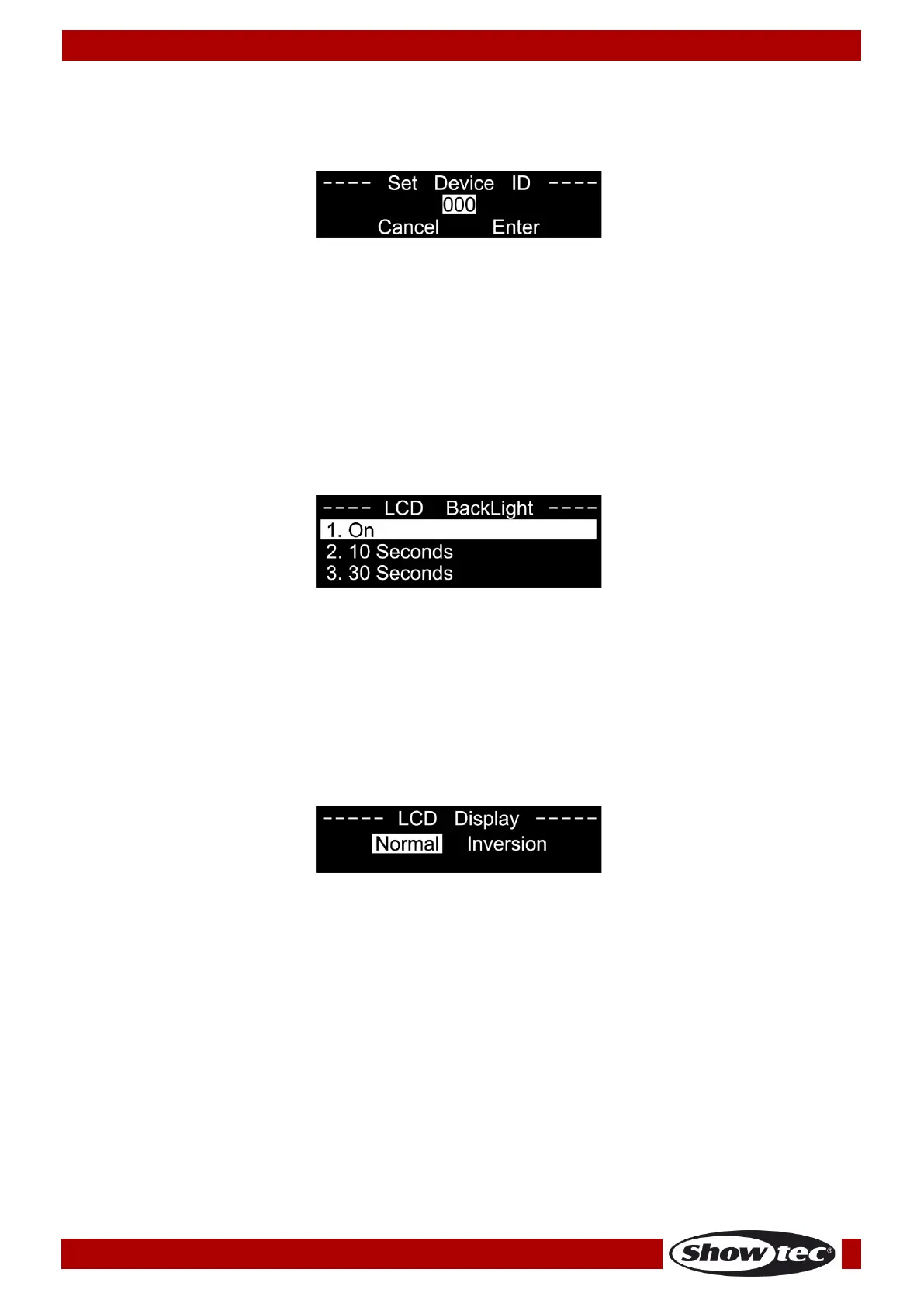
The display shows:
03) Press the UP/DOWN buttons to highlight the number in the middle of the screen.
04) Press the RIGHT button to select the number.
05) Press the UP/DOWN buttons to change the value. The adjustment range is among 0–255.
06) Press the RIGHT button to confirm.
07) Press the UP/DOWN buttons to select CANCEL (to exit without saving) or ENTER (to save the new ID).
08) Press the RIGHT button to confirm.
7. Set LCD Backlight
01) Press the LEFT button to enter the main menu.
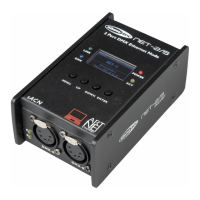
02) Press the UP/DOWN buttons to select SET LCD BACKLIGHT and press the RIGHT button to open the
submenu. The display shows:
03) Press the UP/DOWN buttons to choose one of the 3 options: ON (the display remains on), 10 seconds
or 30 seconds.
04) Press the RIGHT button to confirm.
05) If no button is pressed within the preset amount of time, the display will turn off.
8. Set Display
01) Press the LEFT button to enter the main menu.
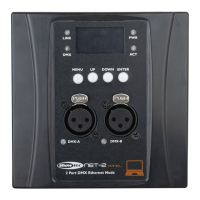
02) Press the UP/DOWN buttons to select SET DISPLAY and press the RIGHT button to open the submenu.
The display shows:
03) Press the UP/DOWN buttons to choose NORMAL or INVERSION.
04) Press the RIGHT button to confirm.
05) If you select INVERSION, the display will be horizontally flipped.



 To Next Page