17
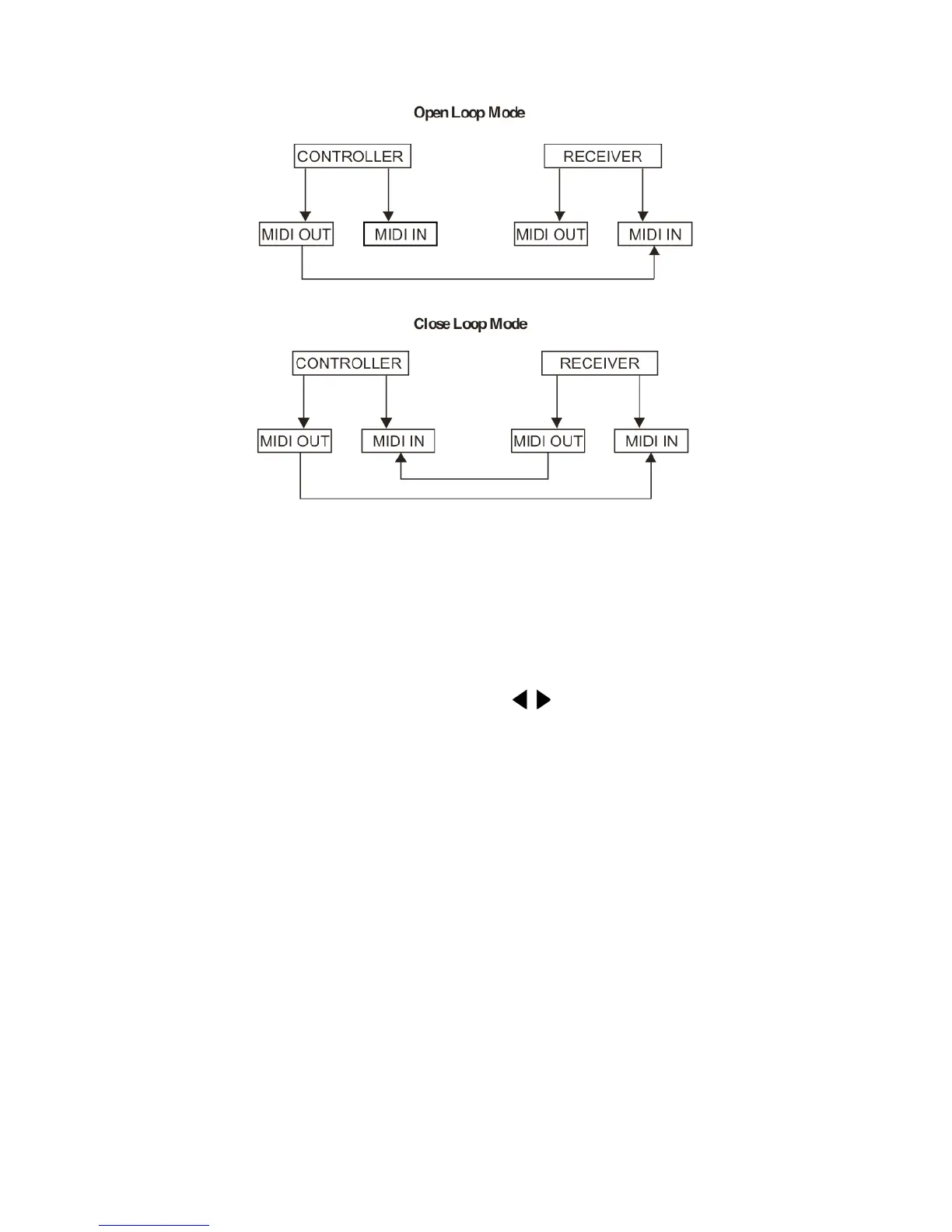
4) There are two types of file dump mode described as below:
5) The controller will send and receive Note On and Note Off data via the Flash buttons.
Note No. Velocity Functions
22-69 Program master turn on or off program 1-48
70-93 Channel intensity Activate Channel 1-24
94 FULL-ON
95 DARK
96 HOLD
97 Turn on or off AUDIO
98 CHASE
SCENE
99 DOUBLE PRESET Mode
100 SINGLE PRESET Mode
101 Step
102 BLACK OUT
4. Brief of Main Functions
Reverse the direction of the scene
1) Reverse the direction of all the scenes:
Press the ALL REV Button, all the scenes should change their directions.
2) Reverse the chasing direction of all the programs with speed control.
Press the Chase Rev Button.
3) Reverse the chasing direction of all the programs with standard beat:
Press the Beat Rev Button.
4) Revers chasing direction of any program:
Press and hold down the Rec One Button, then press down the Flash Button corresponding to your
desired program and release together.
Fade-Time
1) The amount of time it will take for the dimmer to go from zero output to maximum output, and vice verse.
2) Fade time is adjusted through the Fade Time Slider, which varies from instant to 10 minutes.













 To Next Page