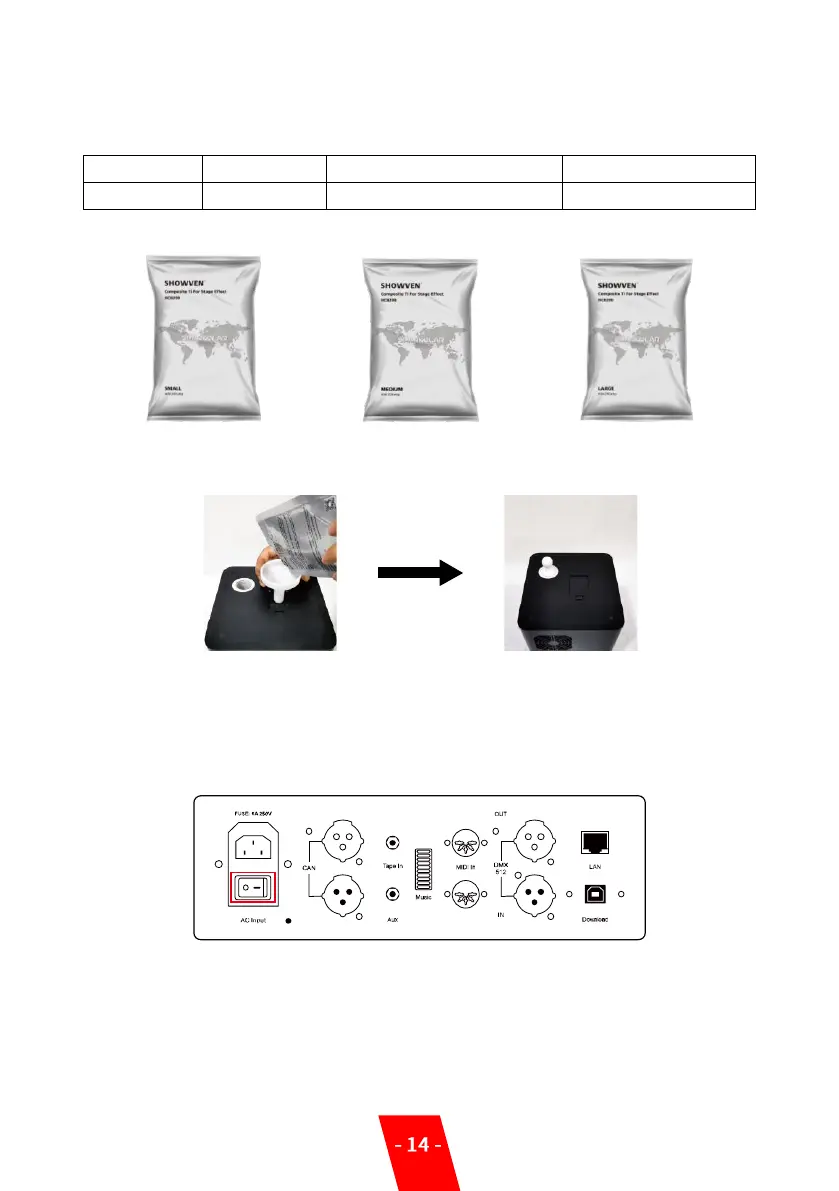
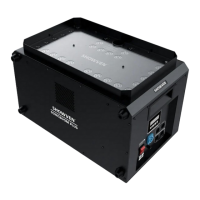
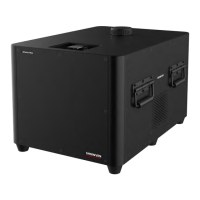
1. Fill the Sparkular consumable HC8200 to Sparkular:
Please fill in Sparkular Granules HC8200 into the hopper. Maximum volume for the hopper is
200g. There are three typesof HC8200 for SPARKULAR.
2. Open HC8200 pouch:
SMALL MEDIUM LARGE
3. Fill SPARKULAR hopper:
Warning: Please fill SPARKULAR by following above process. After adding the consumable,
please do remember to close the lid.
4. Turn On Host Controller:
Switch on host controller as below
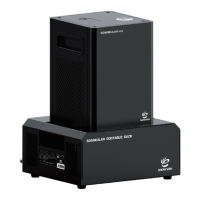
5. Turn On Sparkular:


 To Next Page