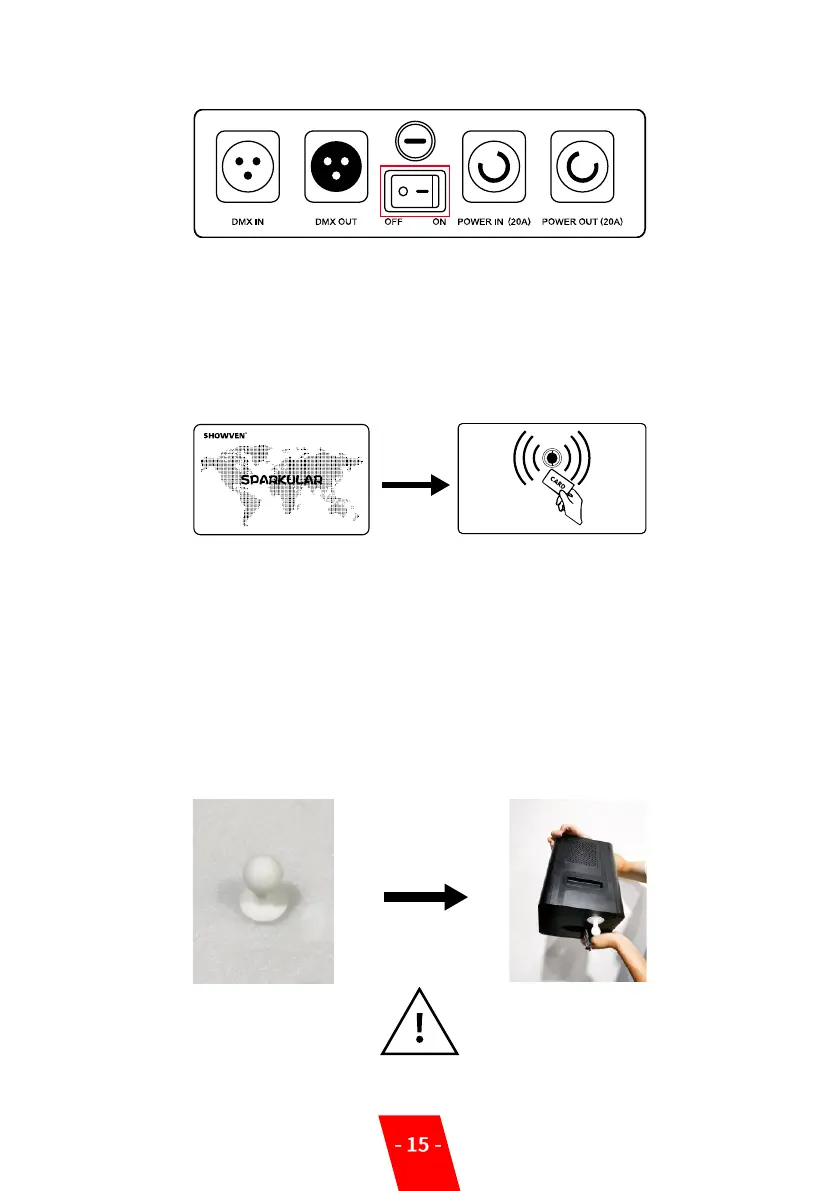
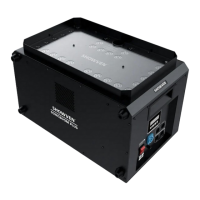
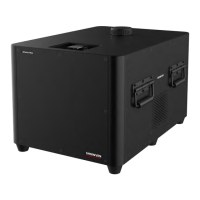
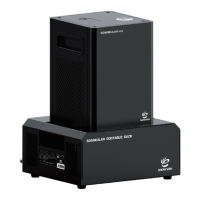
Switch on Sparkular
6. Parameters setup:
Programming SPARKULAR effects according to this manual.
7. Activate Sparkular machine:
Swip an RFID card after filling each bag of HC8200. Read the card as show below. SPARKULAR
shows time remain if read successfully. SPARKULAR report E4 when remaining time is less than
10 minutes.
8. Firing
Activate programming effects by press “FIRING” on the host controller.
9. Turn Off
After show, please power off Sparkular and host controller. Allow SPARKULAR to cool down
before packing. Never touch the nozzle of SPARKULAR. DANGER OF BURN!
10. Lear Material
Please running Clear Material both before and after each show. Before delivery or not use
machine in a long time, please pouring the HC8200 out of hopper, and store the remaining
HC8200 in a dry sealed bottle for next time use.
Warning: Please follow this process to clear material when necessary.


 To Next Page