Shure Incorporated
8/24
1.
2.
3.
4.
5.
Installing Underneath a Table
Hold the tray in the desired location under a table.
Use a pencil to mark the location of the mounting holes on the table.
Drill 4 holes for the screws. The diameter of the holes in the tray are 7.1 mm.
Install the components into the tray.
Install with 4 screws to secure the tray underneath the table.
Reset
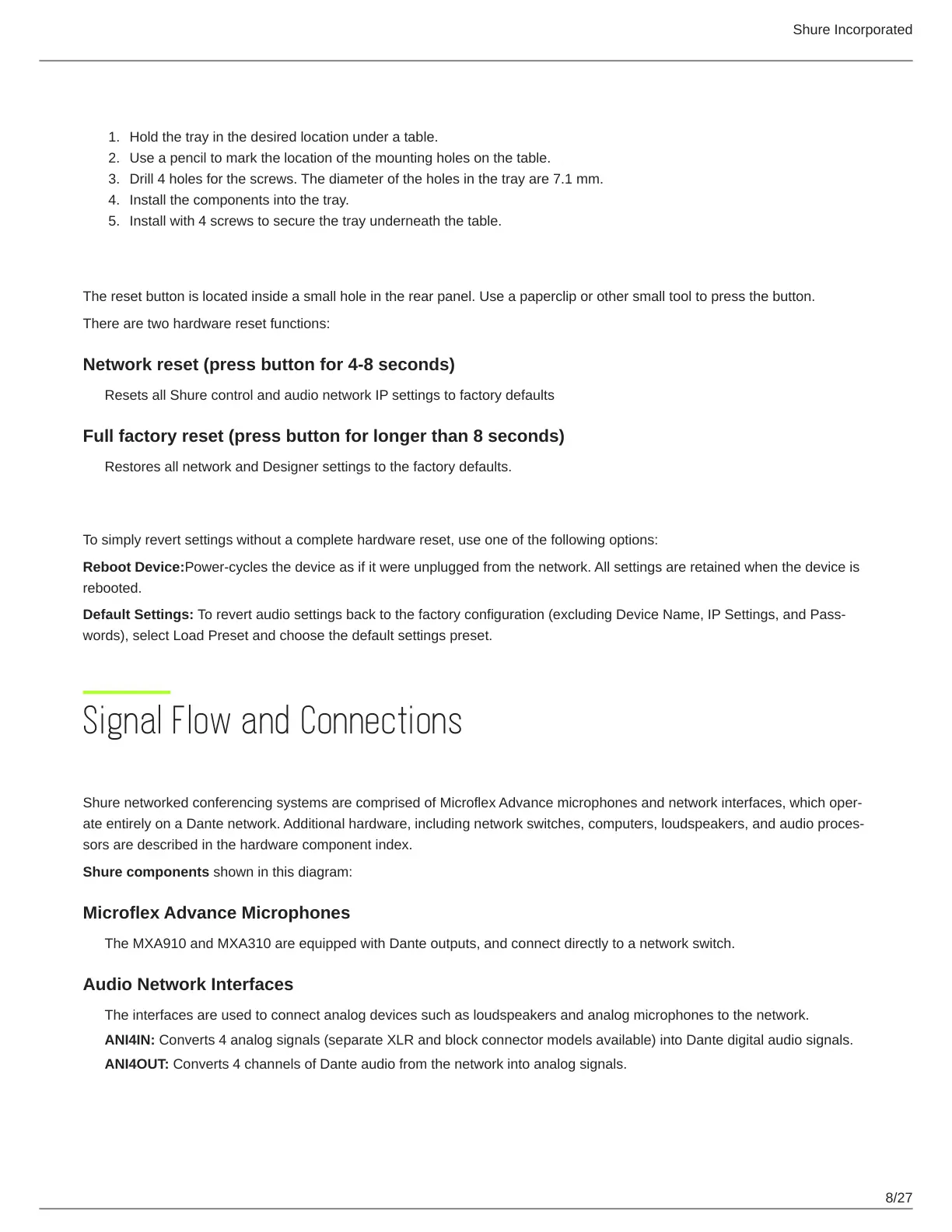
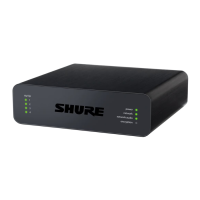
The reset button is located inside a small hole in the rear panel. Use a paperclip or other small tool to press the button.
There are two hardware reset functions:
Network reset (press button for 4-8 seconds)
Resets all Shure control and audio network IP settings to factory defaults
Full factory reset (press button for longer than 8 seconds)
Restores all network and Designer settings to the factory defaults.
Software Reset Options
To simply revert settings without a complete hardware reset, use one of the following options:
Reboot Device:Power-cycles the device as if it were unplugged from the network. All settings are retained when the device is
rebooted.
Default Settings: To revert audio settings back to the factory configuration (excluding Device Name, IP Settings, and Pass
words), select Load Preset and choose the default settings preset.


 To Next Page